

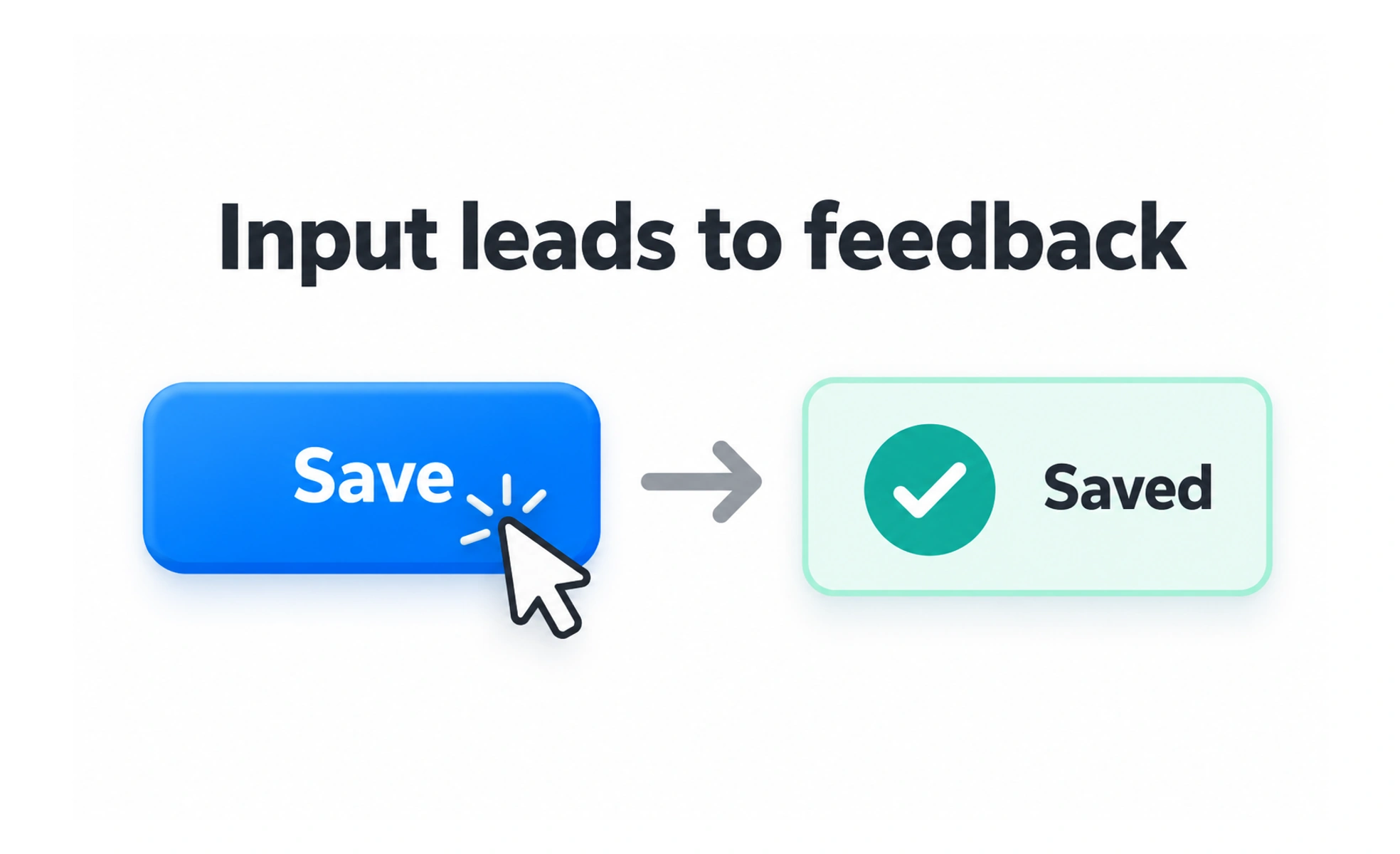
Interfaces respond to actions with visible feedback and a new state. Thinking clearly about those actions helps teams design controls that are understandable, reversible when appropriate, and usable with different input methods.
A door handle invites a person to pull or push; a control in an interface should make its possible action similarly clear.
Separate intent from outcome
A click is an input event; the user’s intent might be to save a draft, open a menu, or confirm a purchase. The interface should connect that intent to a predictable result. If an action is destructive or costly, explain its consequence before carrying it out.
Make the response visible
After an action, show what happened. A save button may change to a confirmation state, a form may show validation, and a menu may open. For work that takes time, indicate progress and prevent accidental duplicate submissions without making the page feel frozen.
Support different ways to act
People use touch, mouse, keyboard, voice input, and assistive technology. A control should have a meaningful name, work with keyboard focus, and offer a target large enough for its context. Do not make color, hover, or a precise gesture the only way to discover or complete an action.
Design errors and recovery
Users can misclick, change their mind, or encounter a failed request. Preserve entered work where possible, explain the issue in plain language, and offer a practical next step. Undo is useful for reversible changes; confirmation is appropriate when recovery would be difficult or harm could be significant.
Frequently asked questions
Key takeaways
- An input event and the user’s underlying intent are different things.
- Show clear feedback when an action changes state or takes time.
- Support keyboard, touch, and assistive technology.
- Provide recovery that matches the cost and reversibility of an action.