

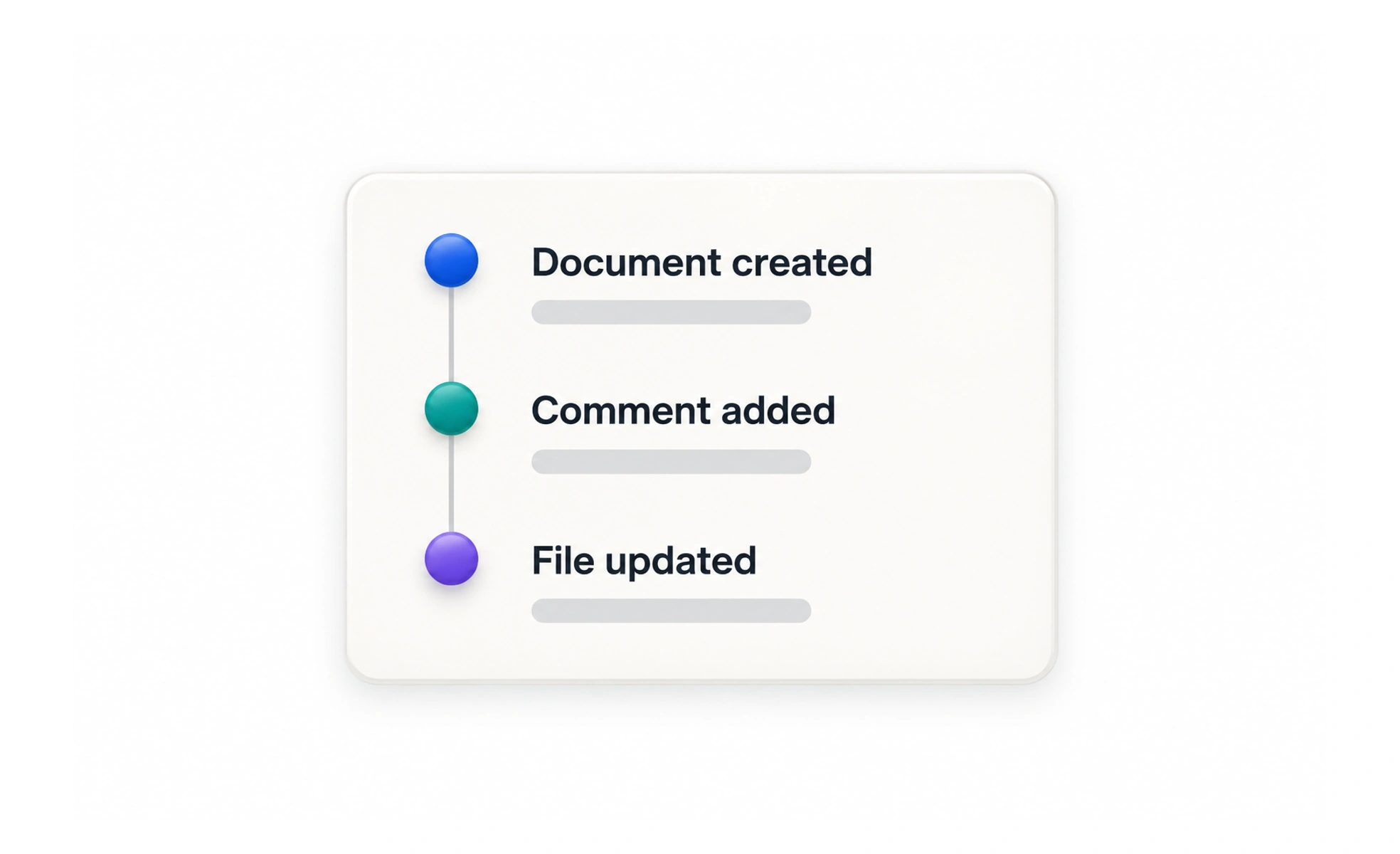
Feeds can show new content, team changes, learning milestones, or events from people a user follows. Their usefulness depends on relevance, clear time context, privacy, and controls that help people find important updates without drowning in noise.
A team noticeboard collects recent changes in one place, so people do not have to visit every desk to find out what happened.
Make each update understandable
An item should say who or what caused the event, what changed, and when it happened. Use concise language and link to the relevant destination when a person may want more detail. Avoid vague entries such as “something changed” that force users to investigate blindly.
Order for the user’s purpose
Chronological order is easy to explain, while ranking can surface updates that are likely to matter. Ranking needs careful limits: users should still be able to understand why an item appears and find recent updates. Provide filters or sections when different kinds of activity serve different goals.
Respect privacy and control
A feed can reveal relationships, work, or learning behavior. Include only events the viewer is allowed to see, and apply the same privacy rules to previews, search, and notifications. Let people tune noisy sources where appropriate, and do not imply that an empty feed means nothing happened if data is delayed.
Handle scale and empty states
Feeds grow continuously, so loading, pagination, duplicate prevention, and refresh behavior matter. Preserve the reader’s place when new items arrive instead of unexpectedly moving the page. A useful empty state can explain how activity appears and suggest a relevant first step without inventing content.
Frequently asked questions
Key takeaways
- Show the actor, event, destination, and useful time context.
- Choose ordering that supports the feed’s purpose and remains explainable.
- Enforce privacy consistently across feed items and previews.
- Design pagination, refresh, and empty states as part of the experience.