

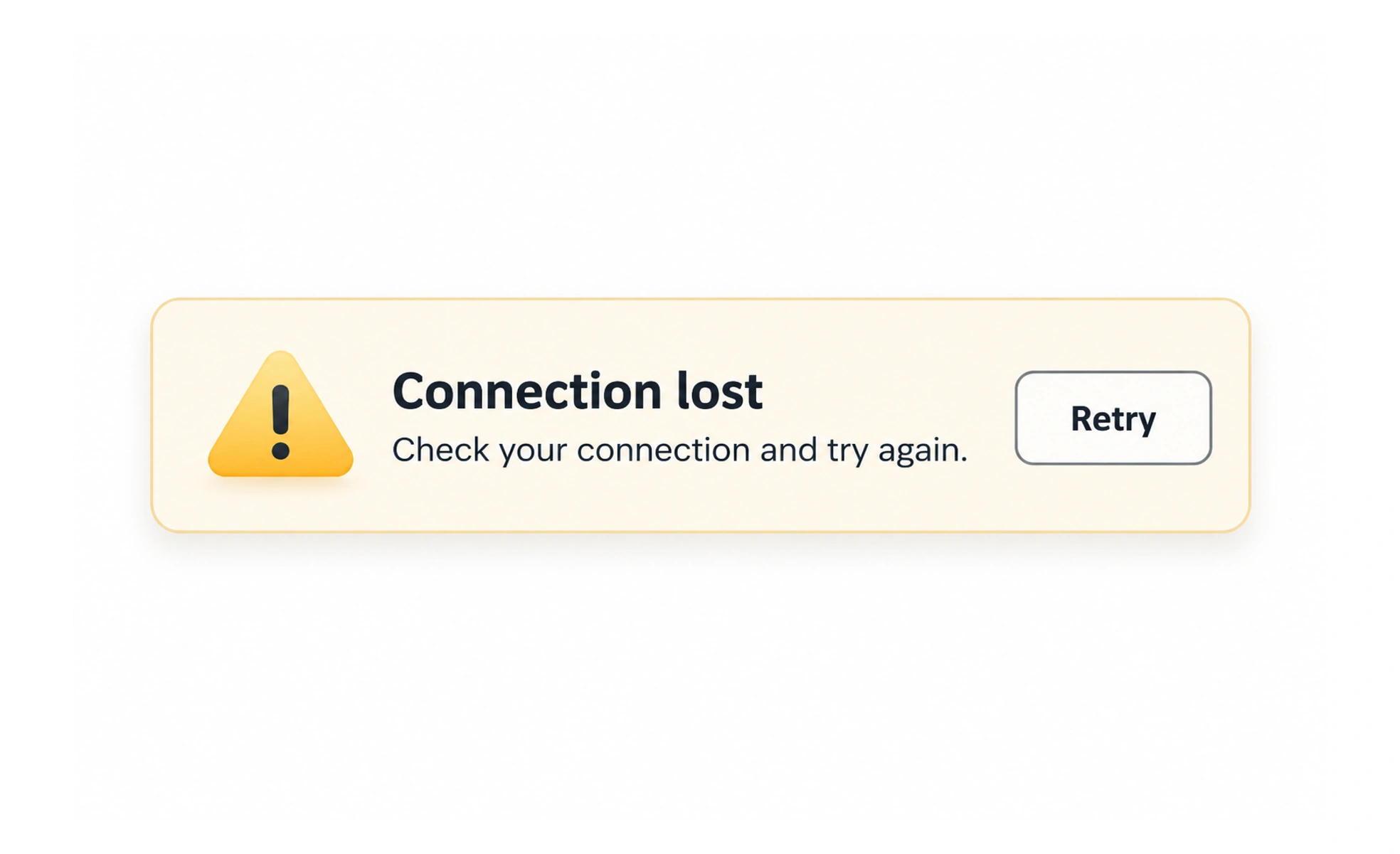
An alert is a message that calls attention to important information, such as a failed payment or a service outage. It should explain what happened and what the person can do, while using urgency only when the situation deserves it.
An alert is like a notice from a service desk: its importance should match the effect on the person’s task.
Choose the right urgency
A blocking payment failure deserves more attention than a routine saved confirmation. Use color and icons as supporting cues, not the only way to communicate severity.
Explain and guide
Say which task or item is affected and what the person can do next. “Something went wrong” leaves them guessing; “We couldn’t save your profile. Try again” is more useful when retry is safe.
Keep important messages available
A message that disappears too quickly may not be read. Persistent alerts can include a close action when dismissal is safe; a critical issue may need to remain visible until resolved.
Avoid alert fatigue
If every small event uses a prominent alert, people learn to ignore them. Use quieter inline feedback for local, non-blocking results and reserve alerts for information that changes what the person should do. A failed payment or a session-expiry warning may need prominent attention because it changes what happens next. A successful copy action usually needs only brief, local confirmation. Keep alerts concise, avoid stacking duplicates, and ensure an alert can be dismissed without hiding information needed to recover.
Frequently asked questions
Key takeaways
- Match visual urgency to the real impact.
- Explain the affected task and next step.
- Keep important feedback available long enough.
- Reserve prominent alerts for meaningful events.