

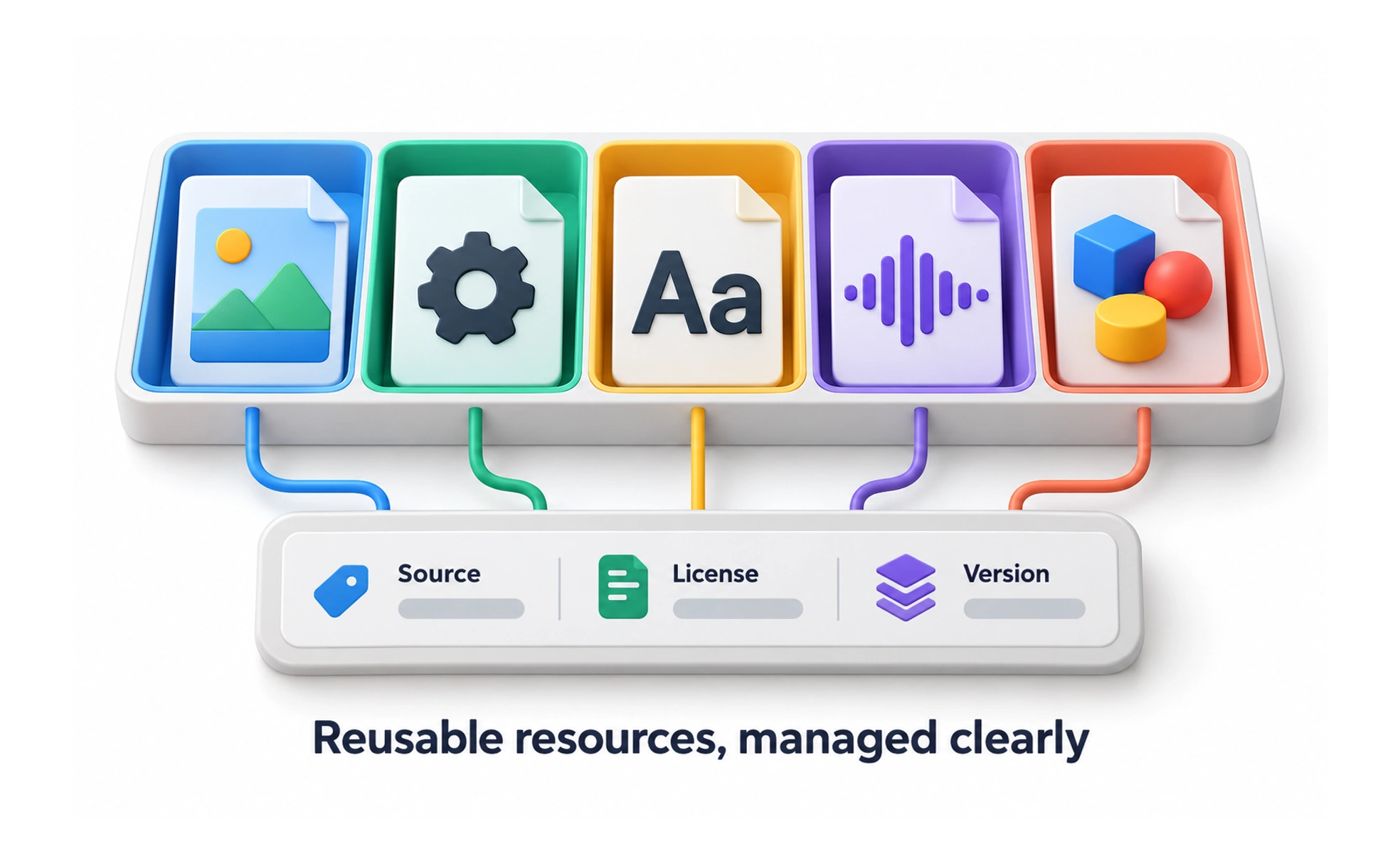
Design assets are reusable files and resources used to create or communicate an experience, such as images, icons, fonts, audio, and interface components. They need clear ownership, licensing, and usage guidance.
A well-labeled toolbox helps a team find the right tool and understand how to use it. An organized asset library serves a similar purpose for product work.
Make assets easy to identify
Use descriptive names, previews, formats, and metadata that help teammates search. Group related files and distinguish approved production assets from experiments or outdated versions. A clear source of truth reduces accidental duplication and makes handoff between design and engineering more dependable.
Record rights and responsibilities
Track where an asset came from, who owns it, and what its license allows. Check restrictions for fonts, photographs, illustrations, and third-party brand marks before publication. Assign responsibility for maintenance so teams know whom to ask when a file is inaccurate or no longer permitted.
Prepare files for their context
Choose an appropriate format, dimensions, resolution, and compression for the intended use. Preserve useful source files, and create optimized variants where needed. Check how images crop on different screens and whether decorative or informative content needs an accessible text alternative.
Frequently asked questions
Key takeaways
- Name and organize reusable files for discovery.
- Track source, license, owner, and status.
- Prepare formats and alternatives for the actual context.
- Manage versions and shared changes deliberately.