

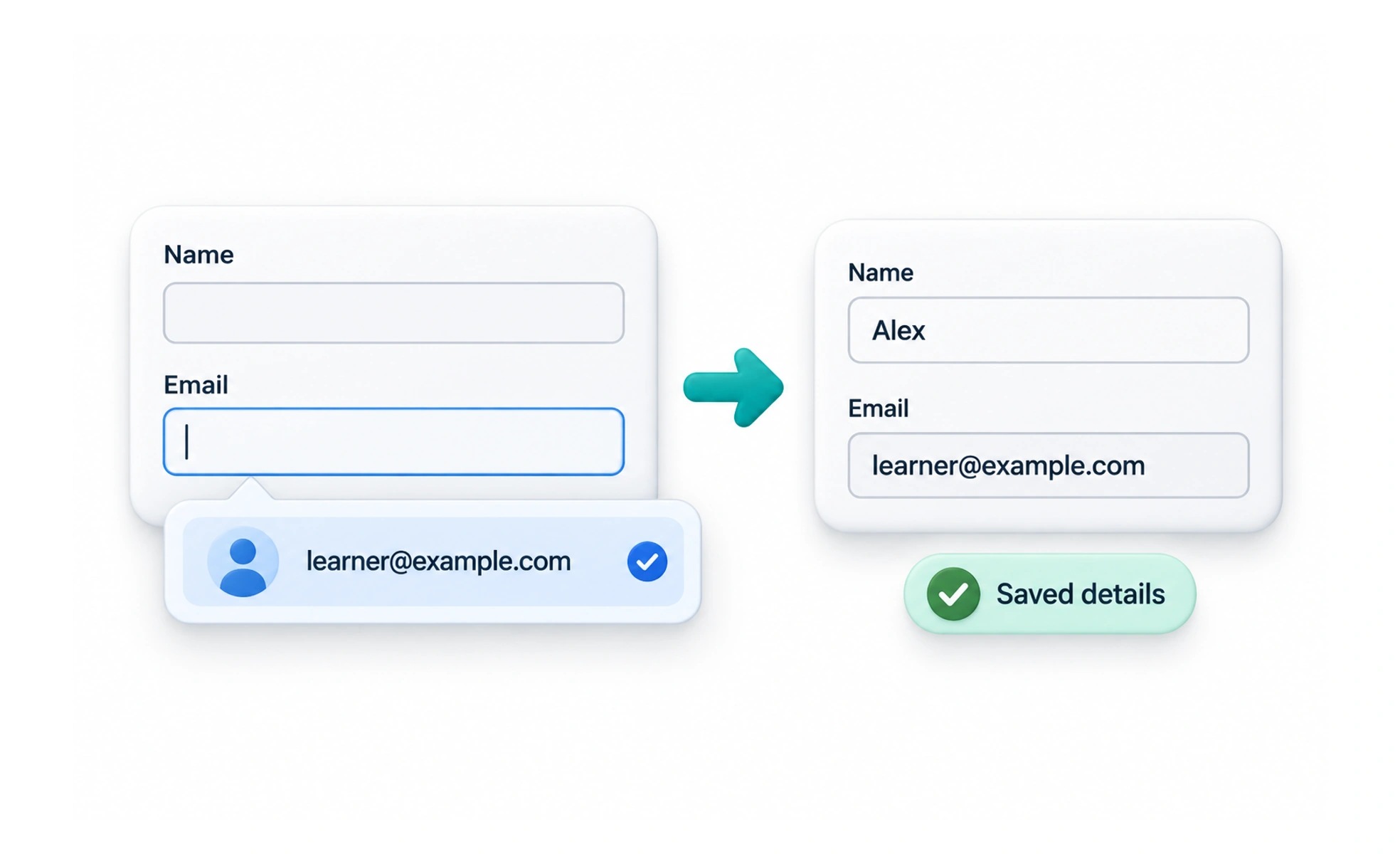
Autofill is a browser or device feature that offers to fill form fields with information a person has saved, such as a name, address, or payment detail. The site can provide hints about what a field expects, while the person and their browser remain in control of using saved data.
It is like a trusted assistant offering a likely answer; the person should be able to accept it, edit it, or enter something else.
Describe fields accurately
Use appropriate field names and autocomplete tokens so browsers can distinguish a street address from a postal code or a given name from a family name. Accurate hints make saved information more useful.
Do not infer consent
A browser filling a field does not mean the person has confirmed the value for every purpose. Let them review and change details, especially when the value affects shipping, billing, or account identity.
Support real-world variation
People may have more than one address, name format, or payment method. Avoid designs that assume there is only one saved value or that a suggested value is always current.
Test with autofill enabled
A form that works with manual typing may fail when a browser fills several fields at once. Check that labels, validation, and dependent fields still update correctly after autofill. Use standard field names and appropriate autocomplete tokens so browsers and password managers can recognize common values. Do not disable autofill to force people through slower manual entry. For sensitive or multi-step forms, explain when saved information is being used and let people review it before submitting.
Frequently asked questions
Key takeaways
- Use accurate autocomplete hints.
- Let people review and edit suggested values.
- Do not treat autofill as user confirmation.
- Test the whole form when several fields fill together.