

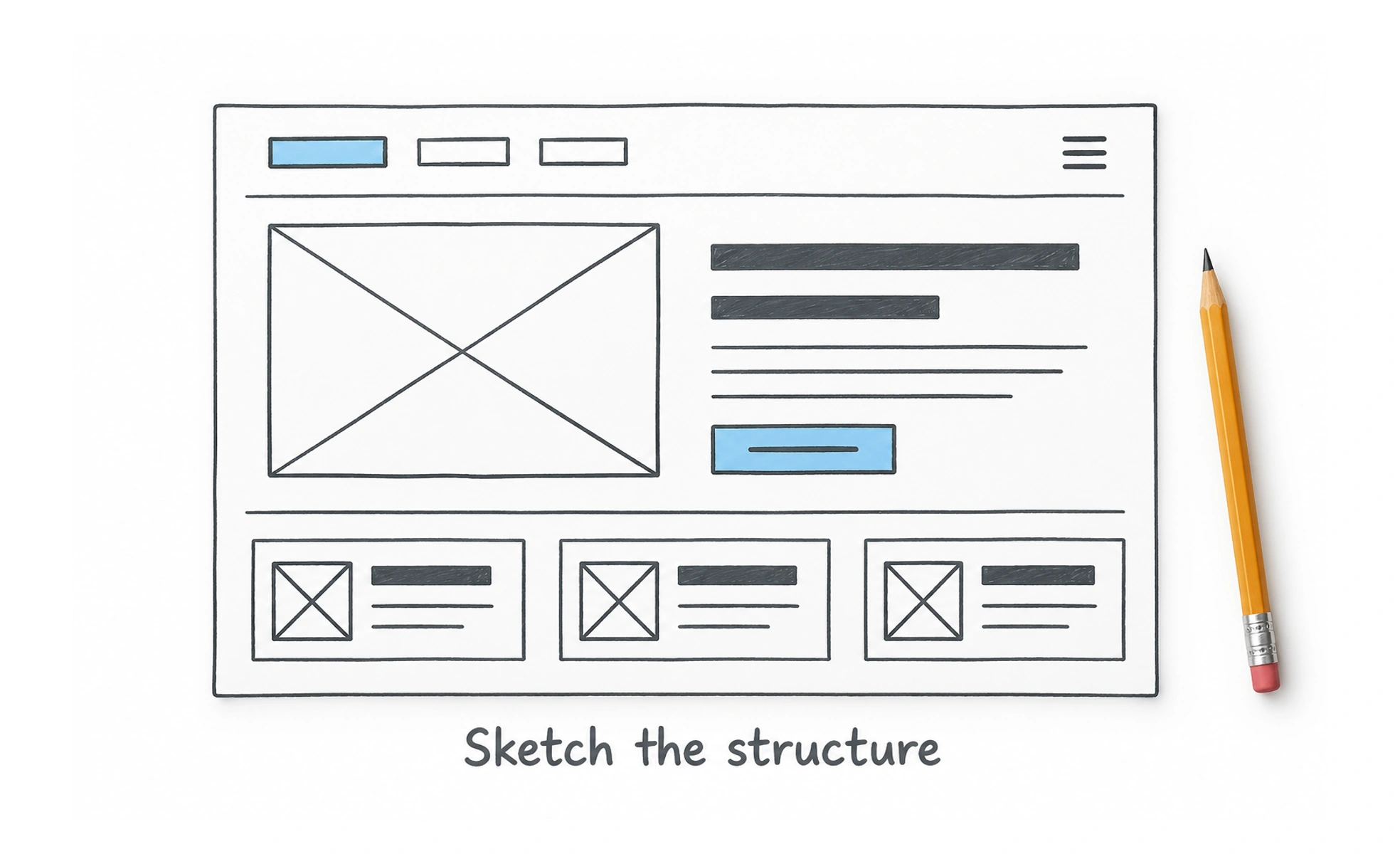
Its intentionally hand-drawn visual style helps teams discuss structure and workflow before polishing a visual design. The rough appearance can signal that a wireframe is an early model rather than a final interface.
Balsamiq is like drawing a room layout on a whiteboard before choosing paint, furniture, and finishes.
Explore structure quickly
A wireframe focuses on placement, hierarchy, and the content a screen needs. Balsamiq provides interface elements that can be arranged into rough screen concepts without first defining a visual design system. This makes it useful when the team is still comparing ideas.
Keep fidelity aligned with the question
Low fidelity is useful for questions about navigation, page structure, or task flow. It is less suitable for judging detailed typography, visual polish, or realistic interaction feedback. If stakeholders need to evaluate those qualities, create a more faithful prototype with an appropriate tool.
Invite focused feedback
Share a wireframe with a clear question, such as whether people can find a key action or understand the sections. Explain what is intentionally unfinished. Without that framing, reviewers may focus on colors and details that the sketch is not meant to resolve.
Treat it as a step, not the deliverable
Wireframes help teams think, but they do not prove a design will work. Validate important assumptions with users, then develop the concept into interaction and visual specifications. Keep the artifact easy to change and discard when the evidence points in another direction.
Frequently asked questions
Key takeaways
- Balsamiq supports low-fidelity wireframes for early design exploration.
- Use rough layouts to discuss structure and flow, not polished visuals.
- Frame feedback around a specific question.
- Validate concepts and evolve or discard the wireframe as needed.