

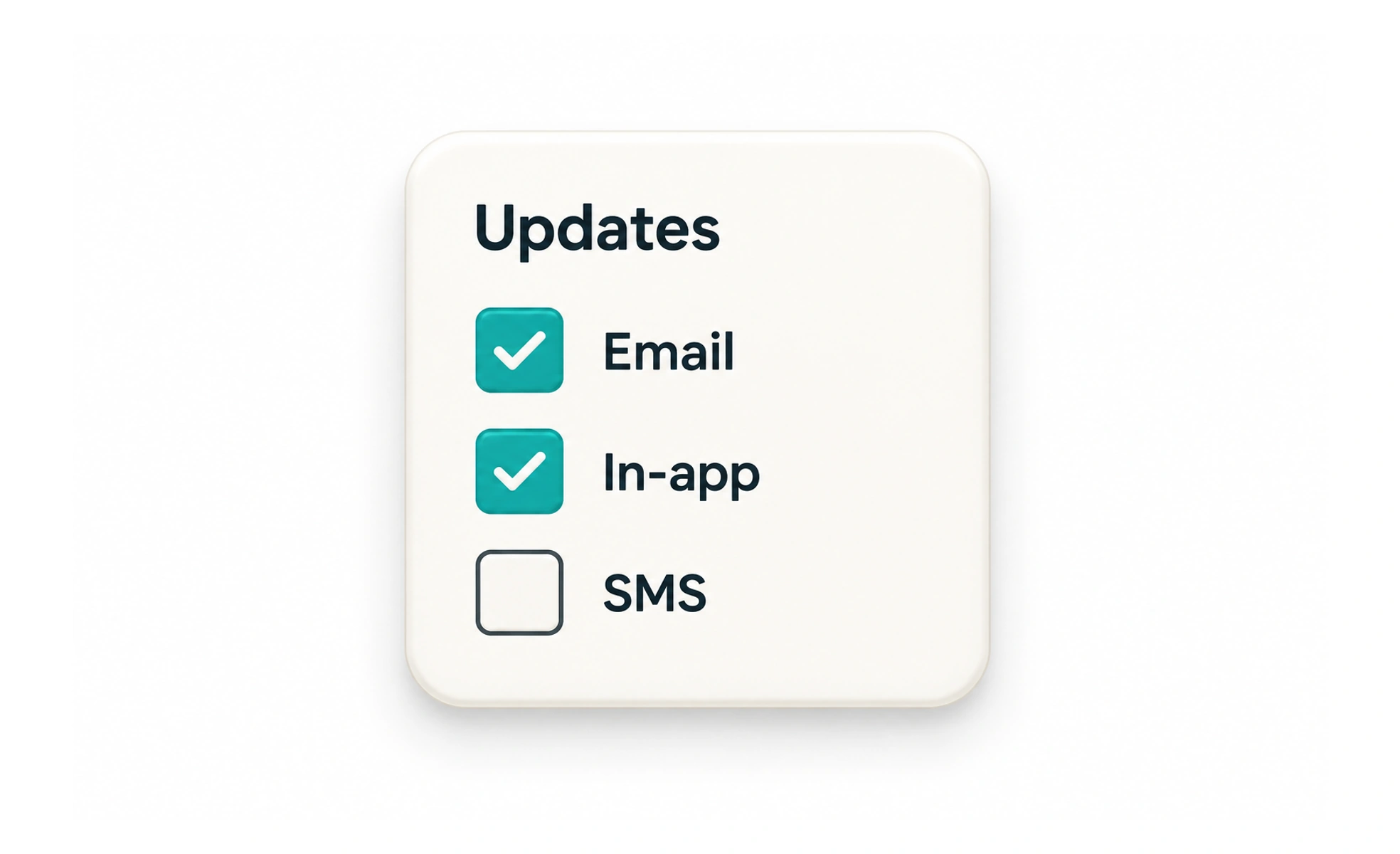
A checkbox lets someone turn an option on or off independently of other options. A group of checkboxes can therefore allow several selections, such as choosing both email and in-app updates.
Think of checkboxes as separate switches on a checklist: changing one item does not automatically turn off the others.
Use for independent choices
If each option can be selected alongside the others, checkboxes are a natural fit. A person may choose several interests or select which account alerts to receive.
Make the label selectable
The option’s name should be close to and programmatically associated with its checkbox. This gives the choice a larger target and makes the state understandable to assistive technology.
Use a mixed state carefully
A parent checkbox can represent a group where some, all, or none of its children are selected. Explain the group and make the partial state meaningful; do not use it as decoration.
Separate selection from saving
Some forms apply changes after submission; settings may save immediately. Tell people which behavior applies and confirm a successful save if the change is asynchronous. For instance, “Send me product updates” is a good independent checkbox; a person can choose it without changing other preferences. A required agreement is different and should be explained before submission. If a parent checkbox selects a group, expose its partial state when only some child options are selected.
Frequently asked questions
Key takeaways
- Use checkboxes when options are independent.
- Associate each option name with its control.
- Explain a partially selected group.
- Make it clear when a selection is saved.