

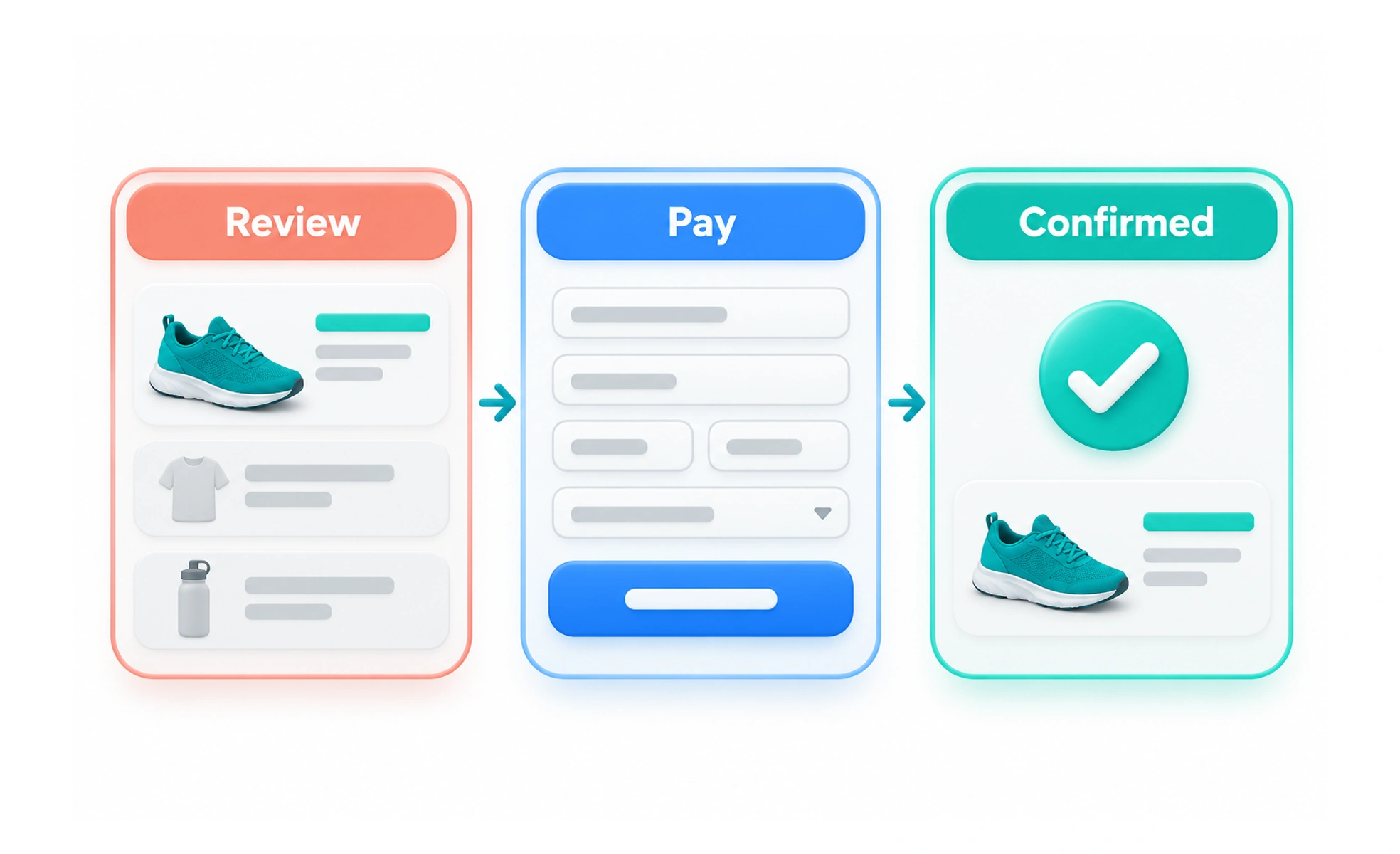
Checkout is the part of a purchase flow where someone reviews an order, provides required details and completes payment. Clear costs, forgiving forms and reliable confirmation help people understand what they are agreeing to and whether the purchase succeeded.
Checkout is like reviewing a receipt before paying: the total, terms and next step should be visible before the commitment is made.
Show the full commitment
Make the items, price, taxes, delivery costs and recurring terms clear before the final action. Do not reveal a material fee only after payment details are entered. If a plan renews automatically, state the amount and timing in language people can understand.
Ask for the minimum needed
Request information required to fulfill the order, calculate a legitimate charge or meet a clear obligation. Support guest checkout when an account is not necessary. Preserve valid details and explain errors in place rather than making a person re-enter the whole form.
Protect payment and choice
Make the final purchase action explicit and distinguish it from navigation such as “Continue.” Provide a way to review or change the order before committing. Communicate when processing is in progress and prevent duplicate submissions without leaving the person uncertain.
Confirm the actual outcome
After payment, show whether it succeeded, what was purchased and what happens next. If the result is still pending, say so and avoid asking for another payment. A confirmation email or receipt should match the actual transaction and give a route to support.
Frequently asked questions
Key takeaways
- Show complete costs and recurring terms before payment.
- Request only details needed for the transaction.
- Make commitment and processing states explicit.
- Confirm success, pending status or failure accurately.