

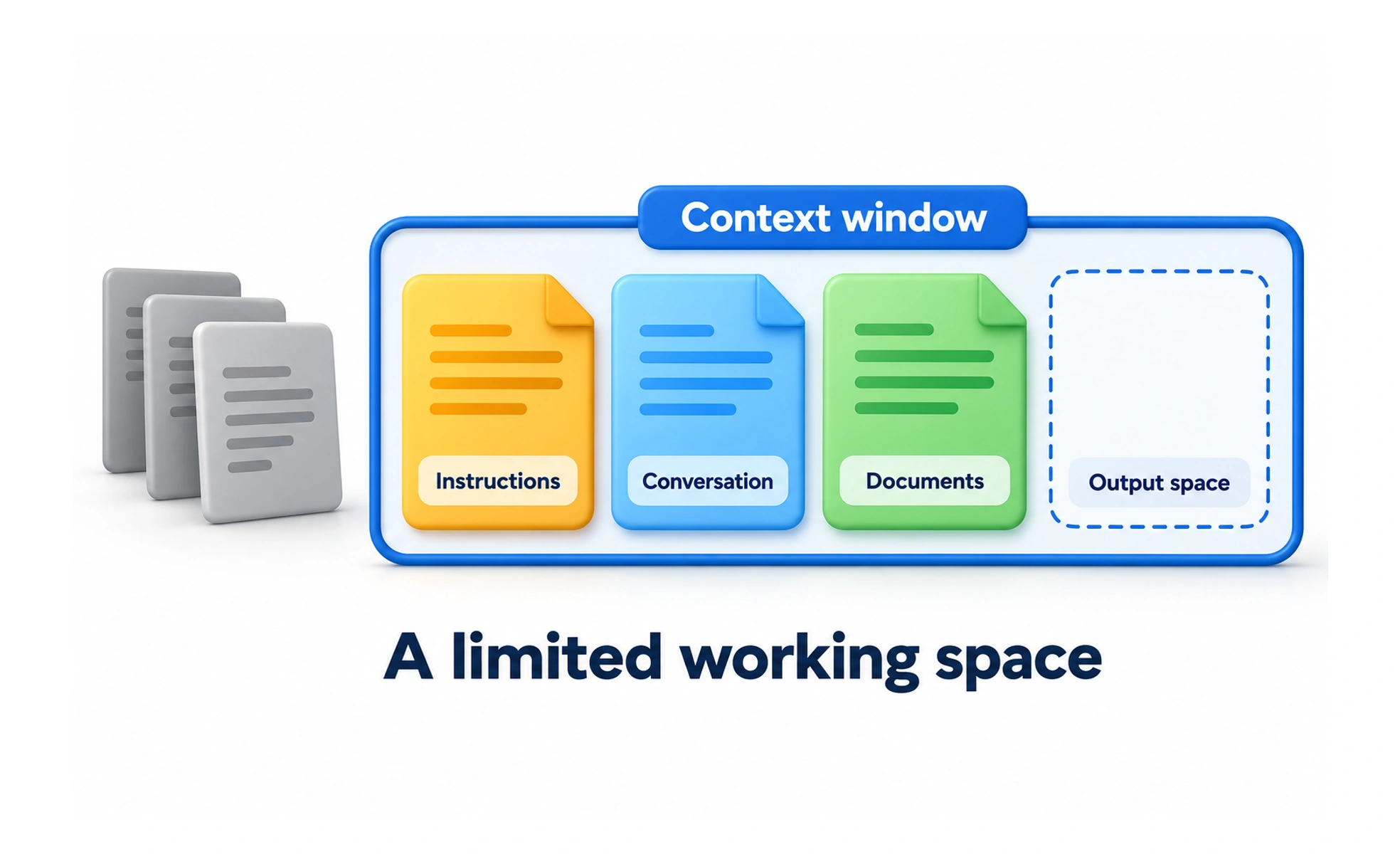
A context window is the amount of information a model can process within a model request, subject to its token limits. It can include instructions, conversation content, and other supplied material, with room needed for generation.
A desk has room for only so many working papers at once. Keeping the relevant papers organized matters as much as having a larger desk.
Understand what occupies the window
Instructions, previous messages, retrieved passages, and tool results can all contribute to the request. Limits are measured using the model’s token accounting, which does not map to a fixed number of words across languages and content types. Check the actual model and product behavior.
Separate context from stored history
A product may store a long conversation without sending every original detail in each request. It can select, summarize, or retrieve material to fit. Do not assume that a detail visible somewhere in a chat is necessarily present in the model’s current working context.
Prioritize relevant evidence
Provide clear instructions and the information needed for the decision. Remove irrelevant repetition and keep source identity intact when summarizing. A large window does not guarantee that a model will use every detail correctly, especially when the request contains conflicting or complex material.
Example: reviewing a long specification
A team can organize the specification into relevant sections and ask focused questions with cited source passages. Check whether important requirements survived any summary. If the review spans several steps, preserve decisions and unresolved questions in a durable record rather than relying on unlimited conversational recall.
Frequently asked questions
Key takeaways
- Context capacity is defined by token limits.
- Stored history and current model input can differ.
- Choose relevant evidence and preserve source context.
- Verify results even when all material appears to fit.