

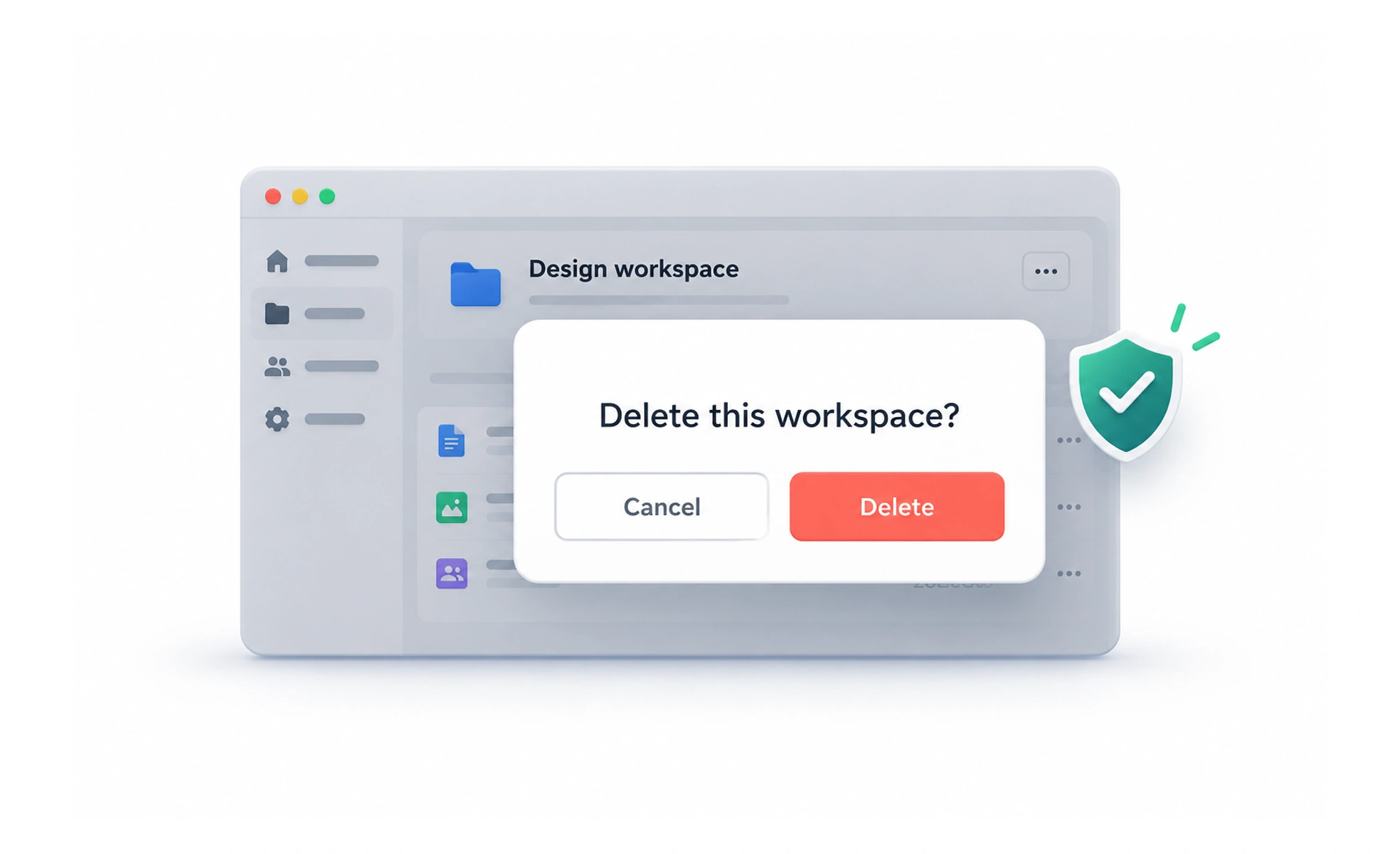
Error prevention design reduces the chance that people make consequential mistakes. It uses clear constraints, helpful defaults, understandable choices, and appropriate safeguards before an error occurs.
A plug shaped to fit only the correct socket prevents a mistake before a warning is needed. Interface constraints can provide a similar benefit.
Understand likely mistakes
Observe where people misunderstand labels, select the wrong target, or lose context. Distinguish a simple slip from a mistaken understanding of the task. Different causes need different responses; adding another warning may do little if the underlying choice is still unclear.
Use constraints and guidance
Offer valid choices, sensible defaults, examples, and timely feedback where they help. Explain why an action is unavailable rather than leaving an unexplained disabled button. Constraints should reflect real rules and still allow legitimate cases, including unfamiliar names or international formats.
Match safeguards to consequences
A reversible low-risk action may work well with undo, while a destructive change may need an explicit review step. Show the affected item and consequences clearly. Excessive confirmation creates fatigue and can make the warning for a serious action easier to ignore.
Example: deleting a project
Show the project’s name and explain what will be removed before deletion. Keep the destructive action distinct from routine edits and enforce permissions in the service. If deletion is recoverable, provide an accurate recovery option instead of implying it is permanent.
Frequently asked questions
Key takeaways
- Investigate the cause of likely mistakes.
- Use helpful constraints without excluding valid cases.
- Match confirmation and undo to consequence.
- Explain affected items and recovery clearly.