

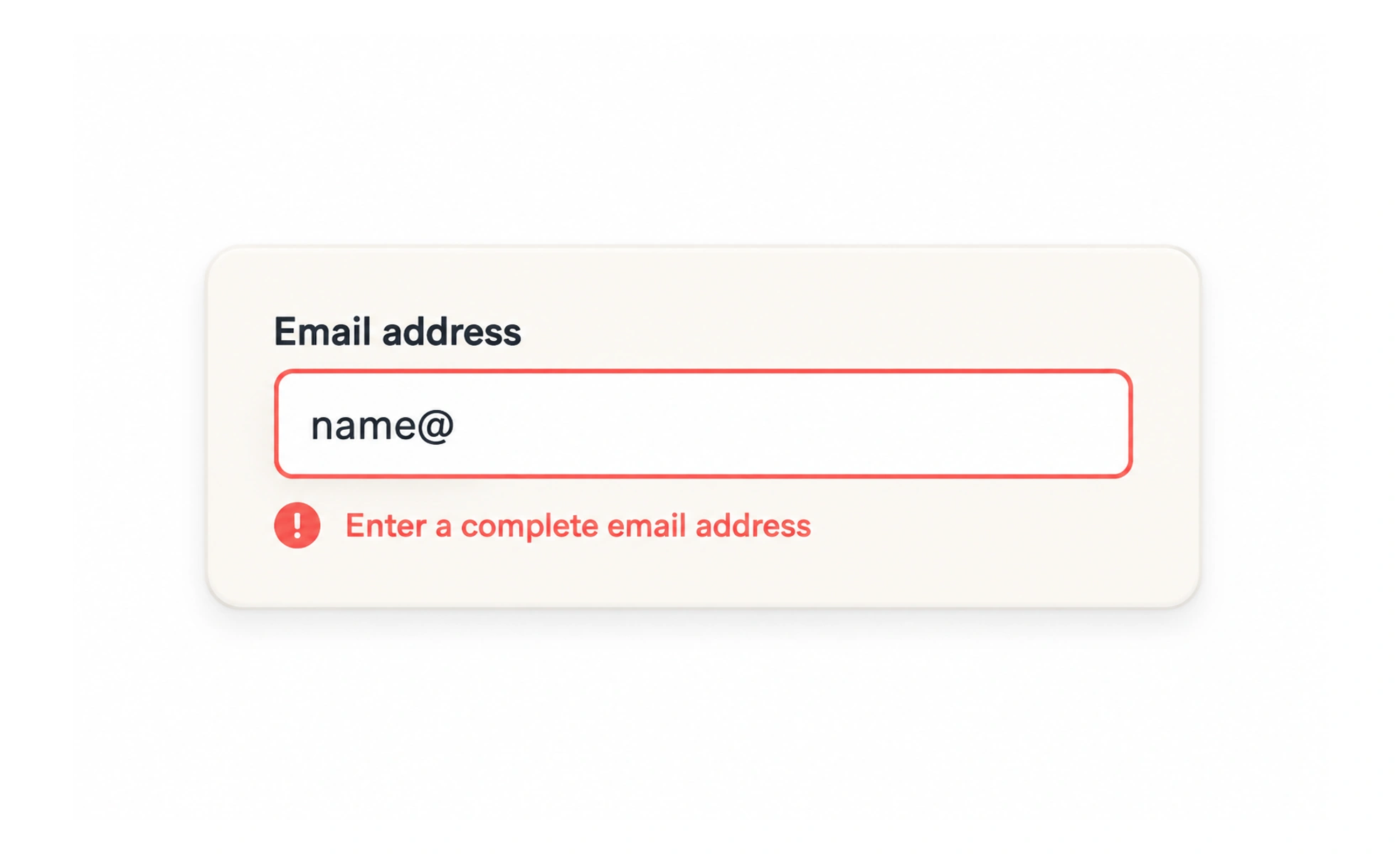
An error is feedback that tells someone a requested action or entered value could not be accepted. Useful error messages identify the problem, point to where it occurred, and help the person recover.
An error message is like a helpful correction on a form: it should show what needs attention and how to continue.
Name the problem clearly
Use the field or action name and explain the issue in familiar words. “Enter a valid date” is less useful than “Enter a departure date before the return date.”
Offer a route to fix it
Describe the expected format or next action when it is not obvious. Link the message to the affected field or keep it close enough to find. Avoid blame, jokes, and codes that only developers understand.
Keep work intact
Preserve valid answers and make it possible to edit the value that needs attention. After a submission error, users should not have to reconstruct the whole task.
Distinguish input from service failure
A value problem may need correction; a network or server failure may need a retry or a later attempt. Do not ask someone to change correct information to solve an infrastructure problem. For example, “Enter a valid email address” identifies an input correction, while “We could not save your changes” describes a service failure. Keep the original values, explain whether retry is safe, and avoid exposing internal error codes. For a form with several errors, summarize them and link each one to its field.
Frequently asked questions
Key takeaways
- Describe the specific issue in plain language.
- Say how to correct or retry it.
- Keep valid answers and the user’s progress.
- Separate field errors from service failures.