

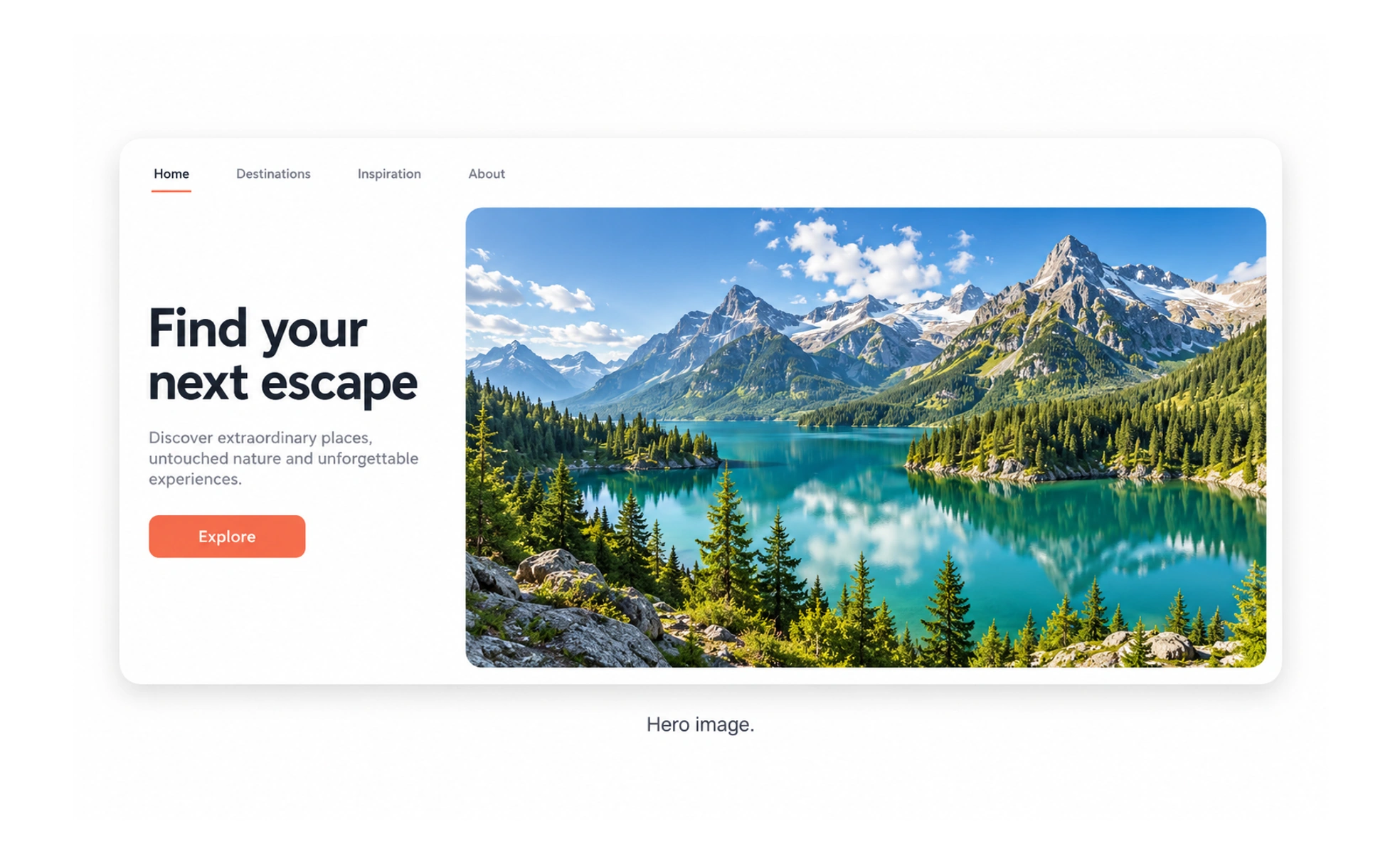
A hero image may show a product, a relevant scene, or an idea that helps people understand the page. It should reinforce the heading and primary action rather than compete with them. Large images also affect load time, cropping, and accessibility, so they need deliberate implementation.
A book cover gives a first impression of the story; a page’s hero image should set context for what follows, not promise a different story.
Support the page’s main message
Choose an image that makes the purpose of the page easier to understand. A decorative visual that has no relationship to the message can distract or create a false expectation. The heading and image should tell a coherent story when viewed together.
Plan crop and composition
The same image may be cropped differently across desktop and mobile layouts. Keep the meaningful subject inside likely crop areas and test at actual breakpoints. If text overlays the image, preserve contrast and avoid placing essential words inside the image itself.
Balance visual impact and performance
A large image can dominate page weight and delay useful content. Select an appropriate format, dimensions, and responsive source sizes. Load the main visual promptly when it is important above the fold, while avoiding unnecessary high-resolution downloads on smaller screens.
Handle accessibility and motion
Provide alternative text when the image communicates information that is not already stated. Mark purely decorative imagery so it does not add noise to screen readers. If the hero is a video or animation, provide controls and respect reduced-motion preferences.
Frequently asked questions
Key takeaways
- Choose a hero image that reinforces the page’s central message.
- Check responsive crops and text contrast at real viewport sizes.
- Optimize image delivery to avoid unnecessary loading delay.
- Provide appropriate alternative text and motion controls.