

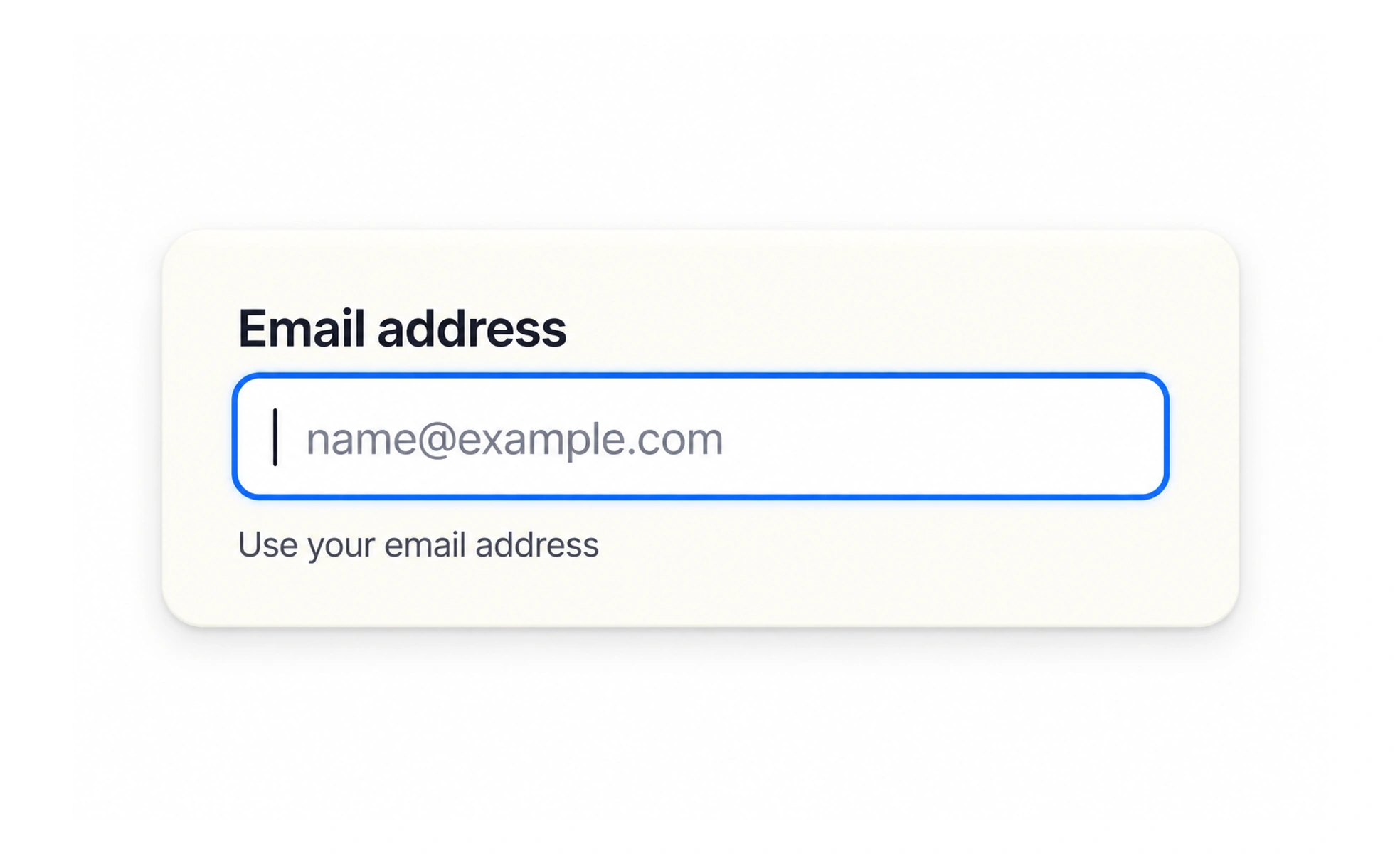
An input is a control where a person provides or changes a value. Text fields, number fields, date fields, text areas, and search boxes are different input types suited to different answers.
Choosing an input type is like choosing a measuring tool: use one that fits the answer the person actually has to provide.
Match the answer
Use a short text field for a name, a larger text area for a detailed explanation, and a numeric or date control when the value has that meaning. A field should not force a format that the service does not need.
Show useful constraints
If an answer has a length, range, or format limit, explain it before submission. A character count helps for a short bio with a real limit; it adds clutter when there is no meaningful boundary.
Keep entry forgiving
People may paste, use assistive technology, or enter a familiar variant. Accept reasonable formats where possible, then normalize them consistently. Avoid rejecting a phone number merely because it includes spaces or a country prefix.
Preserve the value
If a validation error occurs, keep the entered answer and move attention to the problem. Do not silently change a value or clear the whole form. When a control has a specialized picker, provide a keyboard-friendly way to enter the same value. For example, a quantity field should use a numeric input but still explain whether zero or decimals are allowed. A search field should let a person edit or clear the query. On mobile, choose input hints that make the right keyboard available, while leaving the value understandable and editable with assistive technology.
Frequently asked questions
Key takeaways
- Choose the control that fits the answer.
- Explain real limits before people hit them.
- Accept reasonable input formats.
- Keep answers intact when reporting errors.