

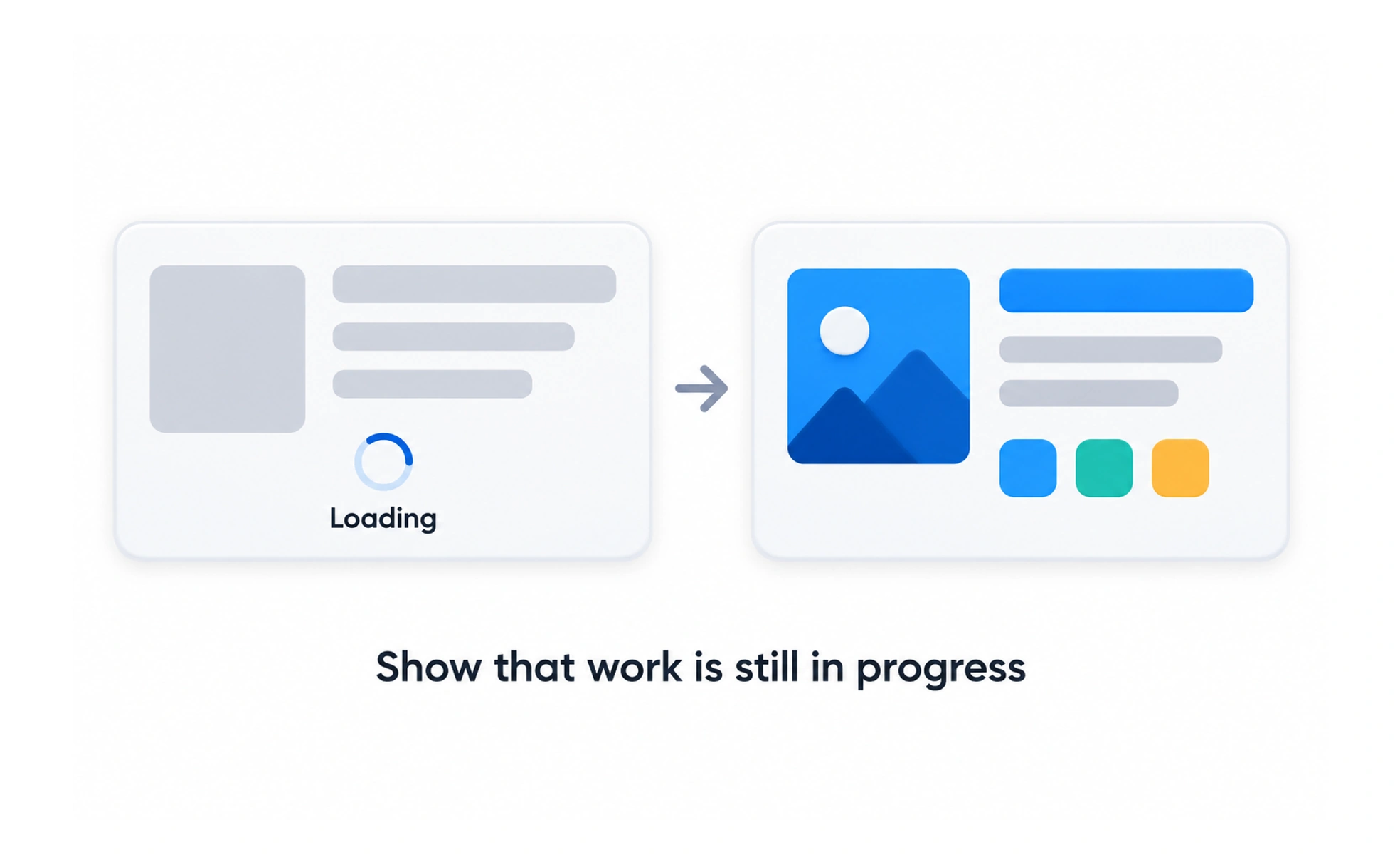
A loader can reassure people that a request is underway, especially when the wait is noticeable. It should not hide whether the system is working, stalled, or finished. Use the simplest indicator that fits the wait and provide progress information when it can be measured meaningfully.
A queue ticket tells you that your request is being handled; a useful loader gives a similar signal without pretending to know an exact wait time.
Choose an indicator for the wait
A brief action may need only a changed button state, while a larger region may use a skeleton or spinner. Avoid showing a full-page loader for a small update. Match the indicator to the affected content so people can keep using unaffected parts of the interface.
Communicate state accessibly
A moving shape alone may not explain what is happening. Provide a concise status message when the wait matters, and expose updates to assistive technology without announcing every animation frame. Keep motion subtle and honor reduced-motion preferences.
Use progress only when it is real
An indeterminate spinner is honest when duration is unknown. A percentage or progress bar implies measurable progress, so use it only when the system can support that claim. Fake progress that repeatedly pauses near completion can reduce trust.
Plan for slow and failed requests
A loader that never ends leaves people unsure what to do. Set appropriate timeouts, allow safe cancellation where possible, and show a recovery path if the request fails. Prevent duplicate submissions while preserving a clear way to retry.
Frequently asked questions
Key takeaways
- Match the loader to the content or action that is waiting.
- Explain important status changes in accessible text.
- Use determinate progress only when it reflects real progress.
- Provide timeout, error, retry, and cancellation behavior where appropriate.