

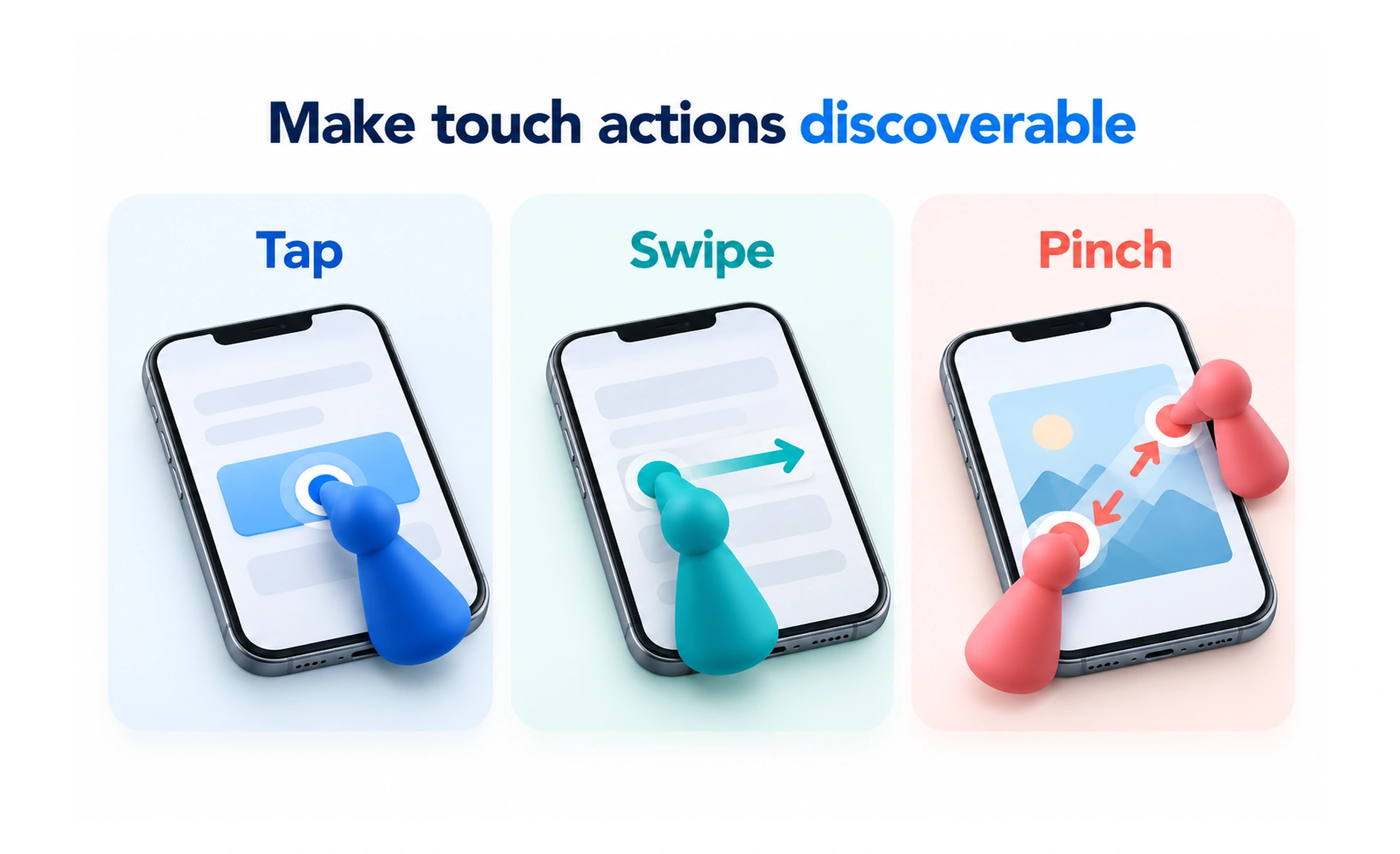
Mobile gesture design defines how touch movements such as taps, swipes, and drags control an interface. Good gesture behavior is discoverable, predictable, and supported by accessible alternatives.
A familiar door handle suggests how to operate it. Touch interactions also need recognizable cues instead of expecting people to guess an invisible movement.
Use familiar gestures in context
Respect platform expectations for navigation, scrolling, and system gestures. Avoid assigning an unexpected action to a familiar movement. Where a gesture is optional or unfamiliar, provide a visible cue and a conventional control so the capability is still discoverable.
Separate intent from accidental movement
People scroll, hold devices differently, and may have limited dexterity. Give controls usable space and avoid firing a consequential action from a small incidental movement. Consider thresholds, cancellation, and whether the action can be undone without requiring another precise gesture.
Provide accessible ways to act
A drag or complex gesture can be difficult for some people and assistive technologies. Offer a suitable alternative such as move buttons or a clear menu where the task permits it. Test keyboard, switch, and screen-reader behavior alongside direct touch rather than treating touch as the only input.
Example: rearranging a learning plan
A learner might drag lessons into a preferred order, while move-up and move-down controls provide another path. Announce the resulting position and preserve the change reliably. Check that attempting to scroll the list does not unexpectedly reorder or remove a lesson.
Frequently asked questions
Key takeaways
- Respect familiar platform gestures.
- Make actions discoverable through visible alternatives.
- Account for accidental movement and recovery.
- Test the task with touch and assistive input methods.