

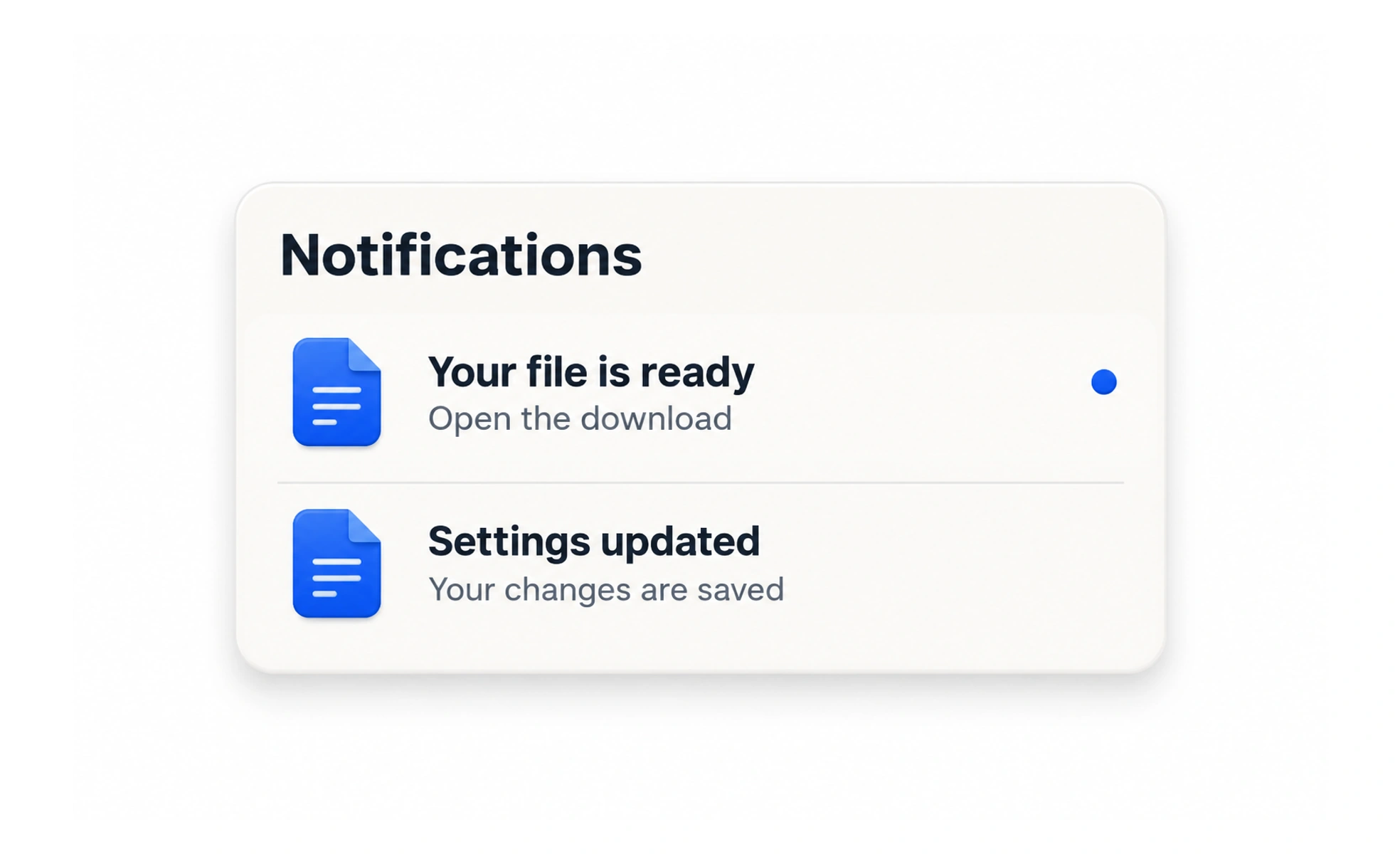
A notification tells someone about an event, change or action that may need their attention. Useful notifications are timely, relevant and specific; excessive or vague messages teach people to ignore them.
A notification is like a tap on the shoulder: it should interrupt only when the information matters to the person now.
Decide whether an interruption is needed
Ask whether the event is relevant, time-sensitive and actionable. Some information belongs in an inbox or activity history rather than a push alert. Let people control optional channels and frequency where appropriate, and keep essential service messages distinct from promotional updates.
Write a useful message
Name what happened and identify the relevant item or person. Avoid vague messages such as “Something changed.” If a notification leads to an action, send the person to the precise place where they can understand or resolve it, not a generic home screen.
Handle delivery and state honestly
A badge should reflect actual unread items, not a decorative count. Marking an item read should persist and stay consistent across devices. If delivery fails or an item is already outdated, do not continue showing it as urgent.
Example: a review reply
A project author receives “Mina replied to your review on Onboarding flow.” The notification opens that project and highlights the reply. A general “New activity” alert would require extra searching. If the author has disabled email but uses the inbox, keep the event available in the inbox without silently sending an email.
Frequently asked questions
Key takeaways
- Interrupt only when relevance and timing justify it.
- Say what happened and link to its context.
- Make unread and read state durable.
- Respect channel preferences and avoid duplicate noise.