

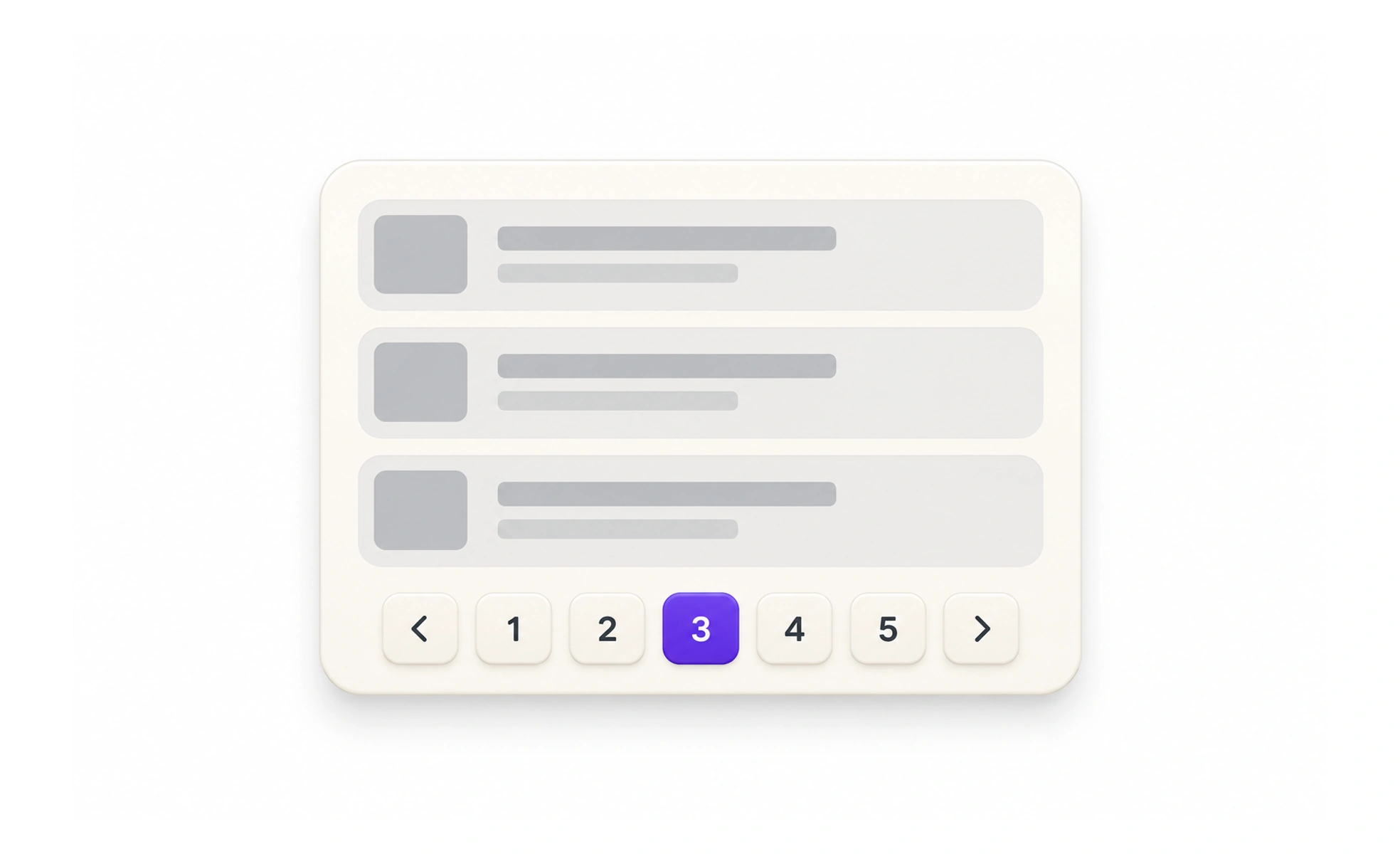
Pagination divides a long collection into smaller pages and provides controls to move between them. It can make large result sets easier to navigate and share, but adds steps and requires the interface to preserve a person’s place and sorting context.
It is like numbered pages in a catalog: the numbers help you return to a known section, but only if the ordering stays stable.
Choose pagination for the task
Pagination works when people need a clear sense of bounded results, a stable place to return to, or a link to a particular page. Infinite scrolling can suit continuous browsing, but makes it harder to reach the end or revisit a result. Do not paginate a short list just to make it feel like a system.
Explain location and movement
Show the current page and provide clear previous and next controls. If the total is known and useful, expose it; if results update dynamically, avoid pretending the total is fixed. Keep keyboard focus and the scroll position sensible after a page change.
Preserve the result context
Changing pages should keep the query, filters and sort order unless there is a clear reason to reset them. Each page should be linkable when return visits or sharing matter. If an item is removed and the page becomes empty, move to a valid page and explain the changed result set.
Example: a filtered course catalog
A learner filters to beginner courses and opens page three. Returning from a course should restore that filter, order and page rather than sending them to the full catalog. If a new course changes the result count, the controls should still lead to valid results and not strand the learner on an empty page.
Frequently asked questions
Key takeaways
- Use pagination when stable position or bounded pages help.
- Make the current page and movement controls clear.
- Preserve filters, query and sort order.
- Handle changing result counts without dead ends.