

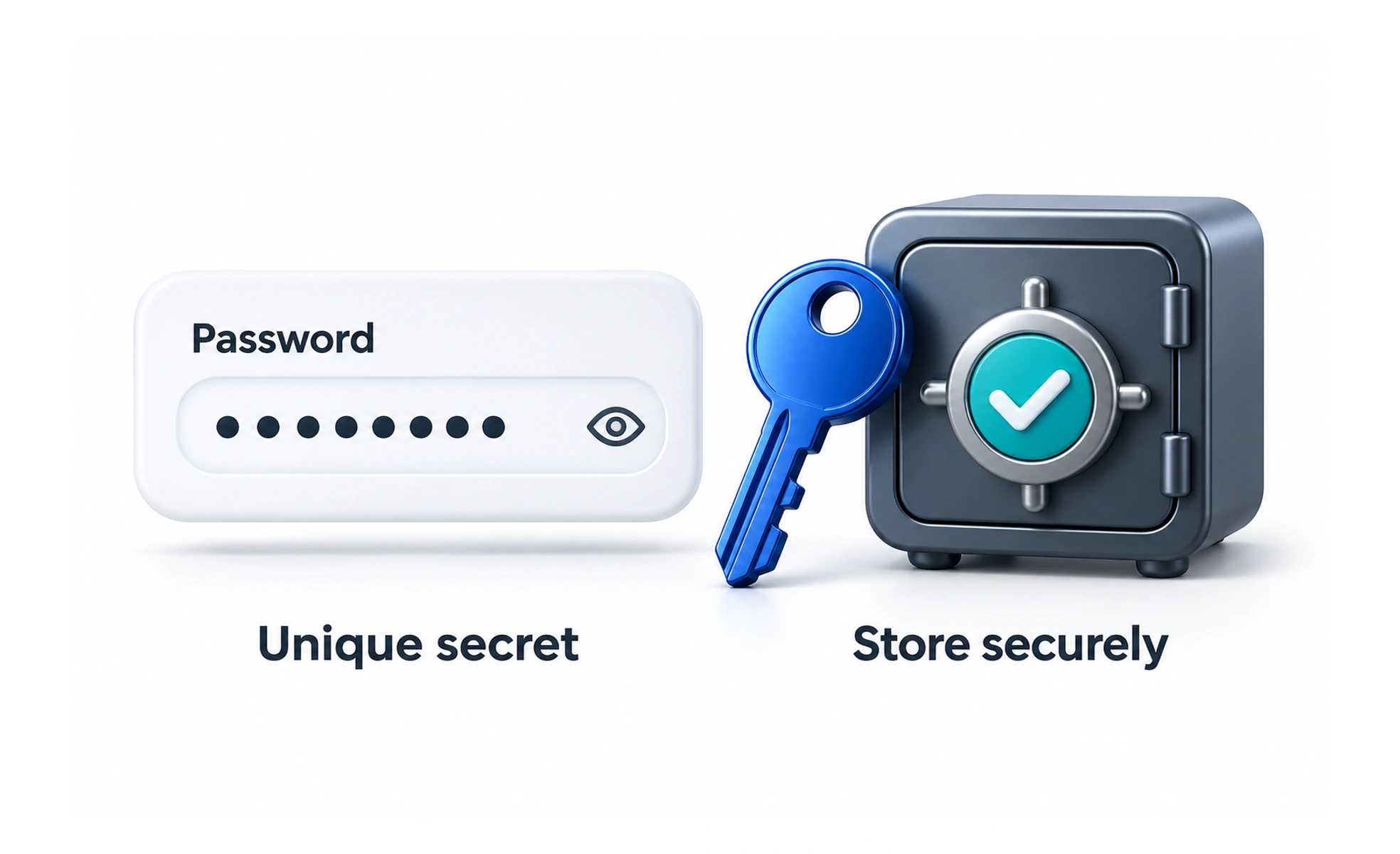
A password is a secret used as evidence of control over an account. A usable password flow supports strong, unique secrets and dependable recovery without creating unnecessary barriers.
A private key should be difficult for others to guess and practical for its owner to manage. Password design needs both protection and usability.
Support secure entry
Use recognizable fields with persistent labels and suitable autocomplete behavior. Allow password managers and paste, and provide a clear show-password control when appropriate. Explain requirements before submission so people do not repeatedly guess which hidden rule caused a rejection.
Choose requirements with current guidance
Policies should reflect the authentication context and current security guidance. Encourage sufficient length and unique passwords, and check unsuitable or compromised choices through appropriate server controls. Do not assume that a complicated mixture of character rules automatically produces strong account protection.
Protect storage and recovery
Services should use established password handling rather than invent their own scheme. Passwords must not appear in logs or ordinary account records. Reset flows need time-limited, controlled proof and clear feedback, with careful treatment of existing sessions when credentials change.
Example: a signup form
A person can generate a password through their manager, paste it if needed, and inspect it with an accessible visibility control. If the server rejects the choice, the form preserves safe entries and explains the requirement. It should never email the chosen password back as confirmation.
Frequently asked questions
Key takeaways
- Support password managers, paste, and clear labels.
- Explain requirements before people submit.
- Use established server-side protection and recovery.
- Keep secrets out of logs and routine messages.