

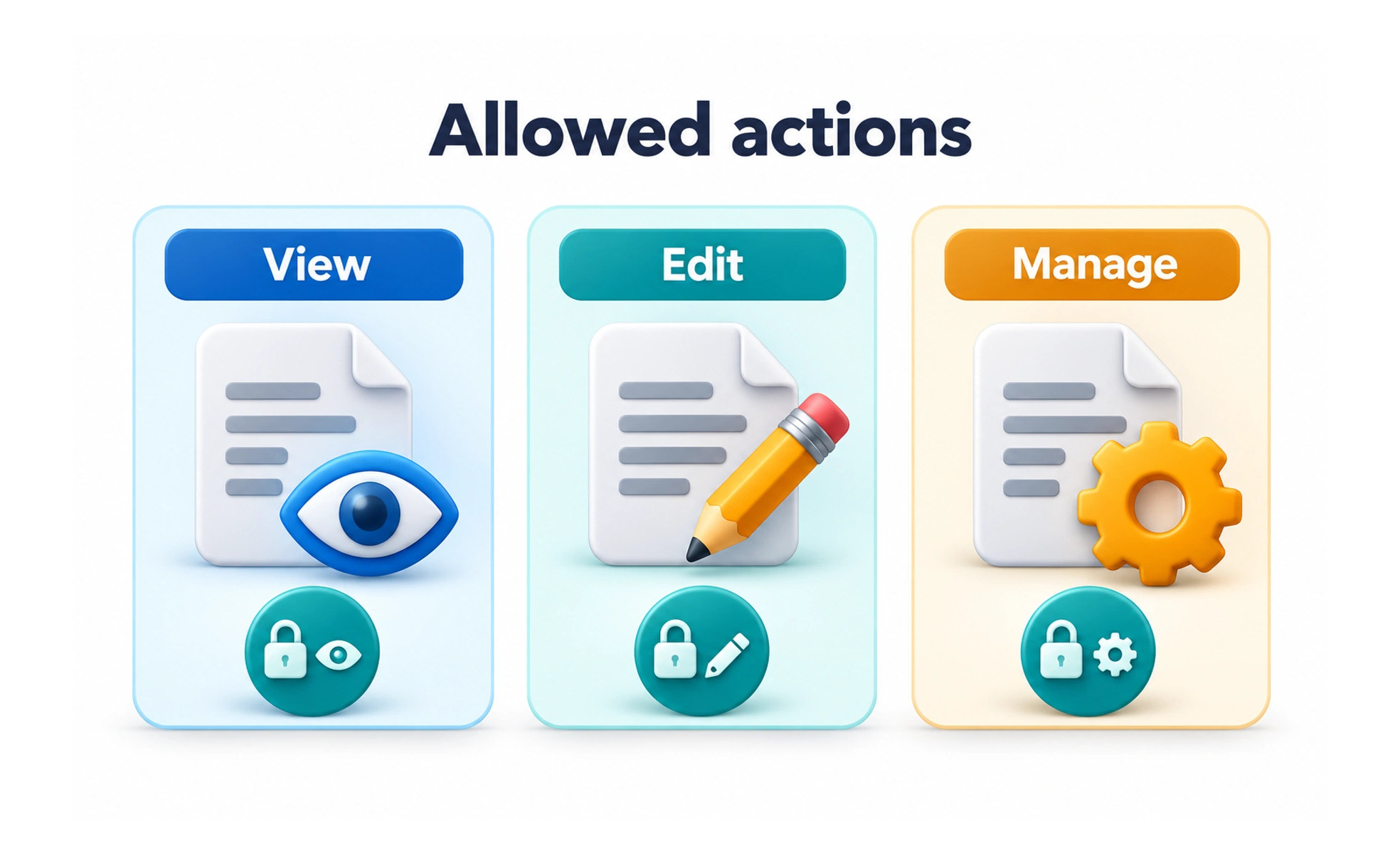
Permissions define which actions or resources an account, application, or role may access. Clear permission design gives people appropriate control while keeping protected operations enforceable.
A visitor badge may open the reception area without opening every office. Permissions similarly give access to the parts needed for a particular purpose.
Grant only appropriate access
Identify the resources and actions each participant needs. Avoid broad access simply because it is easier to implement. Ownership, role, and context may all matter, and the service should enforce the rule for every relevant request rather than trusting the visible interface.
Explain requests in context
When asking for device or application access, explain the benefit at a moment when the person understands the need. State what is requested and what happens if they decline. A camera request during profile photo capture is easier to understand than an unexplained prompt on first launch.
Support denial and change
People should be able to decline optional access and understand the available alternative. Account for permissions being revoked later or changing between devices. Keep shared content behavior clear when someone loses access, without exposing information they can no longer view.
Example: a team workspace
A contributor may edit their own draft while a reviewer can approve publication. The interface can explain these capabilities, but the backend must enforce them. Test that changing a URL or sending a request directly cannot grant the contributor reviewer powers.
Frequently asked questions
Key takeaways
- Define access by resource and action.
- Enforce rules beyond the interface.
- Explain optional requests when their purpose is clear.
- Handle denial, revocation, and role changes.