

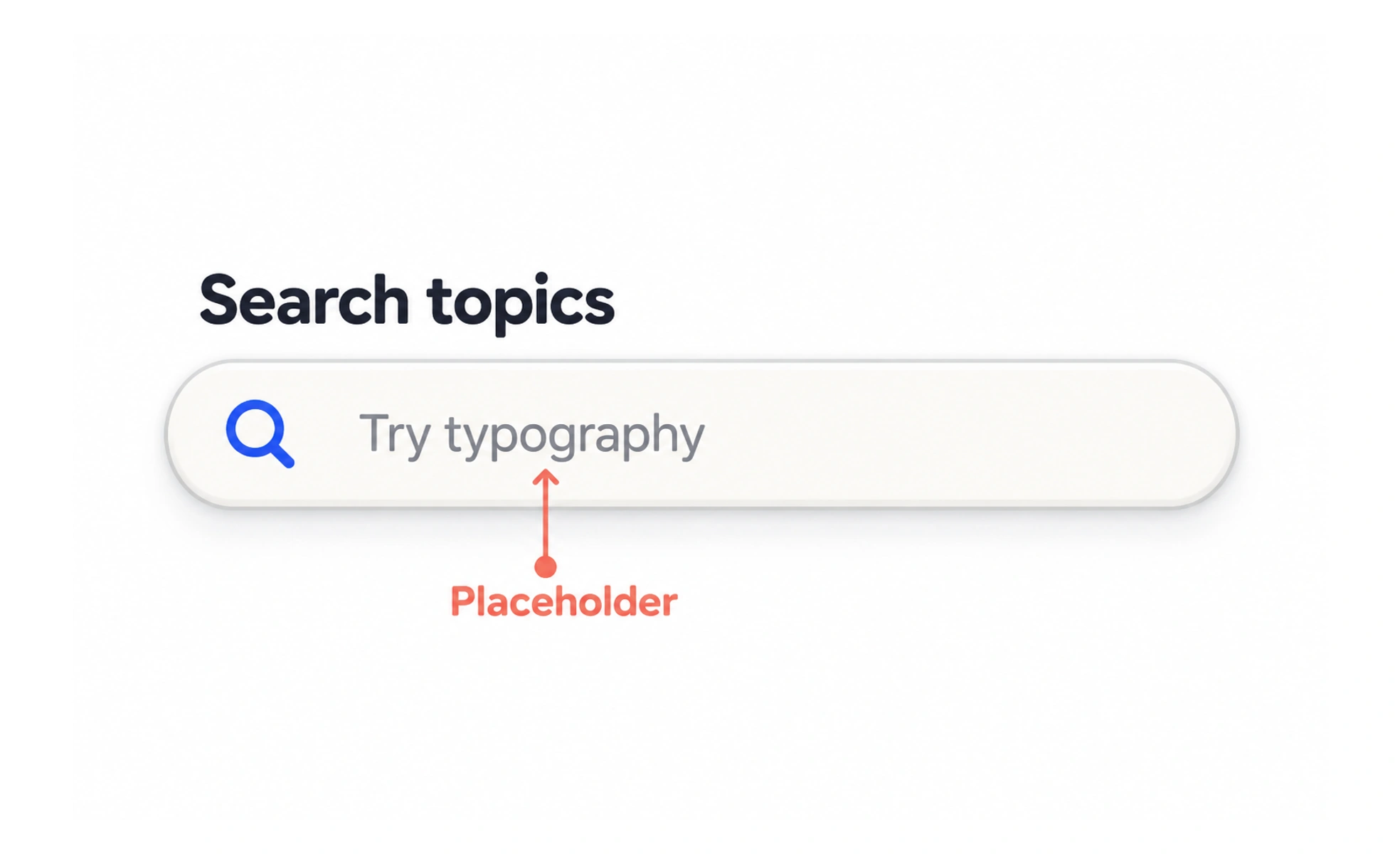
A placeholder is temporary text shown inside an empty field, often as an example or a hint. It disappears when a person enters a value, so it should support a label rather than carry the field’s only instruction.
It is like a pencilled example on a blank form: useful before writing, but not a title that remains after the answer is entered.
Use examples, not names
A placeholder can demonstrate a format, such as “name@example.com,” while the persistent label says “Email address.” If the field asks for a product name, the label should say so even if the placeholder gives an example.
Keep contrast and legibility
Placeholder text is often styled more faintly than entered text. Make sure it is still readable, and do not use it for important instructions that someone must keep seeing while they work.
Avoid prefilled-looking hints
When example text looks like an answer, people may mistake it for a saved value or submit it unchanged. Prefer clear example wording or supporting text when the distinction matters.
Offer a better place for guidance
Instructions such as “Use the address on your latest invoice” should remain visible near the field. Placeholder space is limited and may be hard to read or unavailable after entry. For an email field, “name@example.com” can illustrate the expected format, but “Email address” should remain the label. Once a person starts typing, the example disappears, so it cannot carry essential instructions. Check placeholder contrast against the field background and test whether the hint stays legible in every supported theme.
Frequently asked questions
Key takeaways
- Keep a persistent label outside the field.
- Use placeholder text for short examples.
- Do not hide important instructions in a placeholder.
- Make hint text legible and clearly distinct from a value.