

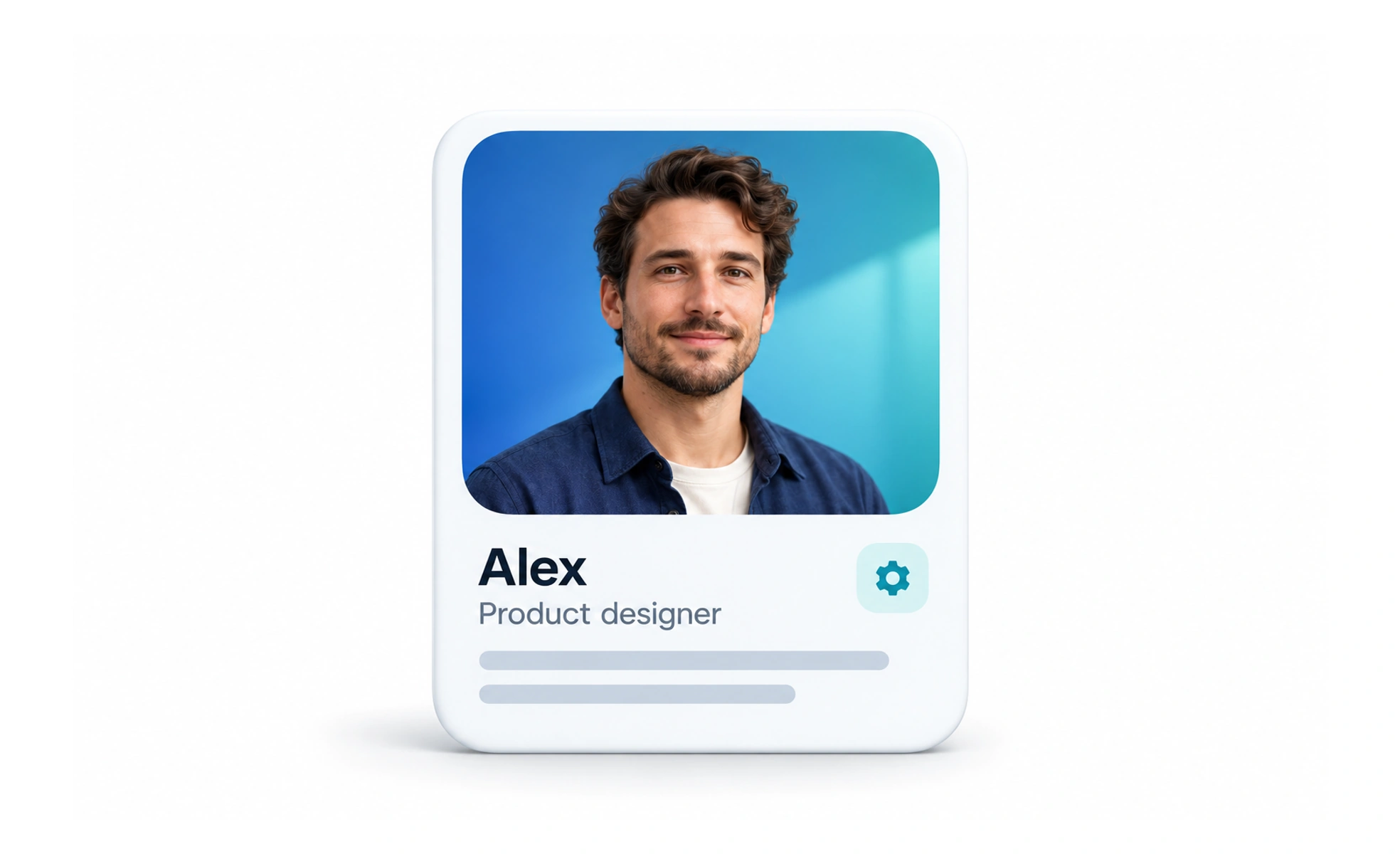
Profiles may help people represent themselves, personalize a service, or manage account details. The product should collect only information with a clear purpose, explain who can see it, and make important details and privacy choices straightforward to update.
A profile is like a small membership card with optional preferences: it should show what is useful for the service without exposing details the person never meant to share.
Collect information with a purpose
Every field creates work and may create privacy risk. Ask whether the service needs it, when it is needed, and how the answer changes the experience. Make optional fields visibly optional, and do not require sensitive information simply because it might be useful someday.
Separate private and public details
An account can contain identity and security data alongside a public display name, biography, or image. Explain the visibility of each category and provide controls where users can change it. Apply the same privacy rules to search results, previews, exports, and shared links.
Make updates predictable
Show current values, save state, and validation errors close to the relevant fields. Preserve edits when a recoverable request fails, and explain which changes take effect immediately. If an email or username has restrictions, state them before the user submits rather than after a vague error.
Support identity and accessibility
Do not assume every person has a profile photo or a name that fits one cultural format. Allow a useful initial or neutral fallback, handle long names, and provide an accessible name for images. Make profile management usable with keyboard and screen-reader navigation.
Frequently asked questions
Key takeaways
- Collect only profile data that supports a clear product purpose.
- Distinguish account-private details from publicly visible information.
- Make saving, validation, and failure states clear and recoverable.
- Support varied names, missing images, and accessible interaction.