

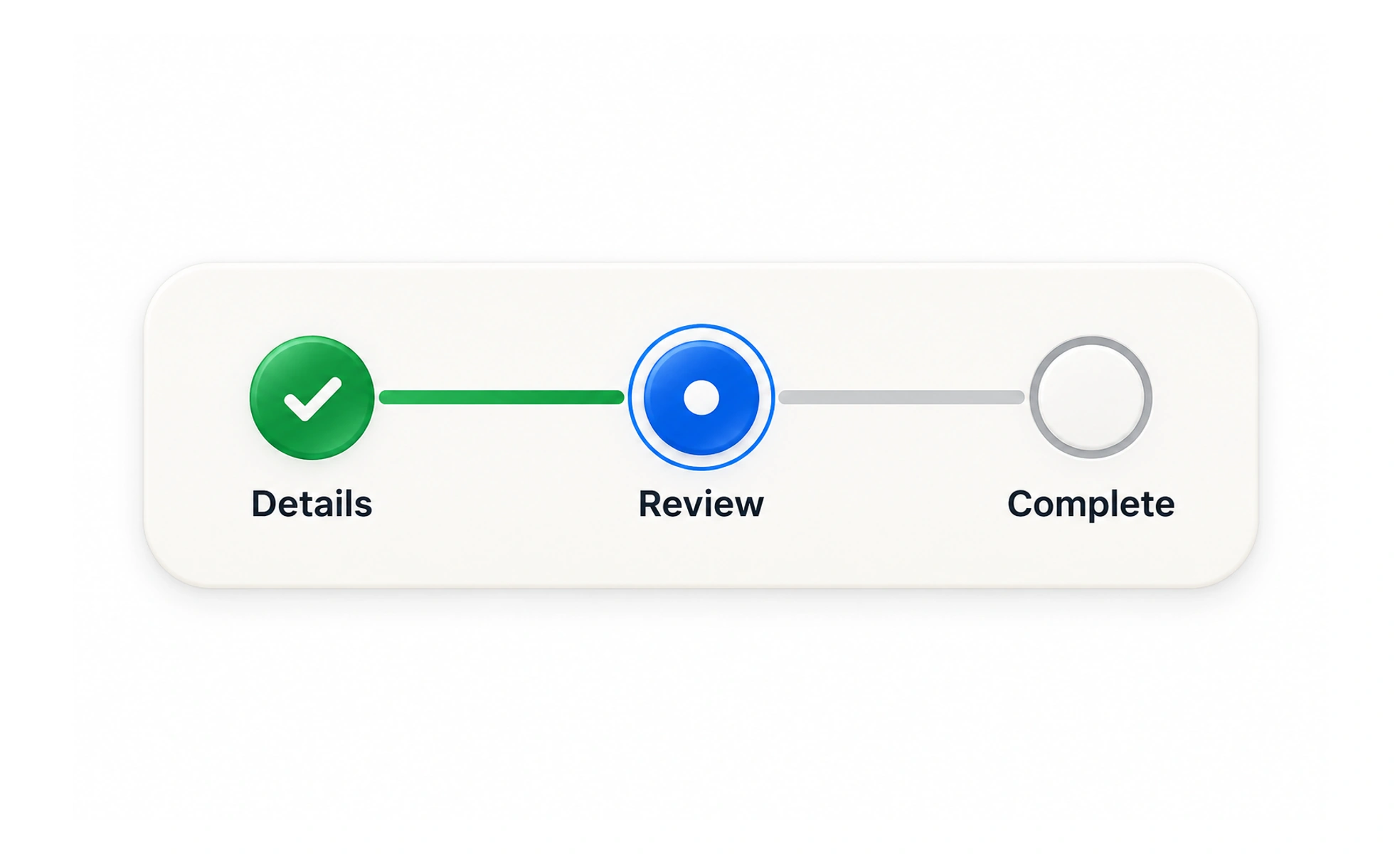
A progress tracker shows how far someone has moved through a process or toward a goal. It can reduce uncertainty in a multi-step task, but only when the steps and remaining effort are represented accurately.
It is like a route marker that shows where you are and what remains before the destination.
Match the indicator to the process
Use a step tracker for a known sequence, a percentage for measurable completion, and a goal indicator for progress toward a target. Avoid a precise percentage when the work has no meaningful denominator. A thin bar that advances arbitrarily can create false confidence rather than useful orientation.
Say what progress means
Pair the visual indicator with text that explains the current stage or amount. Distinguish completed, current and upcoming steps. If someone can skip or add steps, update the tracker to reflect the actual path instead of leaving misleading numbers.
Help people recover and resume
For longer tasks, preserve completed work and make it possible to return to an earlier step when appropriate. Explain whether leaving saves progress. A tracker should reduce anxiety, not pressure people with an artificial countdown or an opaque score.
Example: a profile setup
A three-step setup shows “Step 2 of 3: Choose interests” and identifies the final review step. If the user skips interests, the tracker must not still claim that step is unfinished. Save entered data between steps so a network interruption does not erase the progress the indicator promised.
Frequently asked questions
Key takeaways
- Choose an indicator that reflects real progress.
- Explain the stage or denominator in text.
- Update for skipped, added and completed steps.
- Preserve work when people leave or encounter failure.