

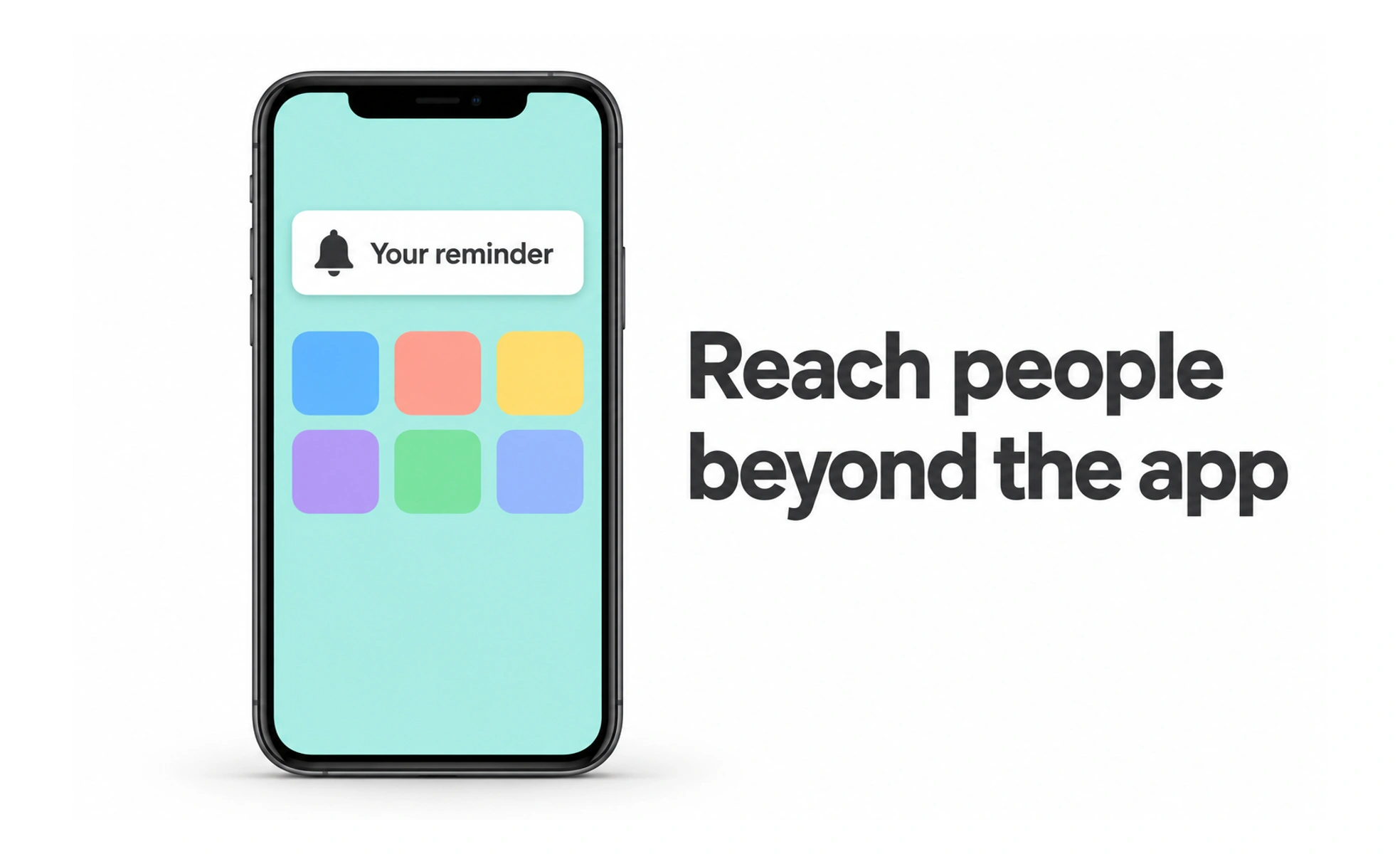
They can help people notice time-sensitive events, but interruptions consume attention and may reveal information on a lock screen. A useful notification is relevant, timely, understandable without opening the app, and controlled by the recipient.
A push notification is like a tap on someone’s shoulder: helpful when the message matters now, intrusive when it repeats something they already know.
Send for a user-centered reason
Use a push message when an event is useful beyond the current session, such as a requested reminder or a meaningful account update. Do not send a notification merely because a system can. Batch low-priority updates or place them in an inbox when immediate interruption is unnecessary.
Ask permission with context
Explain the benefit before triggering the operating system’s permission prompt. Request access at a moment when the person can understand what they will receive. If permission is declined, keep the core product usable and offer a clear route to settings without repeatedly nagging.
Write for privacy and action
Use concise text that identifies the event and the useful next step. Avoid sensitive details that could appear on a shared lock screen, and respect notification previews or privacy settings. Deep links should open the relevant destination and handle signed-out, deleted, or stale content safely.
Give people control
Let users manage categories and frequency where the product sends different kinds of messages. Respect quiet hours and avoid duplicate delivery across devices or channels. Track delivery failures and opt-outs so the system can improve without treating every sent message as attention earned.
Frequently asked questions
Key takeaways
- Send push messages only when out-of-app attention is valuable.
- Explain the benefit before asking for permission.
- Keep message content private, concise, and connected to a safe destination.
- Offer meaningful category, frequency, and quiet-time controls.