

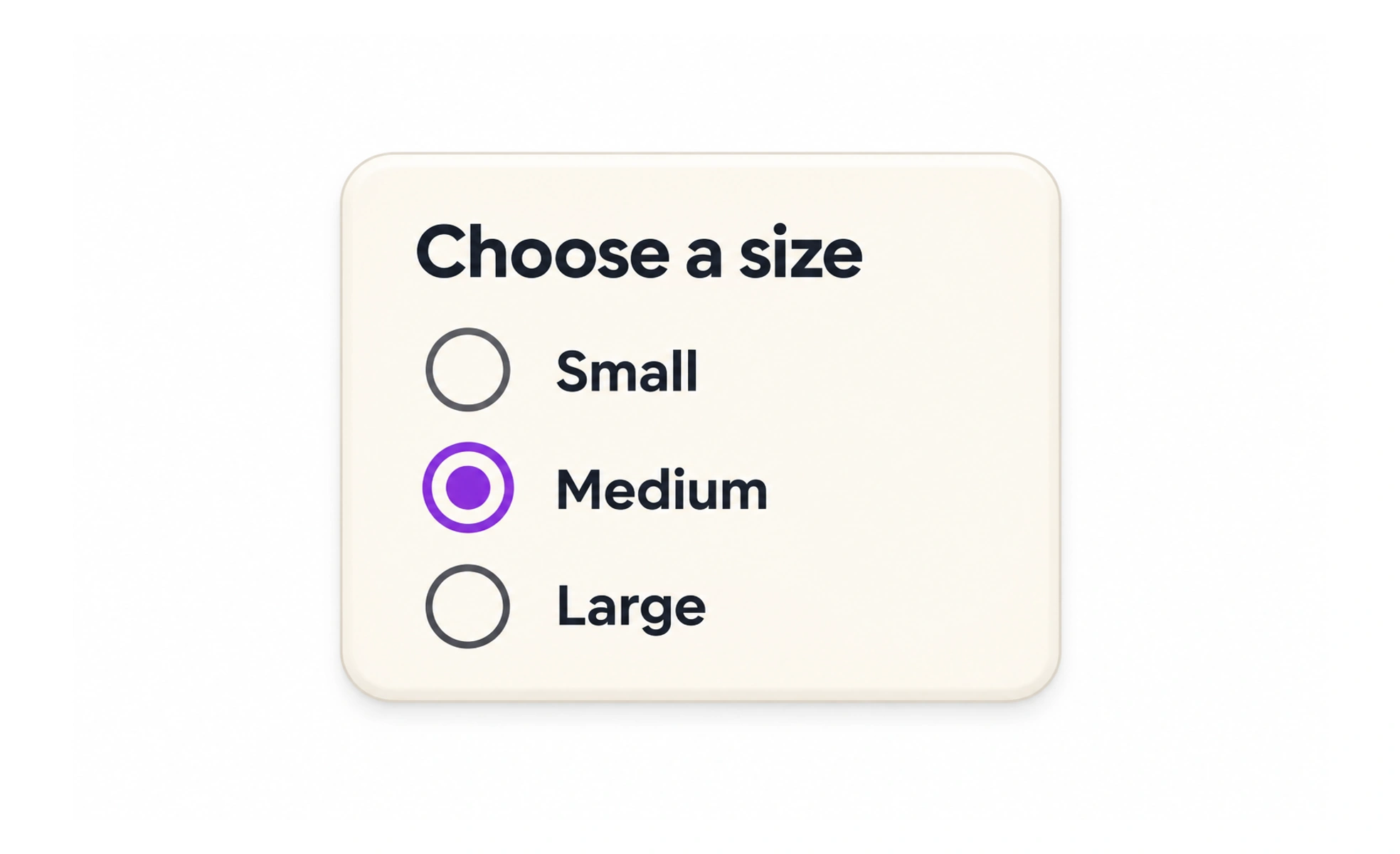
Radio buttons let someone choose one option from a related set. Selecting a new option replaces the previous selection, so the choices need a shared question or label.
They work like selecting one station on a radio: tuning to a new one leaves only that station selected.
Make the group question clear
A heading such as “How should we contact you?” gives the options a shared purpose. Each radio should also have its own label, such as “Email” or “Phone.”
Use when choices are few and visible
Radio buttons help people compare a short list at once. For a long list of countries or job titles, a searchable select pattern may be easier to use.
Decide whether a choice is required
A group can begin with no selection when the task allows it. If a choice is necessary, explain that and provide an error at the group level rather than blaming one option.
Keep the interaction consistent
A radio group behaves as one choice set, including keyboard navigation. Do not style mutually exclusive options as independent checkboxes or let several appear selected at once. For example, “How should we contact you?” can offer email, phone, or no contact as mutually exclusive answers. Put the question and options together, and make each option’s label clickable. If there are many options or users need to compare long descriptions, a searchable list may work better than a long radio column.
Frequently asked questions
Key takeaways
- Use radios for one choice from a small set.
- Give the group a shared question.
- State whether the choice is required.
- Keep selection mutually exclusive.