

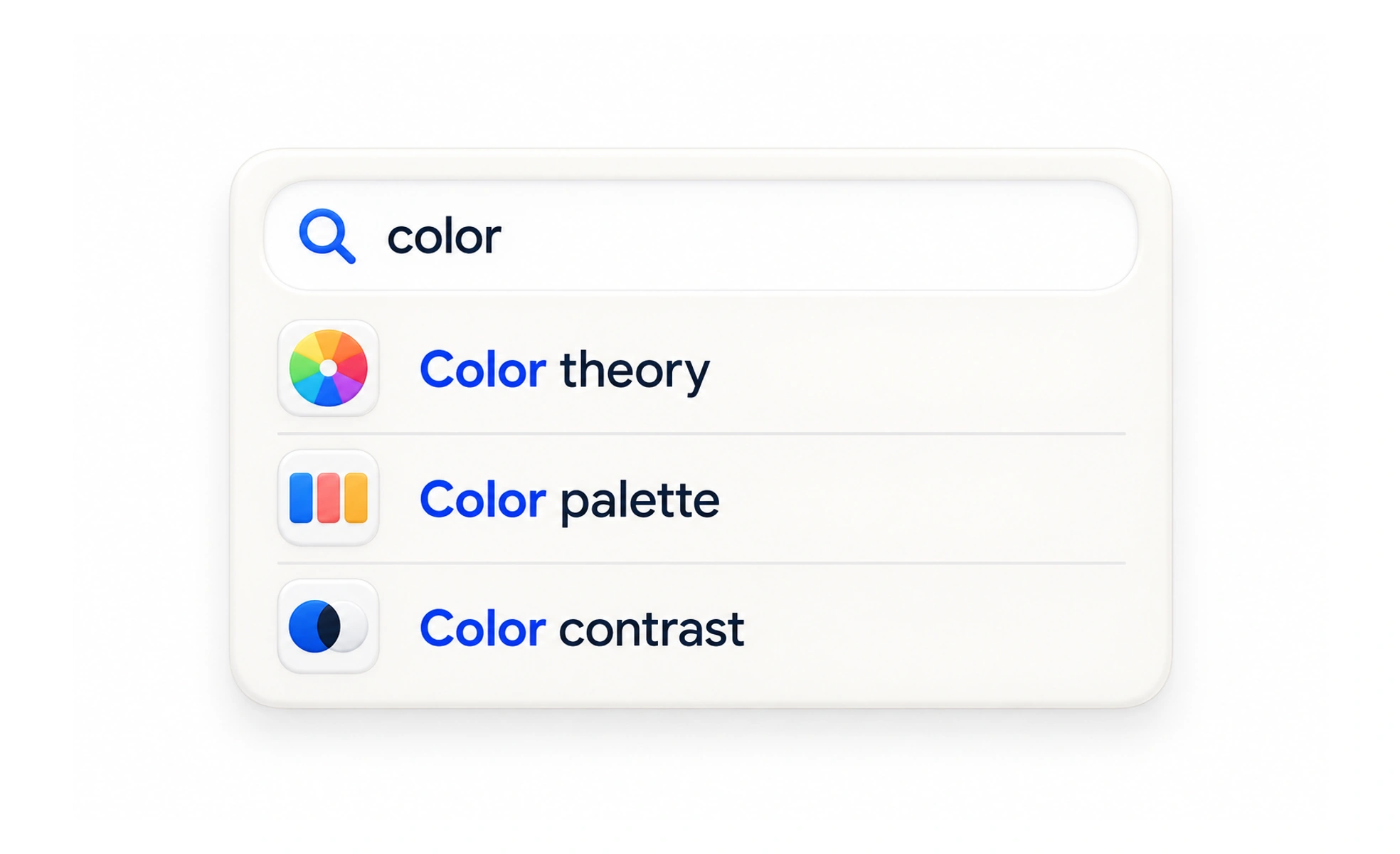
Search lets people describe what they are looking for and retrieve matching content or actions. It is especially useful when the catalog is large or a person knows a term, but it cannot replace clear categories and labels for people who are still exploring.
Search is like asking a knowledgeable librarian: the query expresses a need, and the results should help you recognize the right item.
Help people form a useful query
Use a visible, labeled field and set expectations about what it searches. Suggestions can help with spelling, common phrases or likely destinations, but should not take control away from the person. Preserve the query so results can be refined instead of forcing someone to start over.
Make results understandable
Show why an item matched with a useful title, type and context. Order results in a way that reflects likely usefulness, and let people narrow by meaningful content types when needed. Do not show fabricated counts or empty categories that imply results exist when the catalog has none.
Design for no match and recovery
A no-results page should confirm the search, suggest a next query or a broader category, and keep the field editable. Correct likely misspellings only when the suggestion is clear and reversible. Search errors should not look like a successful empty result.
Example: finding a lesson
A learner types “contrast” into a course library. Results show lessons and glossary topics with a short description and parent course, so similar titles are distinguishable. If no exact match exists, the page suggests “color contrast” and offers related topics. Search helps the learner reach known material while category browsing remains available for discovery.
Frequently asked questions
Key takeaways
- Tell people what the search covers.
- Make matches recognizable with type and context.
- Preserve queries and provide useful recovery.
- Keep browsing available for uncertain goals.