

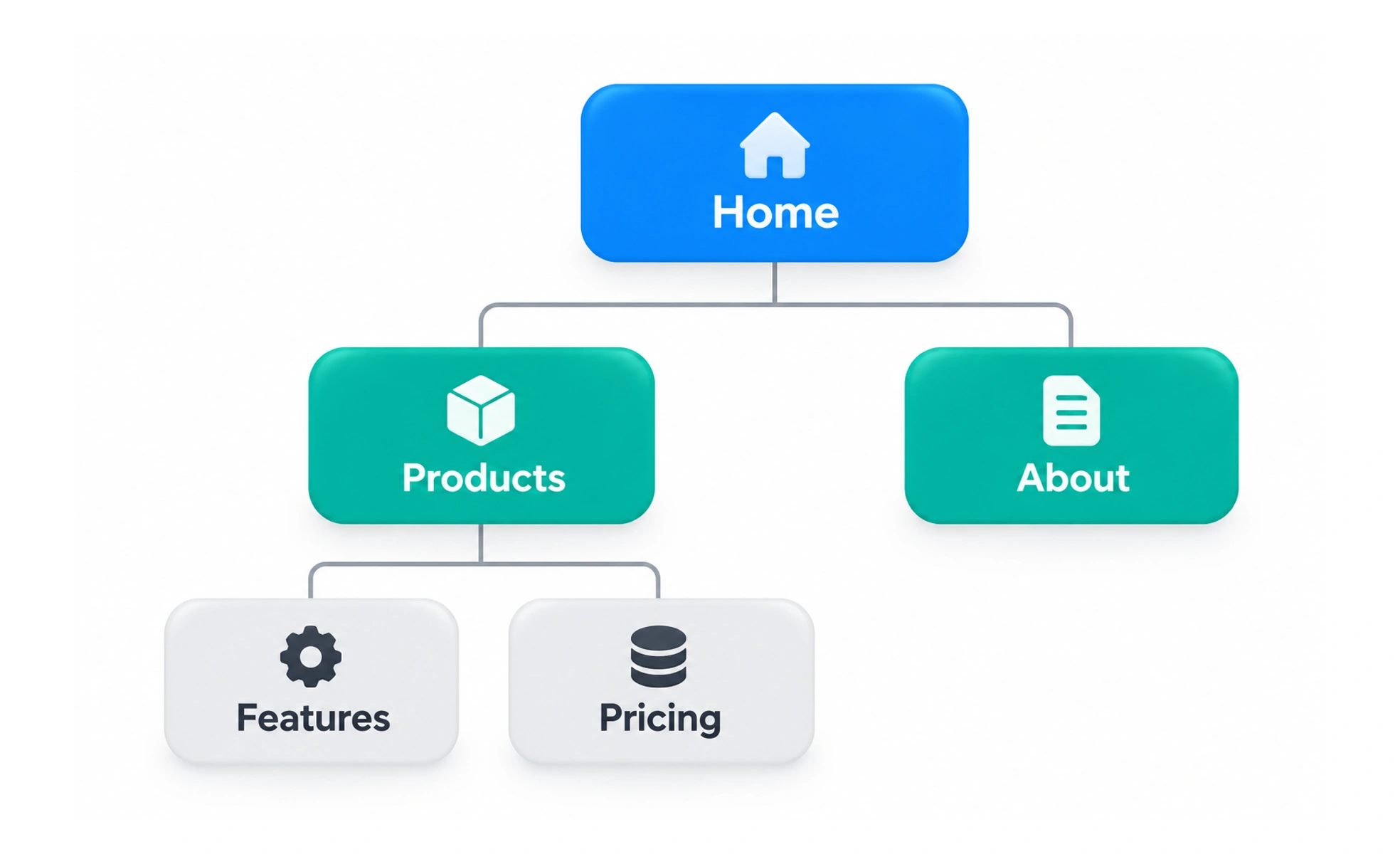
A site map is a structured view of the pages or sections in a website and how they are organized. It can help teams plan navigation, understand scope, and find gaps in information architecture.
A building directory shows the spaces and how they are grouped, while signs help visitors move through them. A site map is closer to the directory than to the on-screen navigation itself.
Represent structure at the right level
Show pages, sections, and meaningful relationships without listing every sentence or interface control. The right level depends on the task: a planning map may include ownership and status, while a public XML site map helps search engines discover indexable URLs.
Use it to examine information architecture
Review whether labels, grouping, and hierarchy match the way people look for information. A site map can expose duplicate destinations, orphaned pages, and sections that have grown without a clear purpose. Validate the structure with people; a diagram alone does not prove that navigation is easy to understand.
Keep it aligned with the product
Record important page states, permissions, and alternate routes where they affect the structure. Assign owners and update the map when sections are added, renamed, or retired. For large sites, use filters or layered views so the artifact stays useful instead of becoming unreadable.
Frequently asked questions
Key takeaways
- Show meaningful pages and structural relationships.
- Use the map to inspect hierarchy and coverage.
- Keep structure and ownership current.
- Distinguish a site map from menus and task flows.