

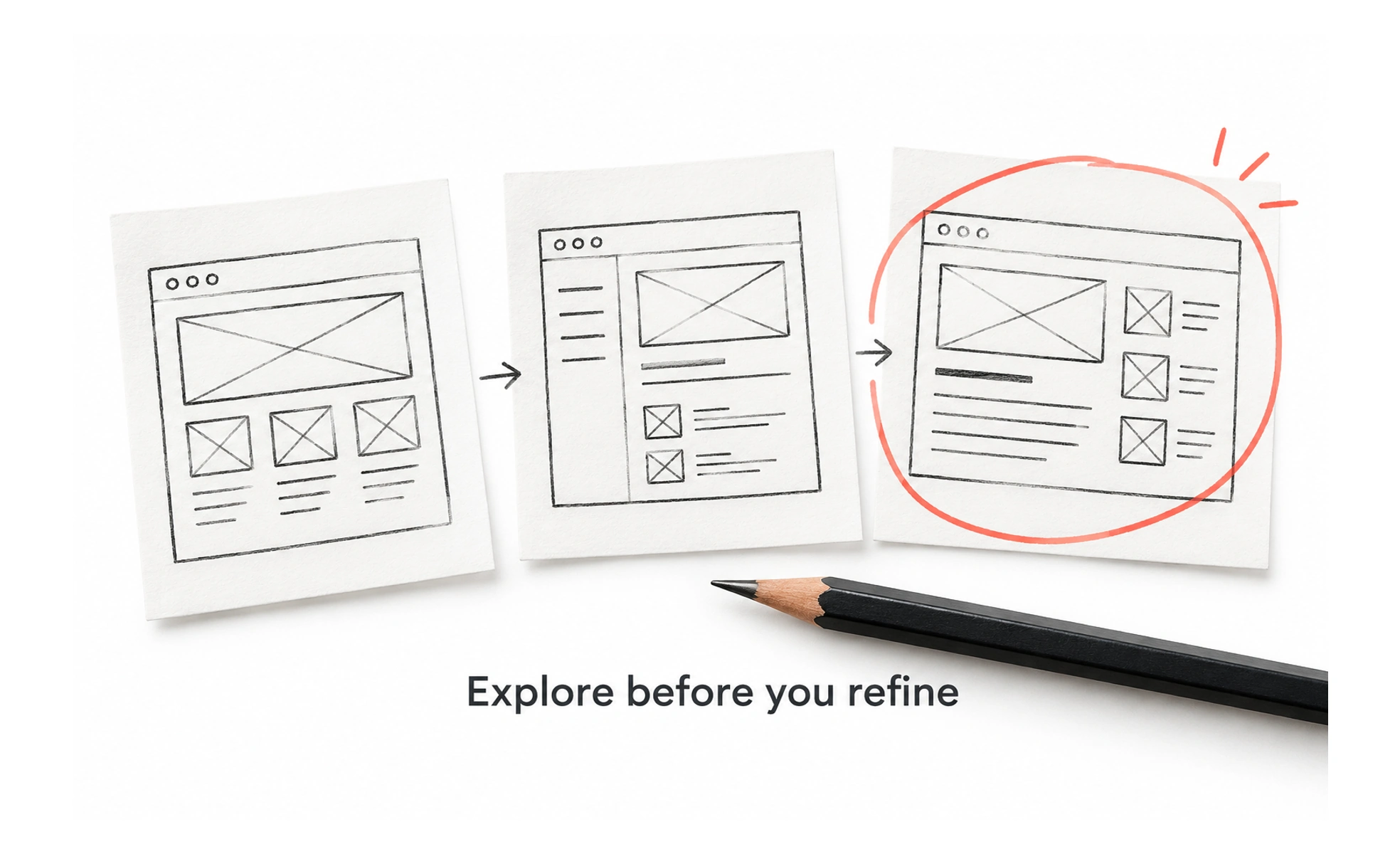
Sketches help teams make ideas visible while change is still inexpensive. They can be drawn by hand or made digitally, and they are intentionally less finished than a production interface. Their purpose is to encourage useful questions, not to imply that every detail has been decided.
A sketch is like a rough map drawn before a trip: it shows the route worth discussing without pretending every street has been checked.
Explore before polishing
A quick sketch lets a designer compare several structures without committing to detailed styling. Use simple shapes and annotations to focus on hierarchy, flow, or key states. Making an idea visible early invites feedback before a team spends time refining an approach that may not solve the problem.
Show intent and alternatives
Add notes for behavior that a static drawing cannot express, such as what happens after a selection or how an error appears. Create more than one option when a decision is still open. Label known constraints and assumptions so viewers can distinguish facts from proposed choices.
Invite focused feedback
Explain the user need and ask a concrete question, such as whether people can find the next step. Avoid asking only whether someone likes the drawing. Feedback should help the team examine comprehension, prioritization, or feasibility rather than judge polish that was never the goal.
Move to the next artifact deliberately
A sketch is not a usability test or a final specification. Turn promising directions into a wireframe, prototype, or research activity when more evidence is needed. Keep a record of the decision and avoid treating early visual details as requirements unless the team has validated them.
Frequently asked questions
Key takeaways
- Use sketches to explore and communicate ideas quickly.
- Annotate behavior, assumptions, constraints, and open choices.
- Ask for feedback about a user problem, not just visual preference.
- Choose a more detailed artifact only when the decision needs it.