

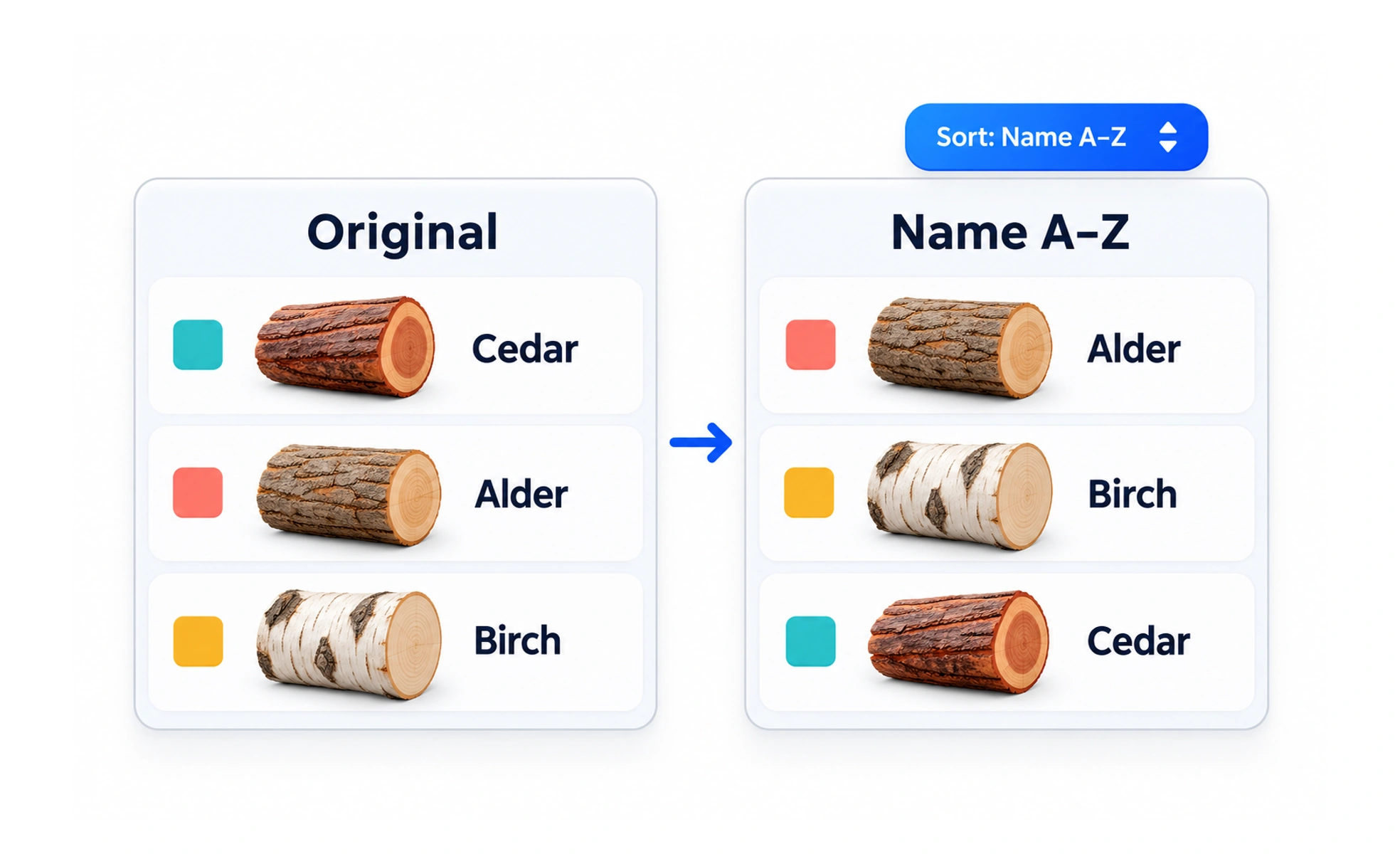
Sorting changes the order of a collection according to a chosen property, such as name, date or relevance. It helps people scan for an item or compare entries, but the control must explain the active order and behave consistently when the data changes.
It is like arranging a shelf by title or date: the items stay the same while their order changes to support a particular task.
Offer meaningful orders
Choose sort options that help people decide what to inspect, such as newest, most relevant or alphabetical. A technical field name is not a useful option unless users understand it. Do not imply popularity or quality with an order unless the underlying data supports that claim.
Show direction and active choice
For ascending and descending order, make the direction visible and expose it programmatically. A table heading can communicate whether another activation reverses the order. A separate selector should name the current choice, such as “Oldest first,” rather than a vague “Date.”
Keep results predictable
Sorting should preserve filters and query state. Define how equal values are ordered so items do not jump unpredictably between pages. When new records arrive, refresh the collection in a way that does not silently move the person away from the item they are reading.
Example: sorting project feedback
A reviewer can sort projects by newest or most applauded. “Most applauded” is only trustworthy if applause is a real, current count and ties use a stable secondary order. If the count changes while the reviewer is on page two, update the list without disguising the reason an item moved.
Frequently asked questions
Key takeaways
- Offer orders that support real user decisions.
- Make the field and direction clear.
- Use stable tie-breaking and preserve filters.
- Do not imply metrics the data cannot support.