

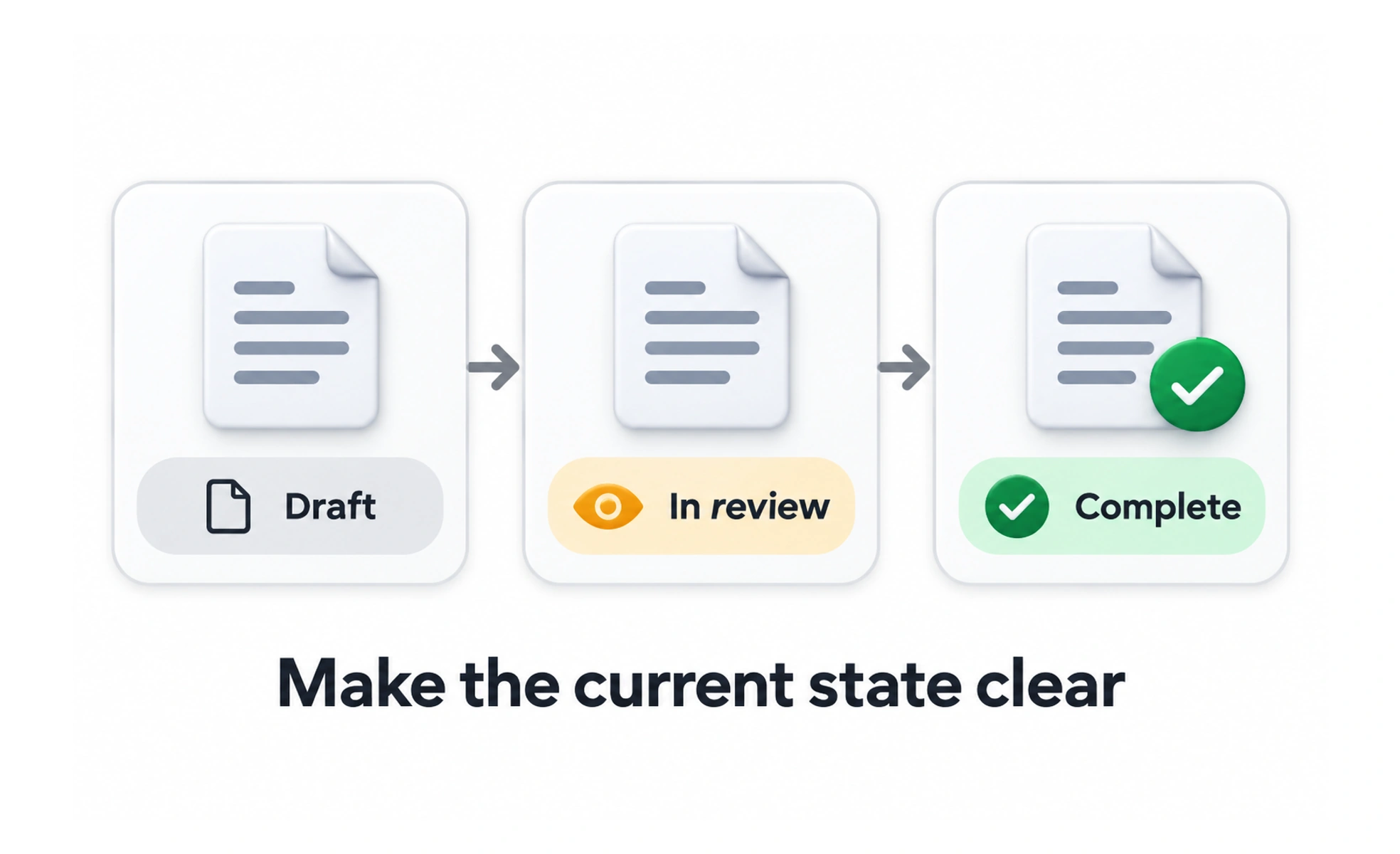
A status communicates the current state of an item or task, such as “Draft,” “In review,” “Complete,” or “Needs attention.” It helps people understand what has happened and whether they need to act.
A status label is like a marker on a parcel: it summarizes where the item is in its journey, not every detail about how it got there.
Use a small, clear vocabulary
Choose terms people can distinguish and use them consistently. “Pending,” “In progress,” and “Waiting for you” should describe different situations rather than decorate a card.
Keep the state current
Update a status only when the underlying process changes. A green “Complete” badge must not appear before the server confirms a saved result.
Do not rely on color alone
Pair color with text or another distinct indicator so the meaning remains available in different viewing conditions. Ensure the label explains a next action when one is needed.
Announce meaningful changes
When a status updates without a page reload, make the change perceivable to people using assistive technology without moving focus unexpectedly. Avoid announcing every background refresh. A consistent set such as “Draft,” “In review,” and “Published” helps people understand where an item stands. Pair each label with any color or icon so the meaning remains available in grayscale. Update the status only when the underlying operation succeeds, not when a request has merely started.
Frequently asked questions
Key takeaways
- Use consistent words for distinct states.
- Reflect confirmed data, not optimistic assumptions alone.
- Pair color with clear text.
- Announce important changes without stealing focus.