

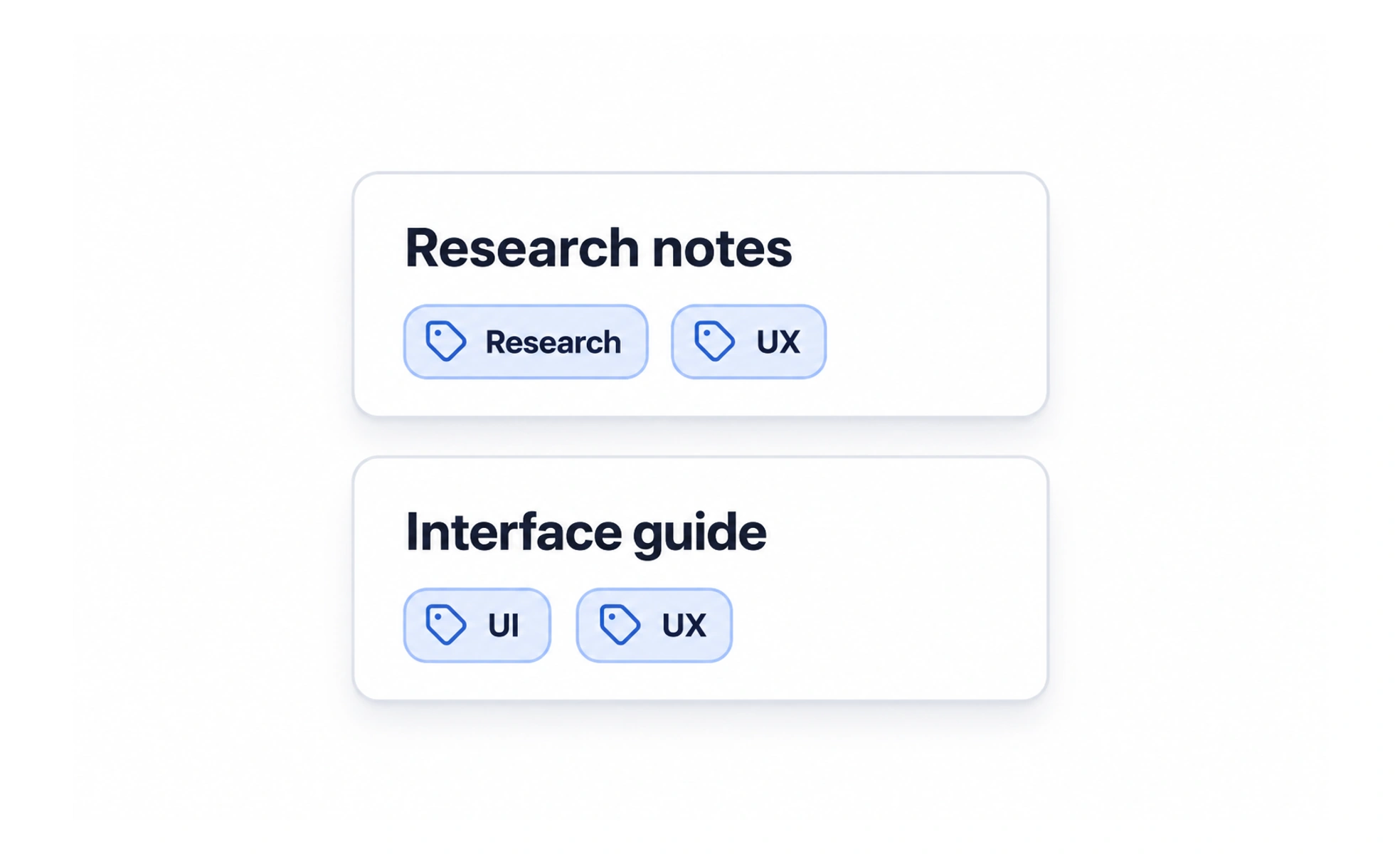
A tag can describe a topic, status, format, or other useful property. A clear tagging system helps people scan and find related items, but too many overlapping labels create noise and make filtering unpredictable. Tags should reflect a maintained vocabulary and a real user task.
Tags are like labels on storage boxes: helpful when everyone uses the same words, confusing when each person invents a new label for the same thing.
Choose a clear vocabulary
Define what kinds of information tags represent and how they differ from categories, status fields, or keywords. Use terms people understand and keep the label set consistent. If two tags mean nearly the same thing, decide whether to merge them or explain the distinction.
Make filtering predictable
Show which filters are active and how they combine, such as matching any selected tag or all of them. Let users remove a filter without losing unrelated selections. When a tag has no matching content, explain the empty result and make it easy to broaden the search.
Support creation and maintenance
Free-form tags give contributors flexibility but can produce duplicates, misspellings, and inconsistent capitalization. A controlled list improves consistency but needs an owner and a way to evolve. Choose based on the scale and governance needs of the content, not on implementation convenience alone.
Design readable tag presentation
Keep labels concise and allow them to wrap or scroll when space is limited. Color can help distinguish categories, but it should not be the only signal. Make interactive tags look actionable and provide an accessible name and selected state when they control a filter.
Frequently asked questions
Key takeaways
- Define what a tag means and how it differs from other metadata.
- Use consistent vocabulary and clear filter-combination behavior.
- Balance contributor flexibility with taxonomy maintenance.
- Make tags readable and do not rely on color alone.