

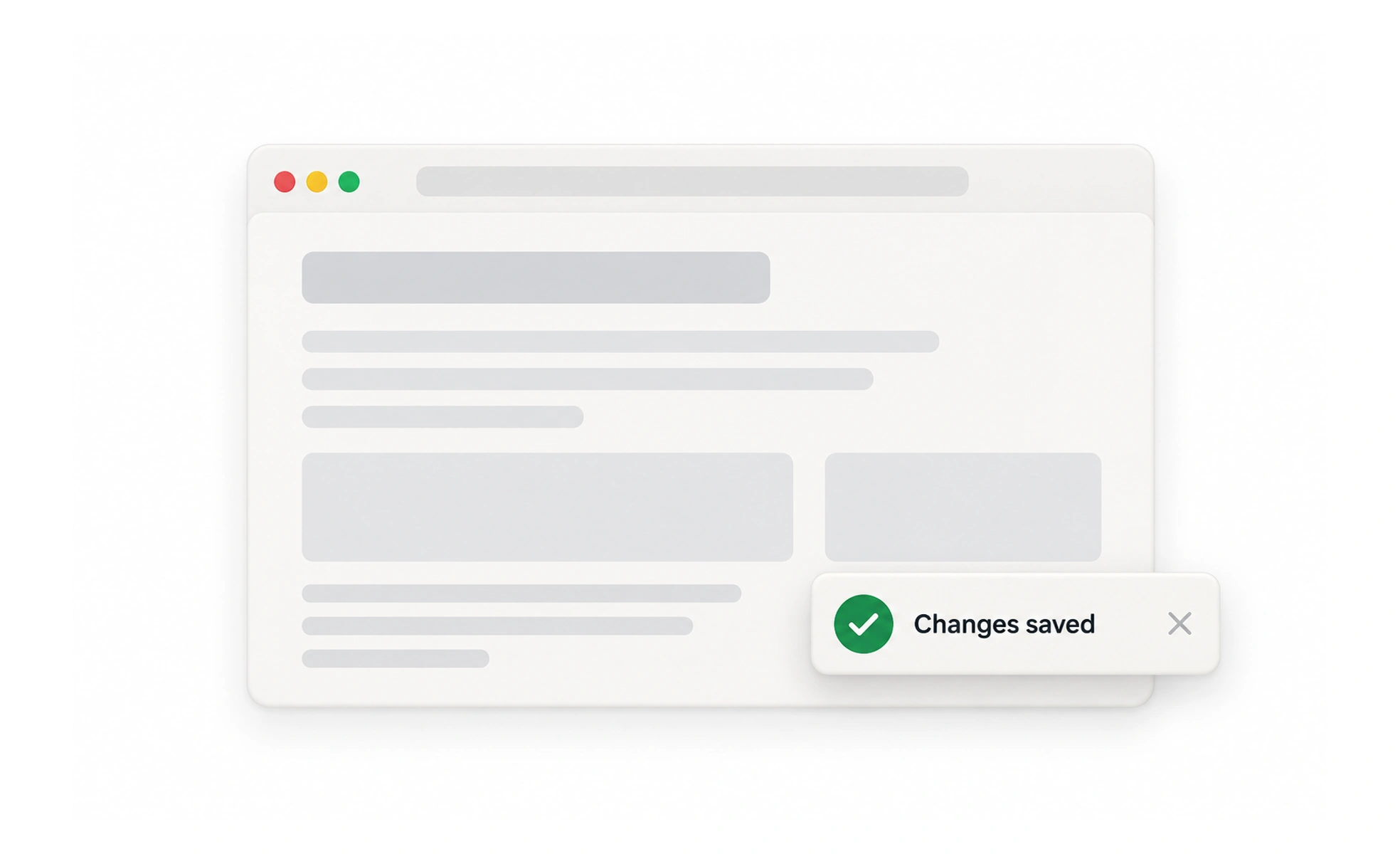
A toast is a brief, non-blocking message that appears temporarily to confirm an action or report a lightweight update. It should not carry information that people must keep, compare or act on after it disappears.
It is a quick spoken confirmation, not a notice pinned to the wall for later reference.
Choose a message that can be brief
Use a toast to confirm a lightweight result, such as “Link copied” or “Lesson saved.” If the person must review details, resolve a problem or make a decision, use a persistent message, dialog or notification instead. Do not make an important error vanish before it can be read.
Place and time it carefully
Keep the message near a predictable screen edge without covering controls or essential content. Give people enough time to read it, and avoid stacking so many that the newest hides the earlier ones. A toast that includes an action may need to remain until the person can reach it.
Make it accessible
Announce status changes to assistive technology without moving focus unexpectedly. Use clear language and an icon or color only as support. Respect reduced-motion preferences when animating the message and make sure it does not obscure keyboard focus.
Example: saving a bookmark
After a learner saves a lesson, a short “Saved to Bookmarks” toast confirms the action. The bookmark icon also remains selected, so the state does not depend on a message that disappears. If saving fails, show a clear error that stays available long enough to read and offer a retry.
Frequently asked questions
Key takeaways
- Use toasts for brief, non-blocking feedback.
- Keep the underlying interface state consistent.
- Do not hide important errors in a transient message.
- Announce updates accessibly without stealing focus.