

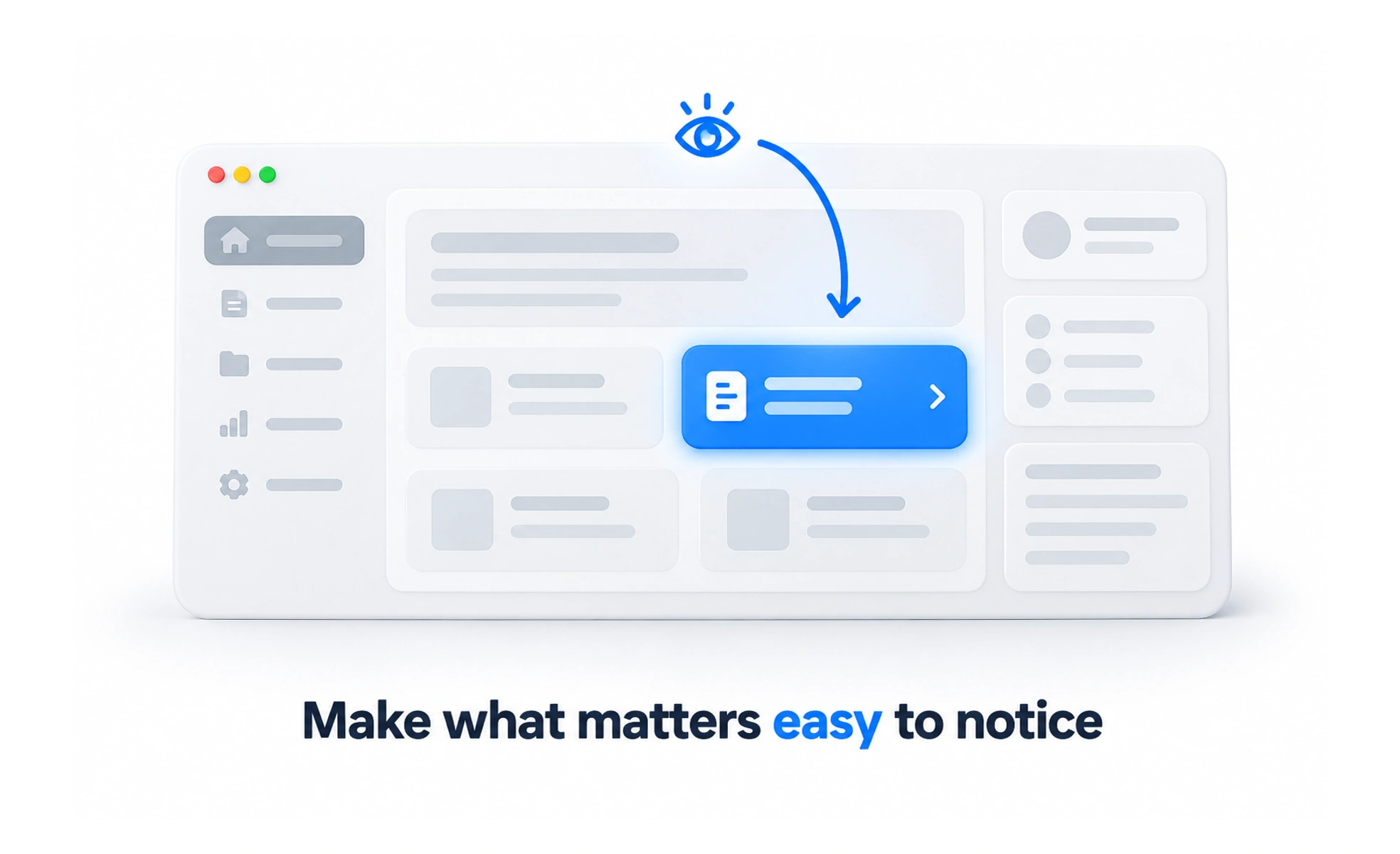
User attention is the limited focus a person can give to information and actions at a particular moment. Interface design can help people notice what matters without overwhelming or unnecessarily interrupting them.
Several people speaking at once make a conversation difficult to follow. Competing visual messages can create a similar problem on a screen.
Understand the task context
People may be learning, comparing, searching, or responding under time pressure. Their available focus varies with environment, familiarity, and access needs. Avoid assuming every visit begins with undivided attention or that people will remember a message shown much earlier in the journey.
Create a useful hierarchy
Use placement, grouping, wording, and visual emphasis to make the main task clear. Reserve the strongest treatment for information that deserves priority. When every card, banner, and badge demands attention, people must work harder to decide where to look.
Interrupt selectively
Notifications and dialogs should appear when their information is relevant enough to justify the disruption. Keep nonurgent messages out of critical task moments and offer suitable controls. A higher interaction count does not prove that attention was used in the person’s interest.
Example: an assessment question
Keep the question, answer choices, and relevant progress easy to find. Promotions and unrelated alerts can wait. If a session problem threatens the attempt, communicate it clearly with a next step so the learner does not spend effort on answers that cannot be saved.
Frequently asked questions
Key takeaways
- Design for varied task contexts and levels of focus.
- Use selective, consistent hierarchy.
- Justify interruptions by relevance and consequence.
- Evaluate task outcomes rather than captured attention alone.