

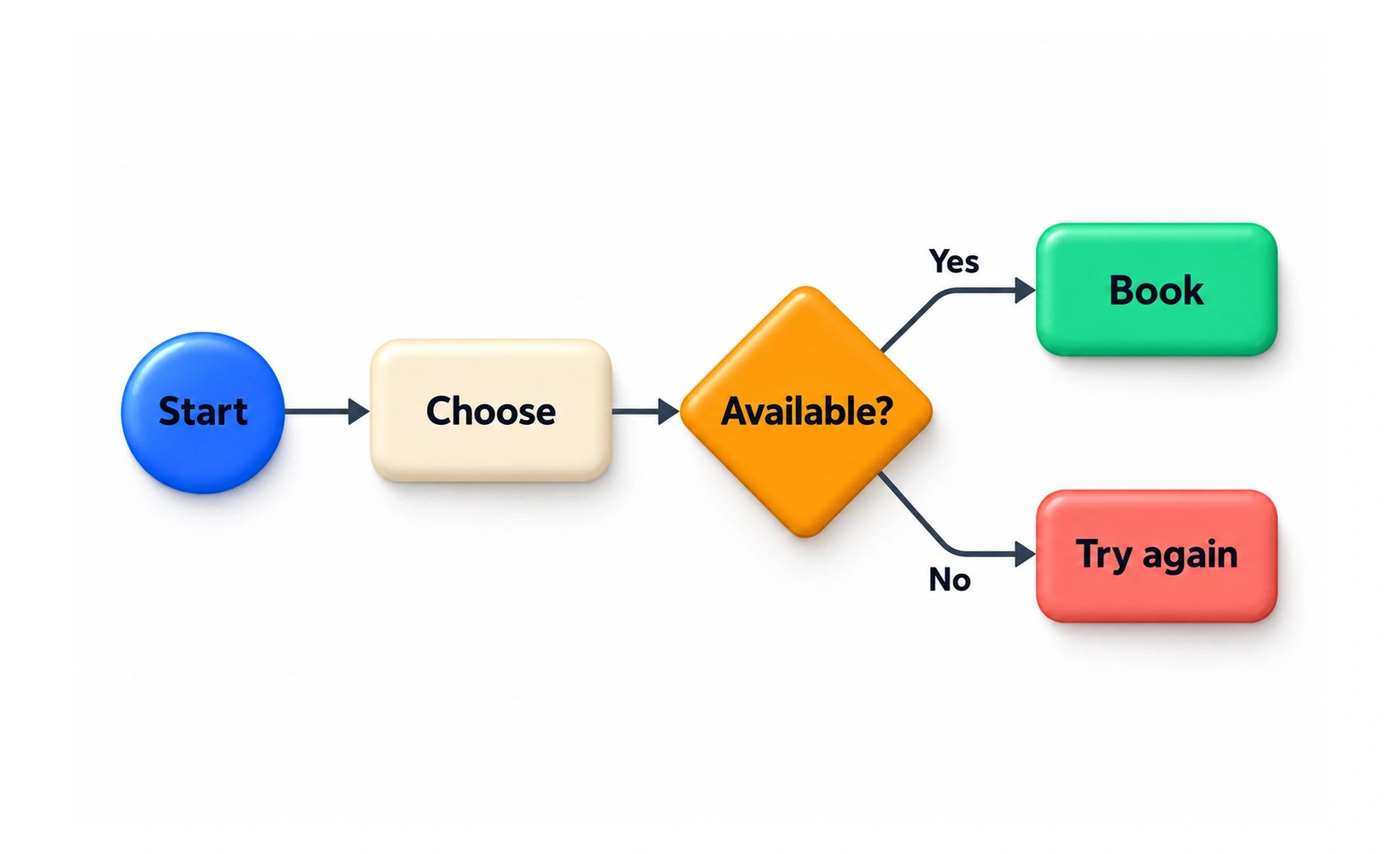
Using connected nodes, decision diamonds and screen thumbnails, it visualizes the complete decision tree. It ensures designers and developers consider every branch, error state and alternative route.
Think of it as a GPS navigation route. It maps the highway turn-by-turn from starting point to destination, including roundabouts, toll booths and alternative detours.
How it works
A user flow translates functional requirements into structured visual state transitions and branches.
- Entry points define where the user begins the interaction, such as clicking an email link or tapping a push notification.
- Action steps depict screens, modal dialogues or user inputs, showing the progression of interface states.
- Decision nodes branch the path based on user choices, permissions, authentication status or system validation rules.
- Success states conclude the flow when the user successfully achieves their objective and receives clear confirmation.
When to use it
Draft user flows before building high-fidelity visual mockups to validate logical completeness.
- Designing multi-step forms verifies whether checkout or account registration handles all edge cases and validation errors.
- Engineering handoff discussions provides developers with a clear schematic of API states, error branches and success modals.
- Auditing existing products spots unnecessary clicks, redundant confirmation steps and circular dead-ends in legacy software.
- Scope scoping workshops helps product managers identify minimum viable interaction paths for upcoming sprint releases.
Common mistakes
Designers frequently create brittle flows by designing only the happy path and ignoring failures.
- Ignoring error states and edge cases, such as expired sessions, invalid inputs or network timeouts.
- Jumping directly into high-fidelity screens before confirming whether the underlying interaction steps make sense.
- Creating monolithic spaghetti diagrams that attempt to show an entire complex application on a single overwhelming canvas.
Frequently asked questions
Key takeaways
- User flows diagram the exact path of screens, actions and decisions required to reach a goal.
- Diagramming flows before high-fidelity visual design uncovers logical gaps and dead ends early.
- Always design alternative branches, validation errors and technical timeout edge cases.
- Keep flows focused on a single customer task to maintain clarity during engineering reviews.