

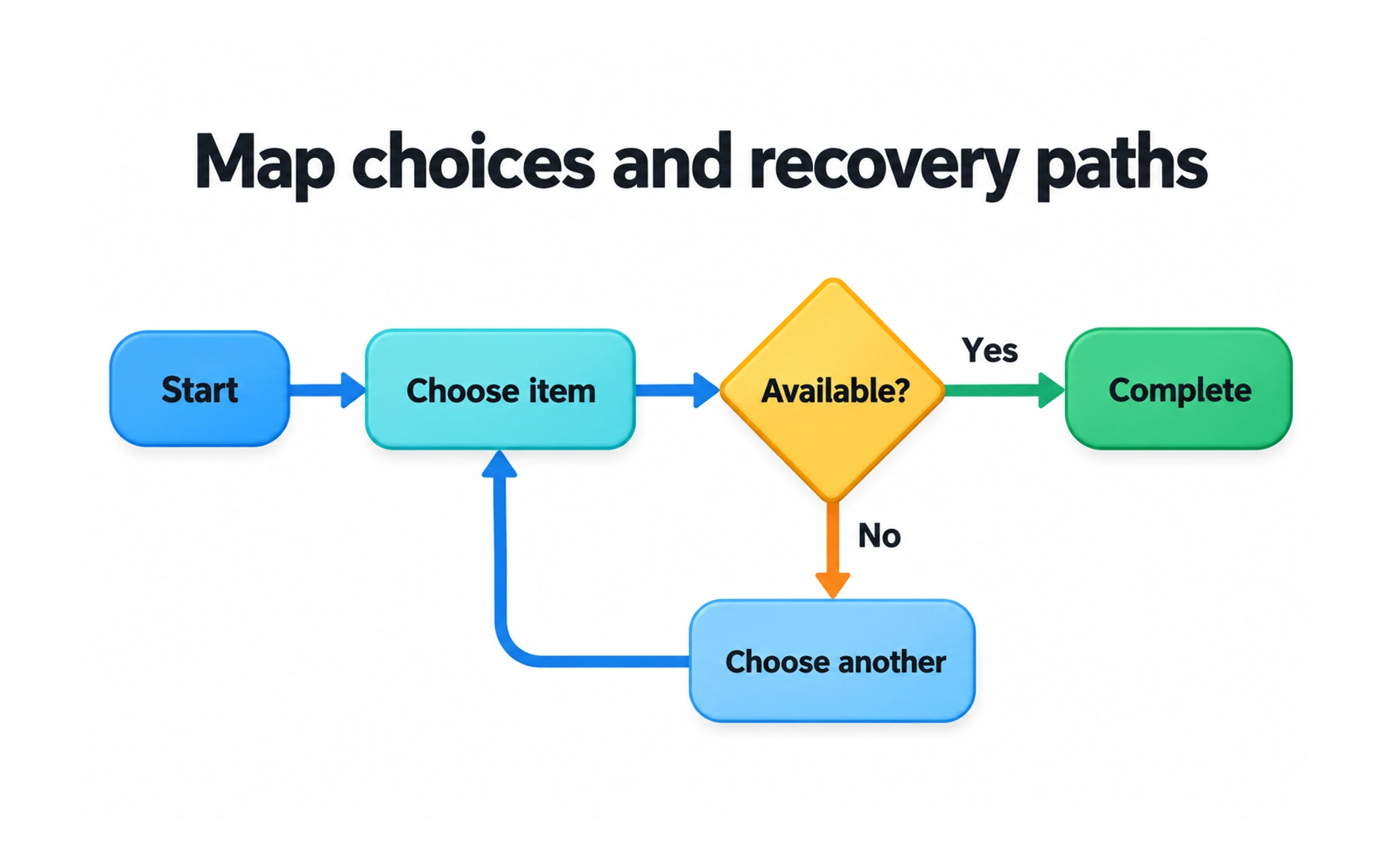
A user flow is the diagram. Mapping is the work of deciding what belongs in it and checking that it reflects the real task. The useful output is not a tidy line of screens: it is an explicit account of what people need to do, what the service requires and where either can fail.
Start with a task and a boundary
Write the goal in the person’s language: “Reschedule my appointment” is more useful than “Use appointment management.” Record the entry point, what the person already knows and what counts as success.
A journey map can cover experiences across days and channels. A task flow describes a narrower sequence. State which scope you are mapping so the diagram does not quietly expand into the whole service.
Map decisions and recovery
Use actions for things people do, decisions for conditions that change the next step, and outcomes for where a branch ends. Agree a small notation with the team; consistency matters more than decorative shapes.
- Include entry from an email or saved link when that route exists.
- Distinguish a required decision from an optional preference.
- Show what happens when information is missing, invalid or unavailable.
- Mark system work, such as reserving a slot, separately from user actions.
Trace each branch to a useful outcome. An error box without a next action is a problem recorded, not a problem resolved.
Example: moving an appointment
A person opens a reminder, chooses a new time and confirms the change. Before confirmation, the service checks that the slot remains available. If somebody else took it, the flow returns to available times while preserving the appointment details.
Mapping exposes a critical rule: the original appointment should remain booked until the replacement succeeds. That requirement is easy to miss when reviewing only the successful screen sequence.
Check the map against evidence
Walk the flow with engineering, support and a person who understands the task. Test the uncertain branches in a prototype or real workflow. Label assumptions and revise them when observations disagree.
Avoid treating every click as equally important. Use enough detail to answer the current design question, and link to deeper flows when a branch needs its own explanation.
Frequently asked questions
Key takeaways
- Define the task, entry point and success condition before drawing screens.
- Include decisions, unavailable states and recovery paths.
- Use mapping to reveal product rules, not just navigation.
- Distinguish observed behavior from assumptions.