

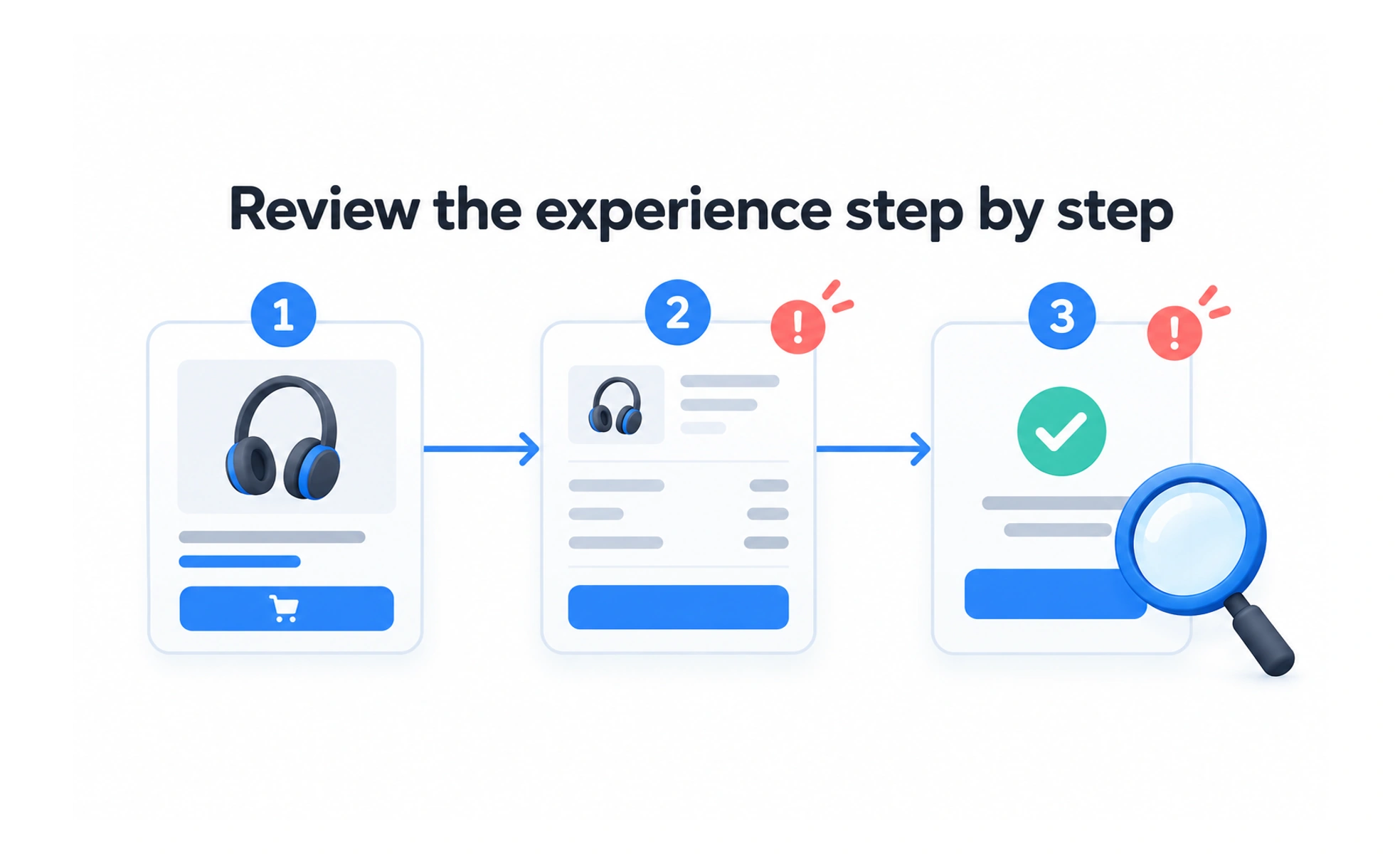
A walkthrough is a guided review of a product, process, or prototype in which participants examine steps and discuss what happens. It can reveal questions and gaps, but the method should match the evidence the team needs.
A guide can lead visitors through a building and explain what each room is for. To learn whether visitors can find a room alone, however, the guide needs to step back.
Define the walkthrough’s purpose
Decide whether the goal is to explain a feature, review a flow with colleagues, assess usability, or teach a process. Each purpose calls for different participants and prompts. Do not call a demonstration a usability test if the facilitator completes the task or tells participants what to do.
Prepare a realistic path
Choose a scenario and starting state that reflect actual use. Check prototype links, test data, and known limitations. A prepared path helps a session run smoothly, but participants should be able to ask questions or explore relevant alternatives rather than being forced through a script that hides confusion.
Facilitate without leading
Explain the activity and encourage people to describe what they expect and notice. When the purpose is evaluation, avoid revealing the correct route too early. Record observations separately from interpretations, and provide an accessible way for participants to engage or decline a step.
Turn observations into next steps
Summarize points of friction, unanswered questions, and strengths. Note who participated and what the prototype could not test. Prioritize follow-up work by impact and evidence. A smooth walkthrough with a facilitator does not show that an unfamiliar person can complete the same task independently.
Frequently asked questions
Key takeaways
- Choose participants and prompts based on the session goal.
- Use a realistic scenario and make limitations visible.
- Avoid leading people when evaluating usability.
- Separate observations from conclusions and plan follow-up.