

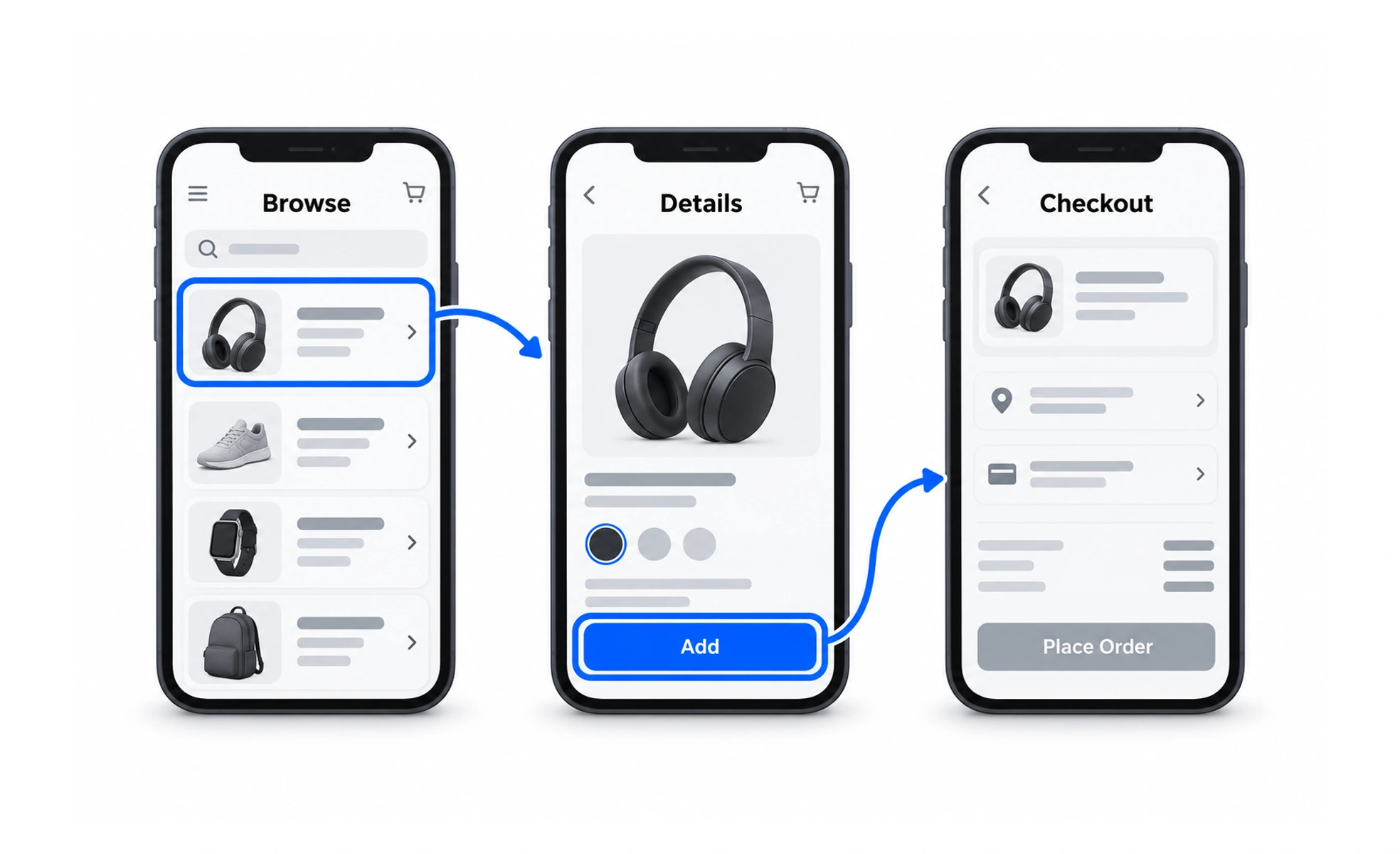
A wireframe shows what an interface may contain. A flowchart shows a sequence. A wireflow places those views together so a team can discuss which control causes a change and what someone sees next.
Begin with the important interaction
Choose a task with questions that screen context can help answer. A small dialog may have several states even though its URL never changes. Showing those states can explain more than a list of page names.
Keep the sketches simple enough to change. Include the content and controls that affect the task, without spending time on final typography or decorative detail.
Label transitions and exceptional states
Connect sketches with the action or event that moves the task forward. Distinguish a button click from a successful server response. They may lead to different states when a request fails.
- Show the trigger for each transition.
- Include important loading and error states.
- Explain where cancellation or Back returns.
- Number or group sketches when paths become crowded.
If the diagram is hard to read, split it by task instead of shrinking everything.
Example: adding a teammate
A wireflow shows an invite dialog, an address entered, a pending request and a confirmation. A separate branch shows that the address already belongs to the team.
Reviewers can see that the existing-member message belongs next to the address field, while a temporary service failure needs a retry option. The difference is clearer when the actual dialog structure appears beside each transition.
Keep it connected to implementation
Walk through the wireflow with designers and developers before treating it as agreed behavior. Resolve unclear conditions and record any assumptions.
A wireflow is not a functioning prototype. It cannot reveal every issue with timing, focus or input. Check the built interaction and update the diagram if its behavior changes.
Frequently asked questions
Key takeaways
- Combine screen structure with the task sequence.
- Label actions separately from their outcomes.
- Include important failure, loading and cancellation states.
- Keep diagrams readable and consistent with implementation.