Shadow
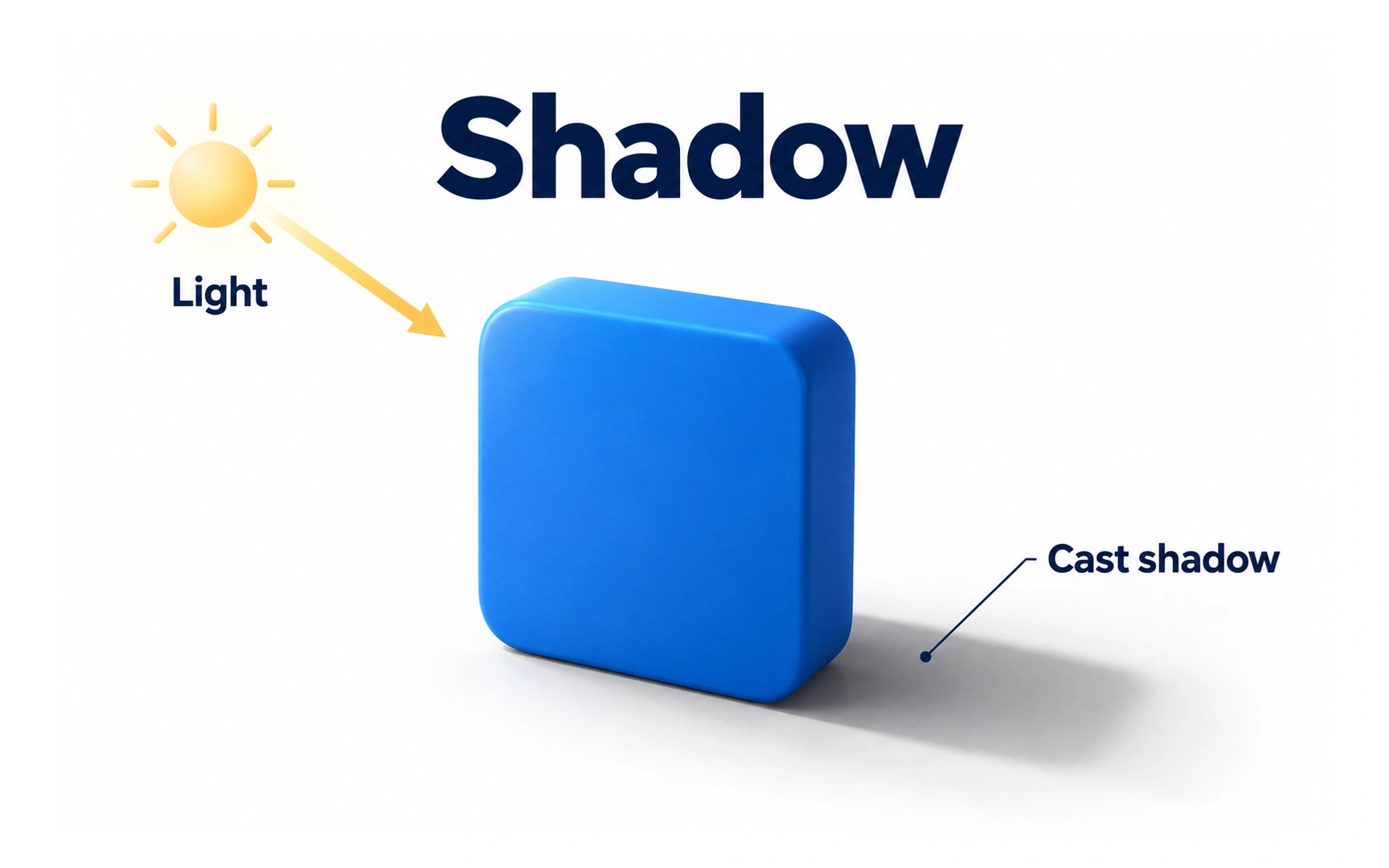
A shadow appears where an object blocks light. In the example, light comes from the top left, so the block casts its shadow down and to the right. Interfaces borrow this effect to show depth on a flat screen.
Shadows do three useful jobs in an interface:
- Show what you can interact with. A raised button looks pressable; a slightly sunken field looks like a place to type.
- Draw attention. A lifted card or a floating button stands out from the page.
- Show layers. Elements with bigger shadows look closer, so menus and dialogs read as sitting on top.
Used too often, shadows lose their meaning and make a screen look busy. Give every shadow a reason.

