UI Design Deliverables
Learn what UI designers create, from mood boards and design systems to mockups and handoff.
UI designers produce more than finished screens. This lesson covers the main things they create and share, from early mood boards to type, color, grid and design systems, mockups, icon sets and the handoff that helps developers build the design.
Mood boards
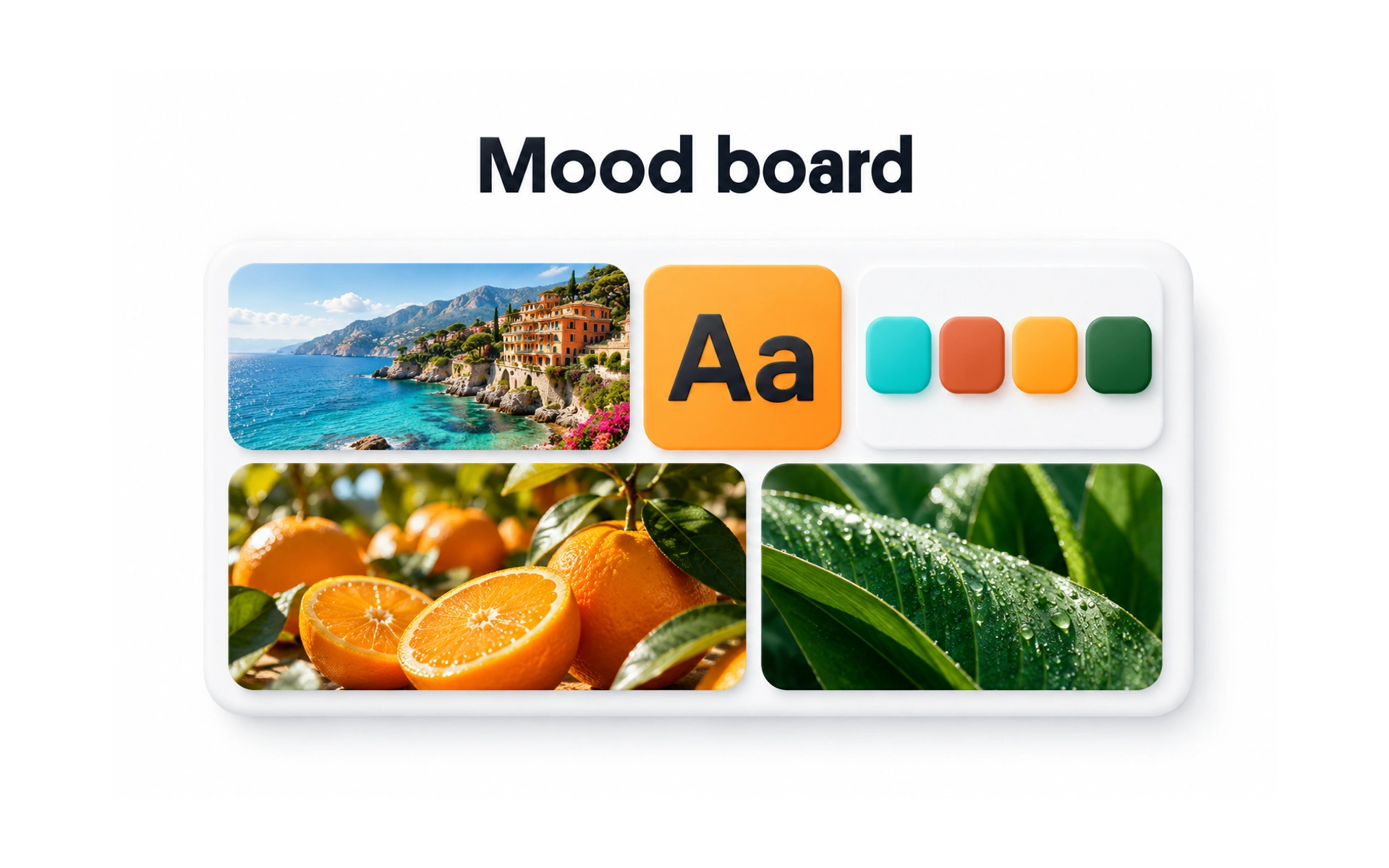
A mood board collects images, colors, type and textures that capture the feel of a product. The example combines coastal photos, citrus and leaves with a bold typeface and a matching palette.
Mood boards come early in a project. They help the team and stakeholders agree on a visual direction before anyone designs real screens.
Because nothing is final yet, feedback is cheap. It is much easier to change direction on a mood board than on finished designs.
Type systems
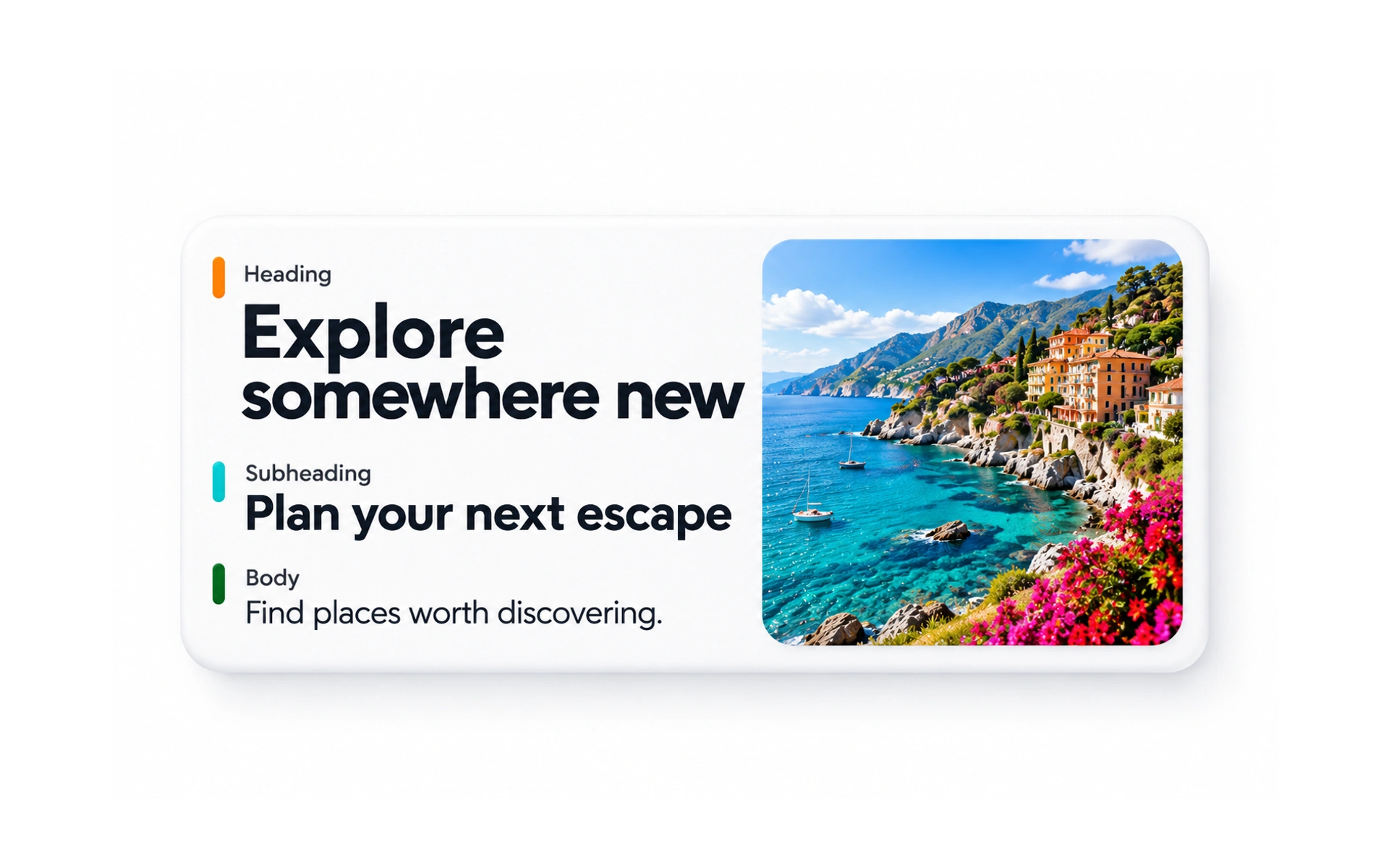
A type system defines how text looks across a product. The example shows three levels: a large heading, a subheading and body text.
Each level has a set typeface, size, weight and line height, so text looks consistent and the hierarchy is clear on every screen.
When building a type system:
- Use only one or two typefaces.
- Define a clear set of text styles, from headings to captions.
- Check readability on different screens and sizes.
- Keep line height and spacing consistent.
Color systems
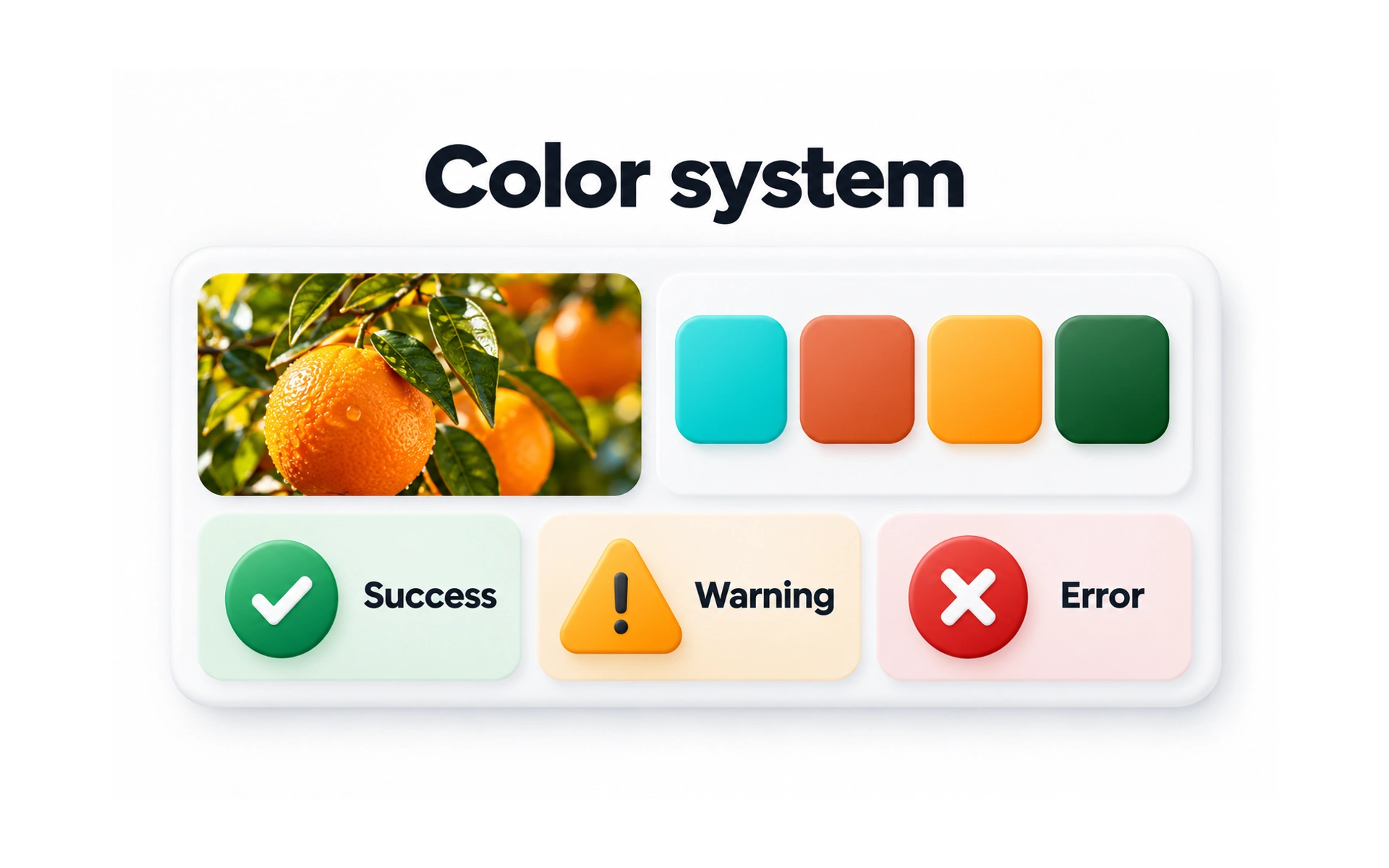
A color system defines which colors a product uses and what each one means. The example shows a palette inspired by a photo, plus colors for success, warning and error.
Beyond brand colors, a color system assigns colors to roles, such as primary actions, backgrounds, text and feedback messages.
Good color systems are accessible: text and controls have enough contrast, and meaning never relies on color alone.
Design systems
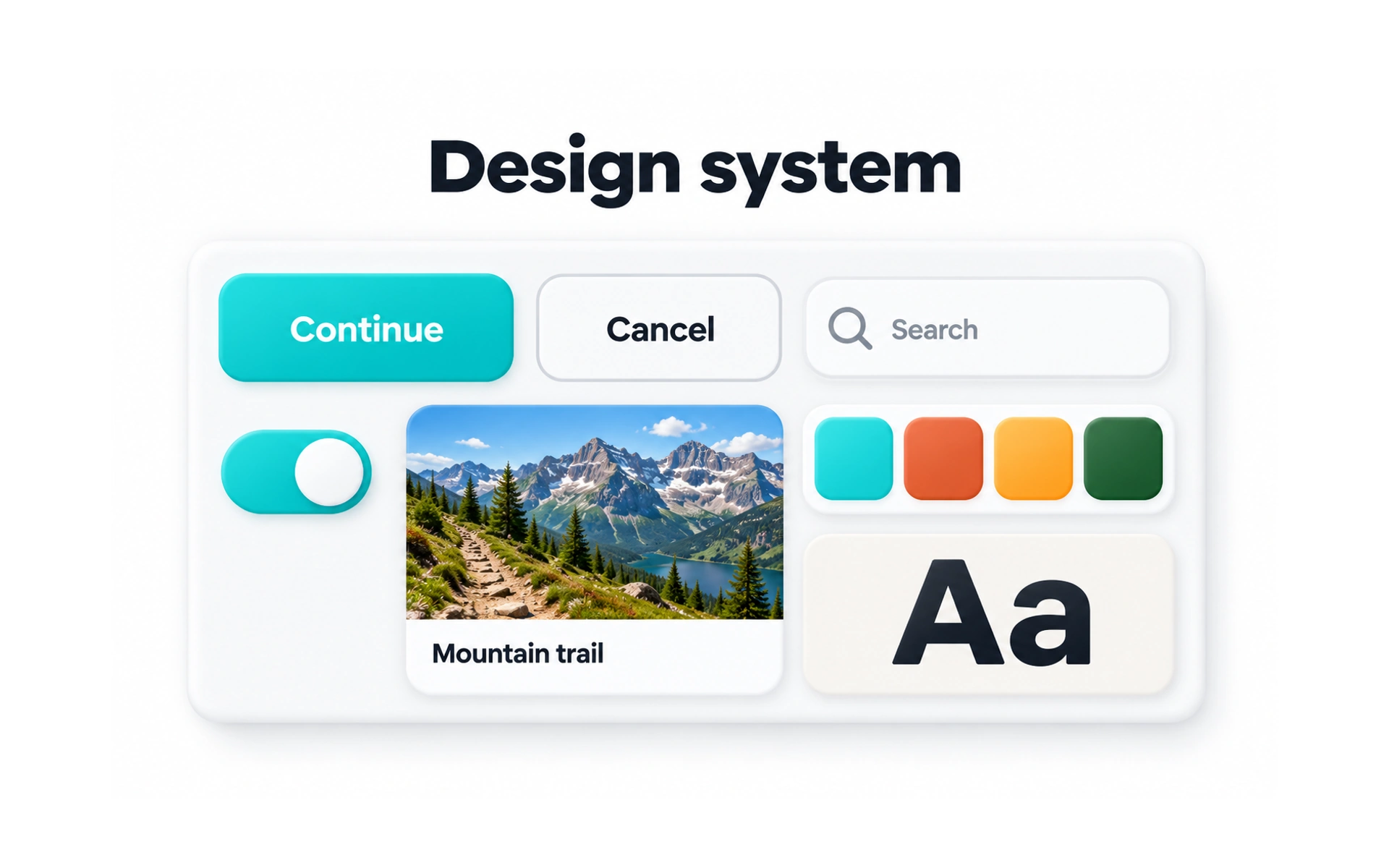
A design system is a shared library of components, styles and guidelines. The example brings together buttons, a search field, a toggle, a card, colors and type.
Teams use the same parts instead of redesigning them for every screen. A good design system:
- Keeps the product consistent.
- Saves time by reusing existing parts.
- Gives designers and developers a shared language.
It works best when it includes both design files and code, plus guidance on when to use each part.
Grid systems
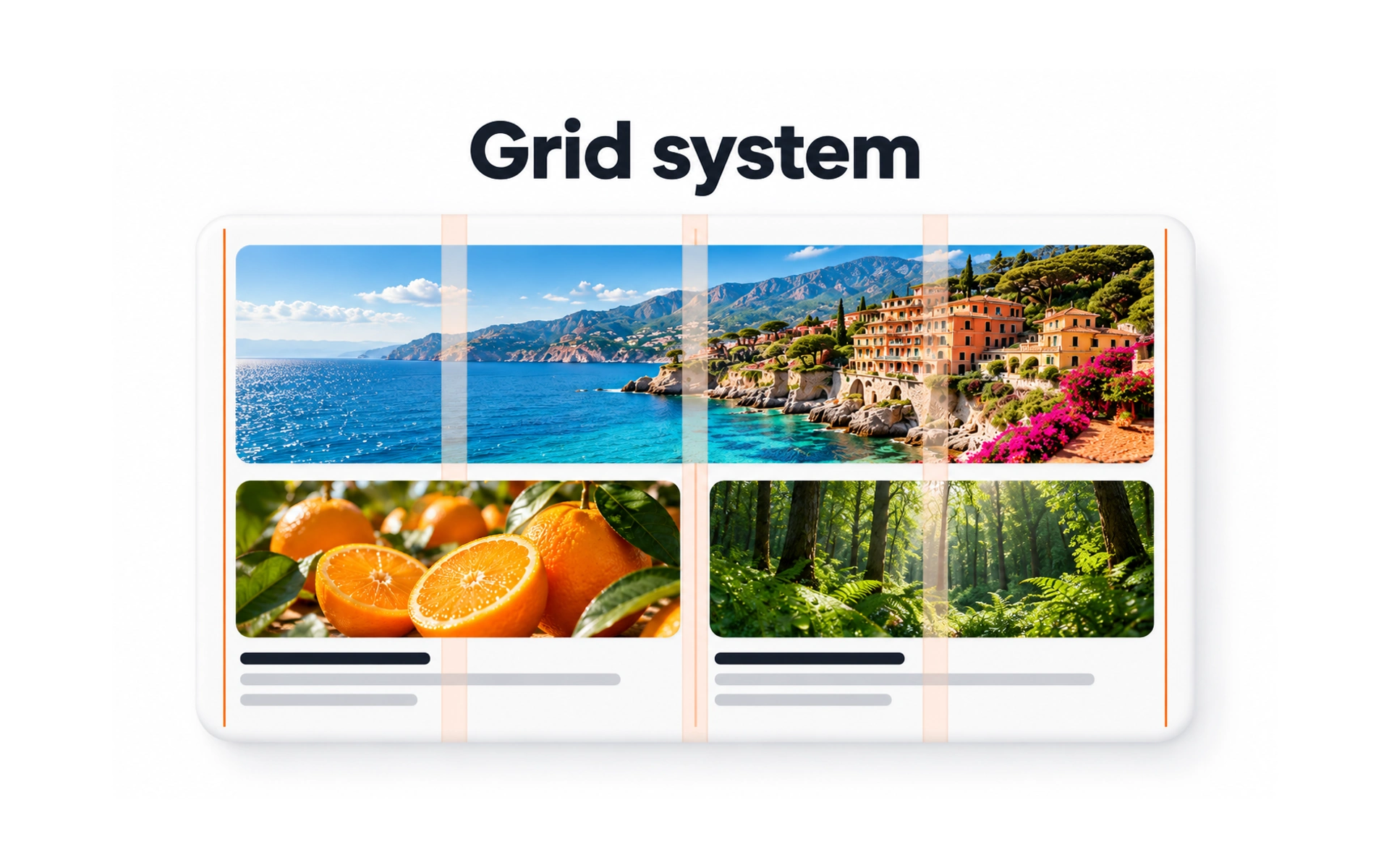
A grid system defines the columns, gutters and margins that layouts follow. In the example, images and text line up with the shaded columns.
A shared grid makes layouts consistent across screens and saves designers from measuring every gap.
It also helps developers, because the same grid can be set up once in code and reused on every page.
Design handoff
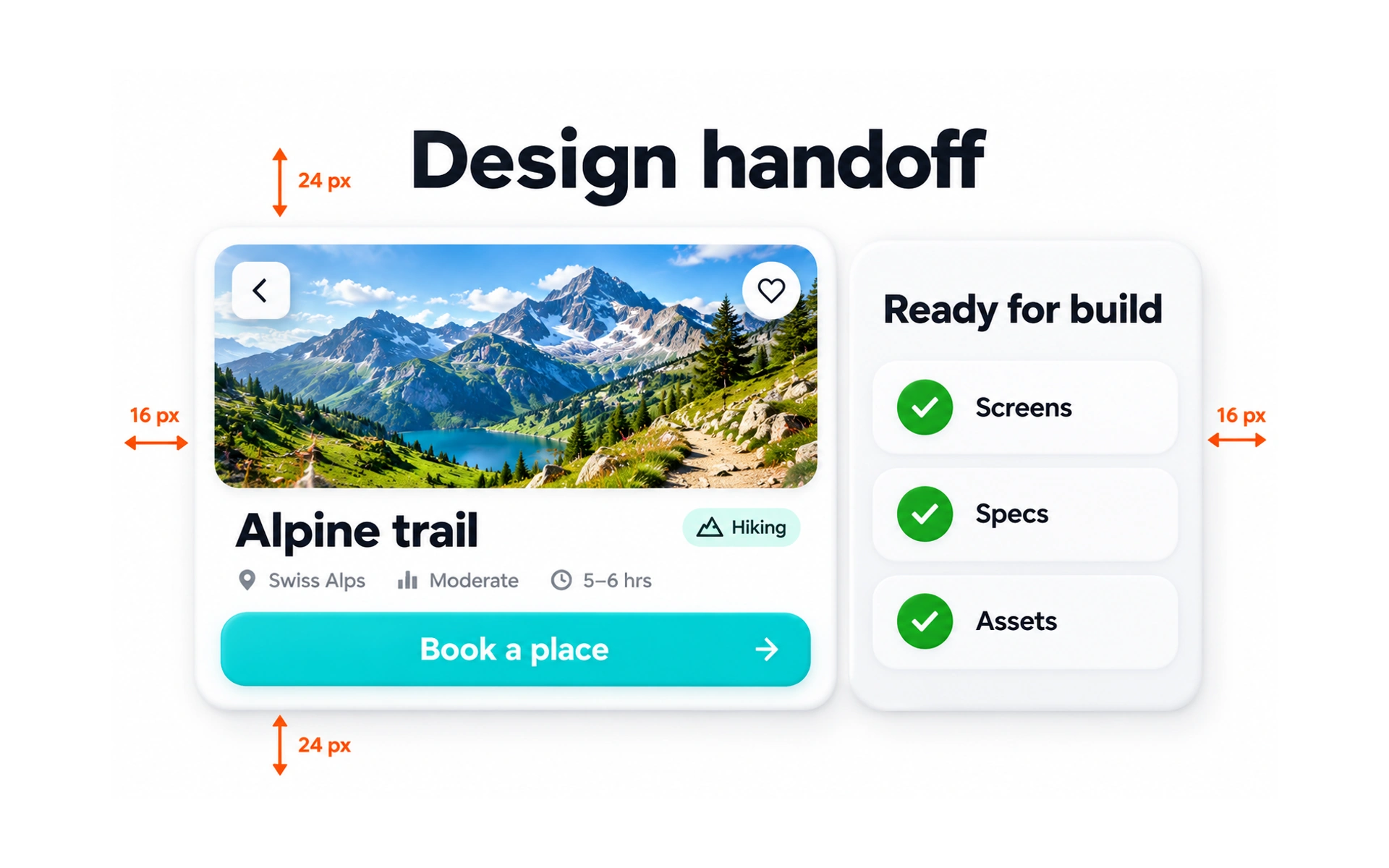
A handoff gives developers everything they need to build a design. The example shows a screen with spacing specs, next to a checklist: screens, specs and assets.
A good handoff also covers states that a single screen does not show, such as loading, empty, error and success, and how the layout behaves on other screen sizes.
Handoff is not a one-time event. Talk to developers early, and review the built result together to catch differences.
Mockups
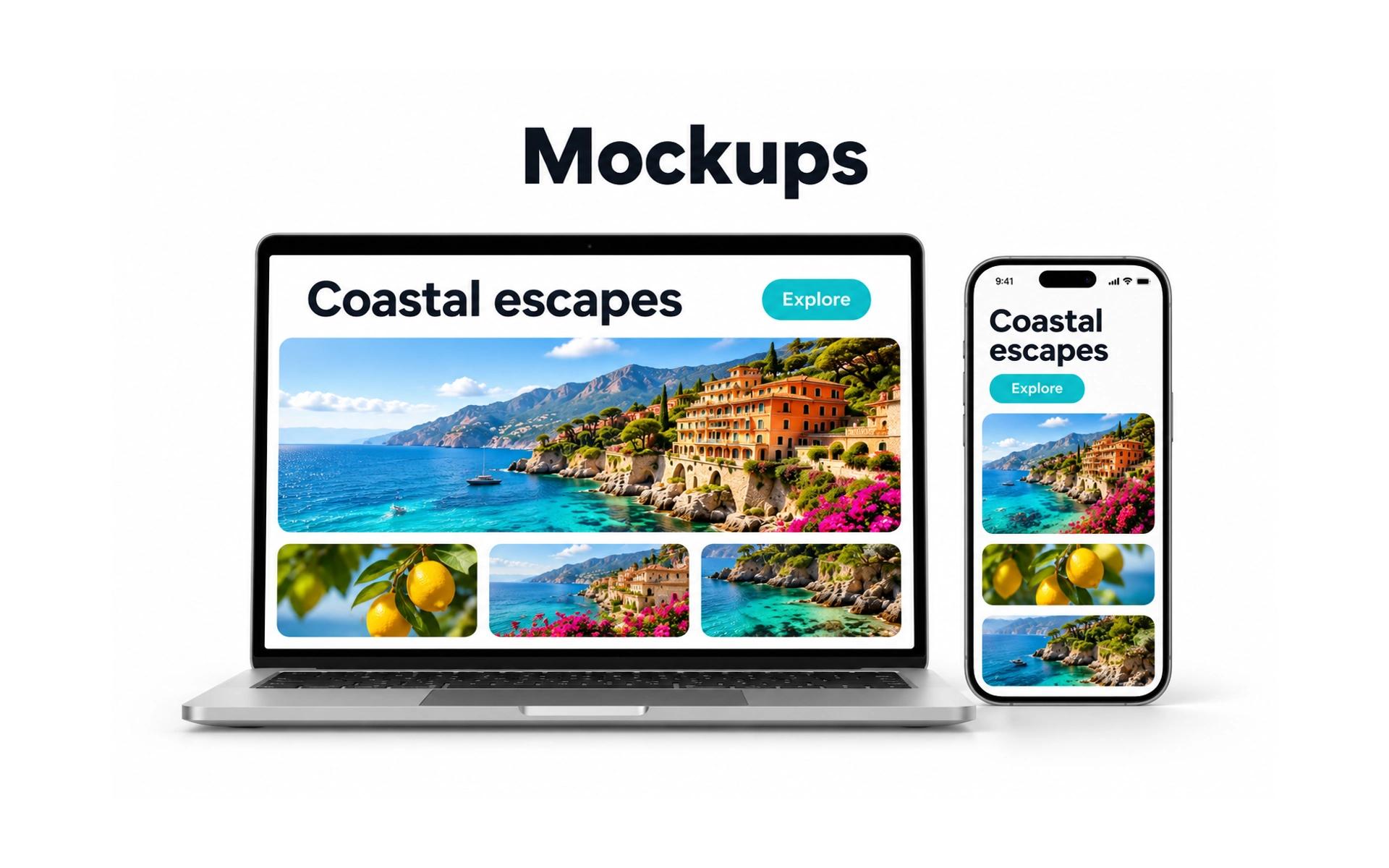
A mockup is a realistic, static picture of a finished design. The example shows the same Coastal escapes page on a laptop and a phone.
Mockups show exactly how a screen should look, with real content, colors and type. They are useful for reviews, stakeholder presentations and portfolios.
Because they are static, mockups do not show behavior. Pair them with a prototype or notes to explain how things move and respond.
Icon sets
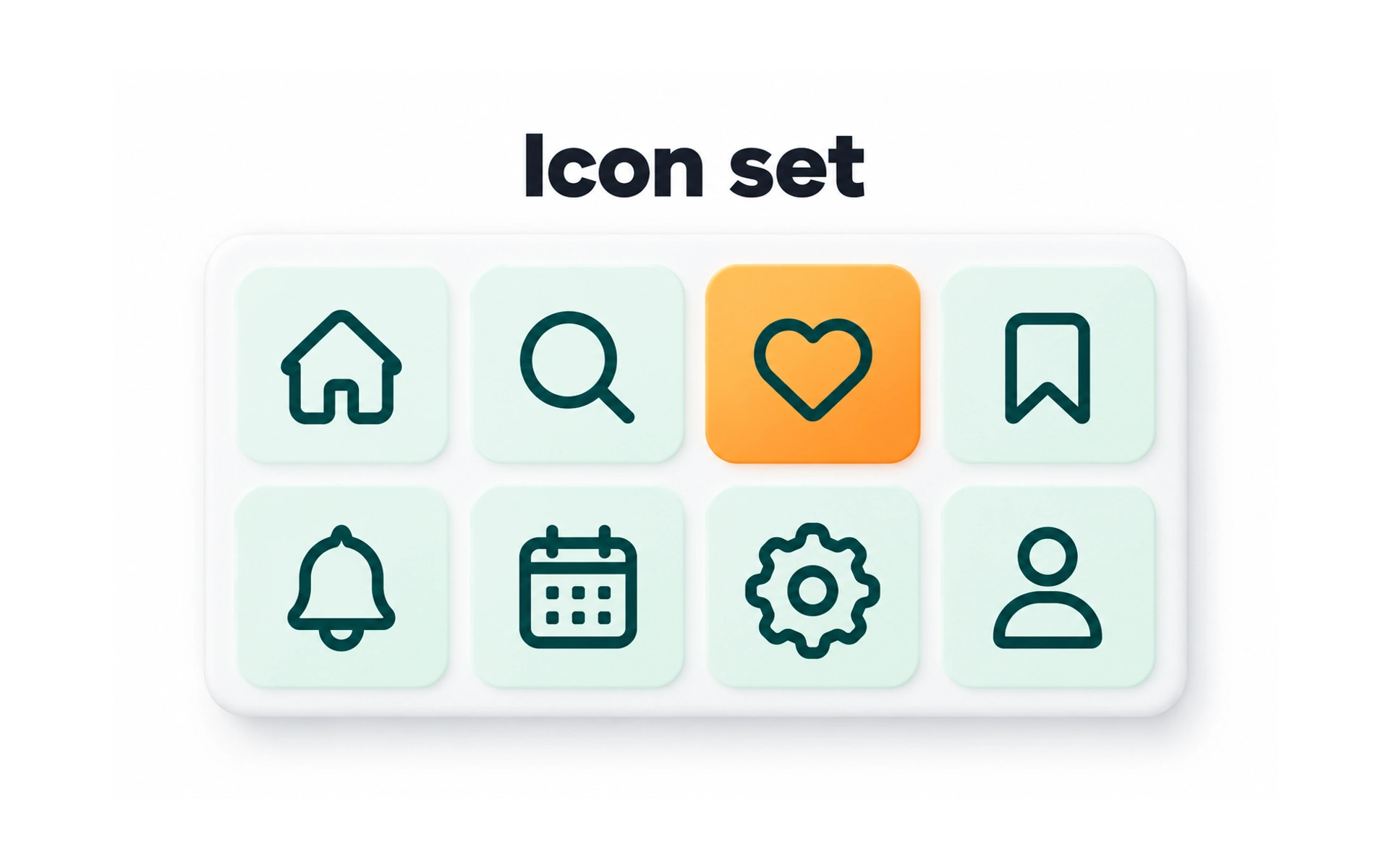
An icon set is a group of icons designed to work together. In the example, eight icons share the same stroke weight, corners and size.
Icons help people recognize actions quickly, such as home, search, favorites and settings.
Deliver icons with clear names from one shared library, so everyone uses the current, approved version.
TOPICS
FROM COURSE