Help and documentation
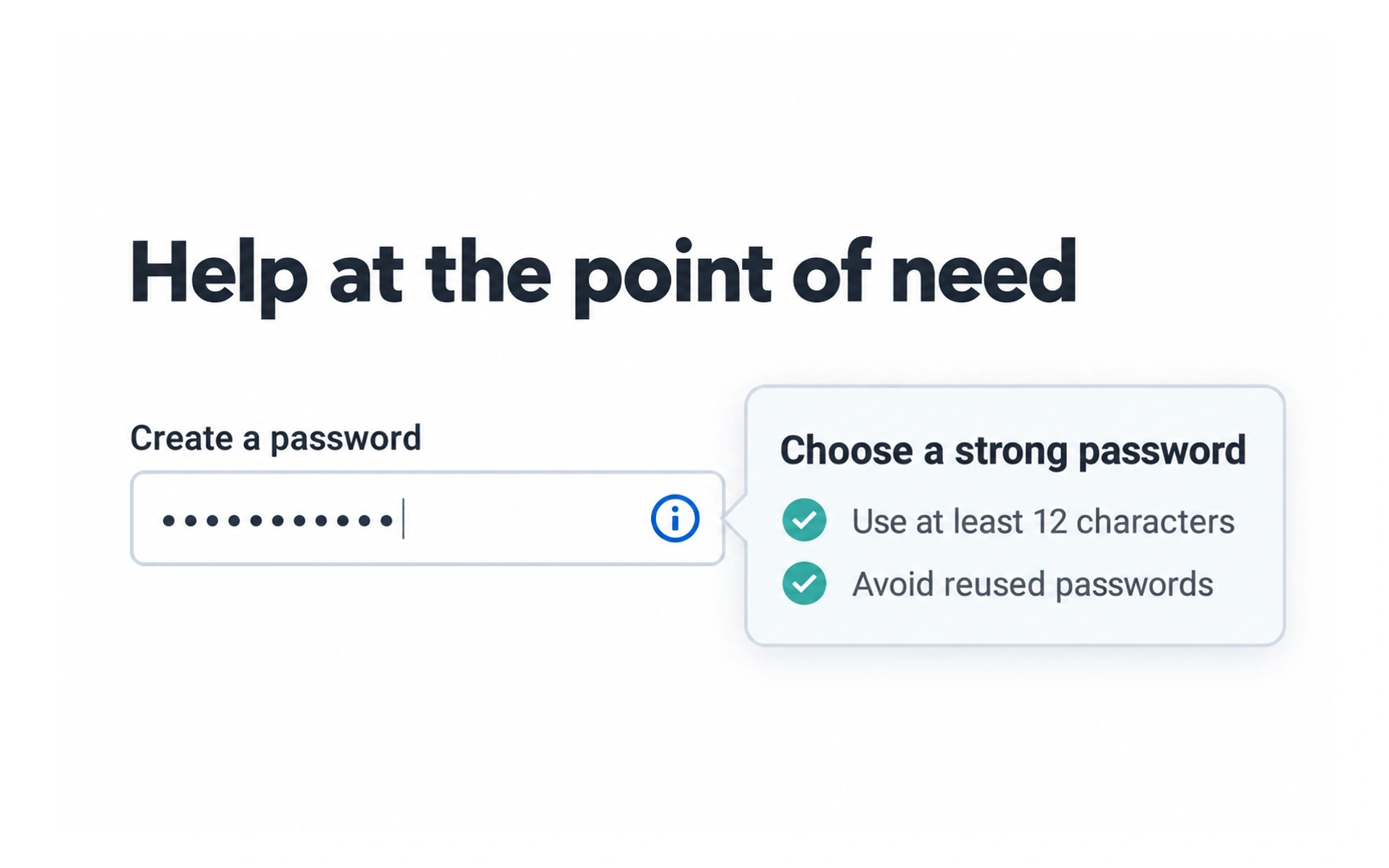
The best design needs little explanation, but sometimes people need help. In the example, an info icon next to the password field opens tips for choosing a strong password.
The help appears right where it is needed, at the moment the person is creating a password.
Keep help short and tied to the task. For bigger questions, make a help center or FAQ easy to find and search.

