Flexibility and efficiency
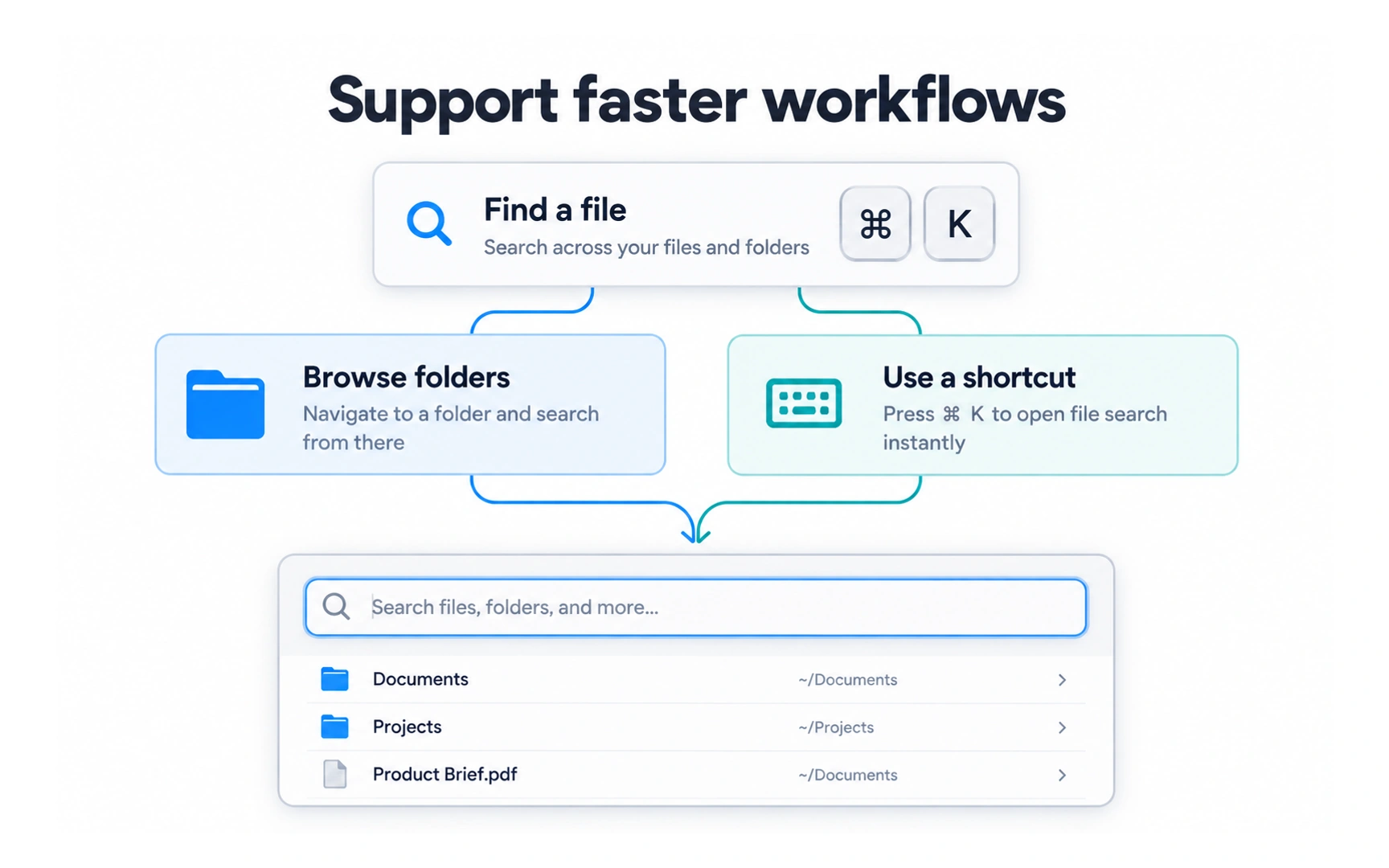
A good interface works for both newcomers and experienced users. In the example, there are two ways to find a file: browse the folders or press ⌘K to open search.
Newcomers can follow the visible path. Experienced users can take the shortcut and reach the same place faster.
Add accelerators, such as keyboard shortcuts, gestures and saved settings, without removing the simple path. Showing a shortcut next to its action helps people discover it.

