

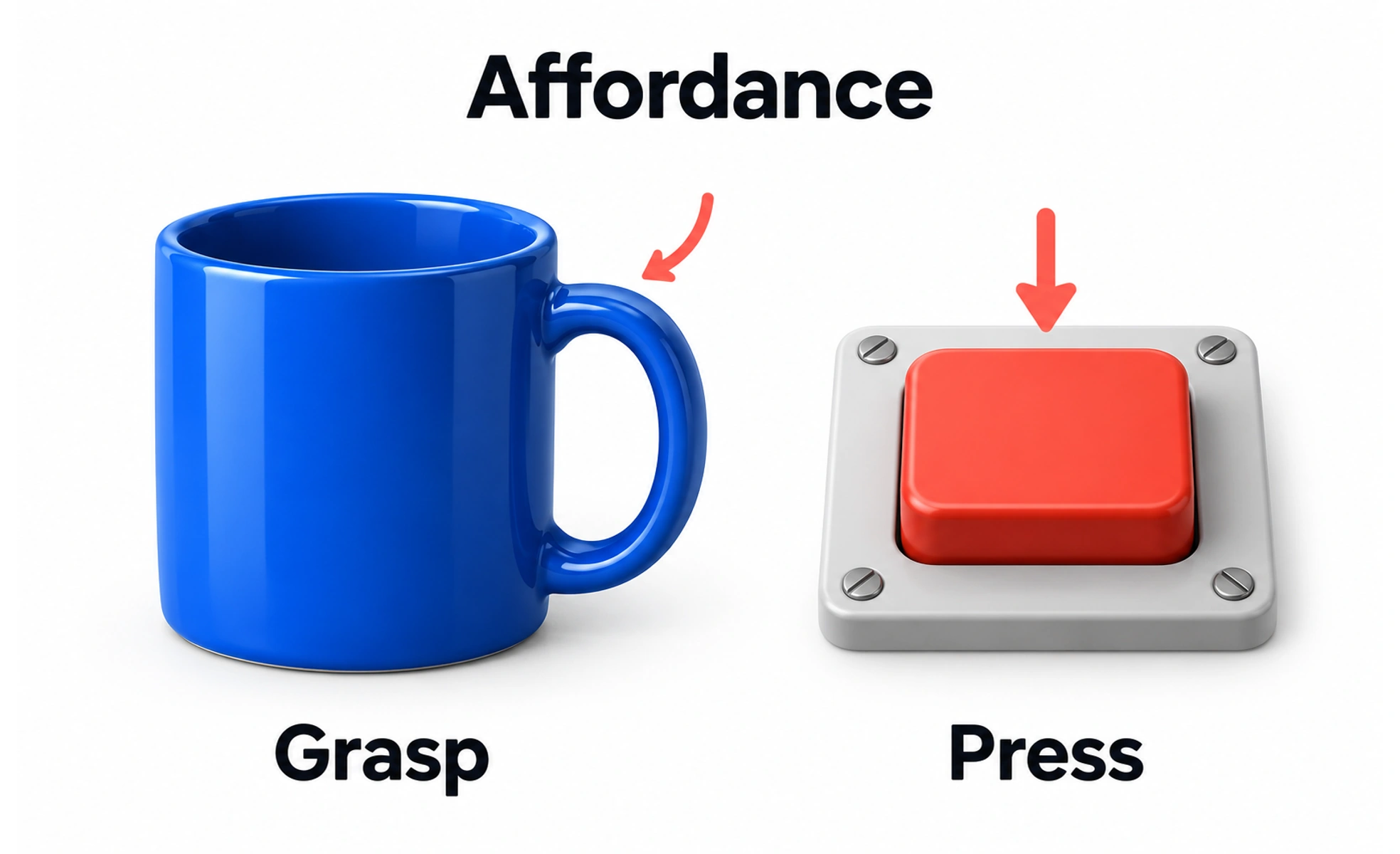
Coined by psychologist James Gibson and adapted to design by Don Norman, it describes the relationship between person and object. A physical handle affords pulling; a digital button affords tapping.
Think of it as a tea mug. The curved handle physically affords looping your fingers through it, naturally suggesting how to pick it up without reading an instruction manual.
Types
Affordances in product design fall into distinct theoretical and practical categories.
- Physical affordances are real physical properties, such as a ball affording rolling or a switch affording flipping.
- Perceived affordances are visual clues that tell users what actions are possible, such as a button looking pressable.
- Hidden affordances are actual capabilities that lack obvious visual clues, such as swiping a mobile screen to reveal actions.
- False affordances are visual designs that suggest actions that do not actually work, like styling non-clickable text like a link.
How to spot it
You can evaluate affordance effectiveness by observing how intuitively users interact with controls.
- Norman doors are classic real-world examples: flat plates that look like they should be pushed, when they must be pulled.
- Unclickable looking buttons lack shadows, borders or distinct backgrounds, causing users to overlook them completely.
- Misleading cards have hover elevations and drop shadows suggesting clickability, yet lead to no destination when clicked.
- Ambiguous sliders look like static progress bars rather than draggable interactive thumbs, preventing adjustment.
Common mistakes
Digital designers frequently strip away vital affordances in pursuit of extreme visual minimalism.
- Flat design oversimplification removes bevels, shadows and outlines, making it impossible to distinguish buttons from labels.
- Hiding actions under invisible gestures without providing any visible visual signifiers or instructional cues.
- Inconsistent affordance styling, using primary brand buttons for interactive triggers and identical styling for static badges.
Frequently asked questions
Key takeaways
- Affordances describe the possible interactions between a user and an object or interface.
- In digital interfaces, perceived affordances use visual signifiers like shadows and borders to invite interaction.
- Avoid false affordances that deceive users into clicking non-interactive elements.
- Preserve strong visual contrast and elevation so interactive controls remain distinct from static content.