

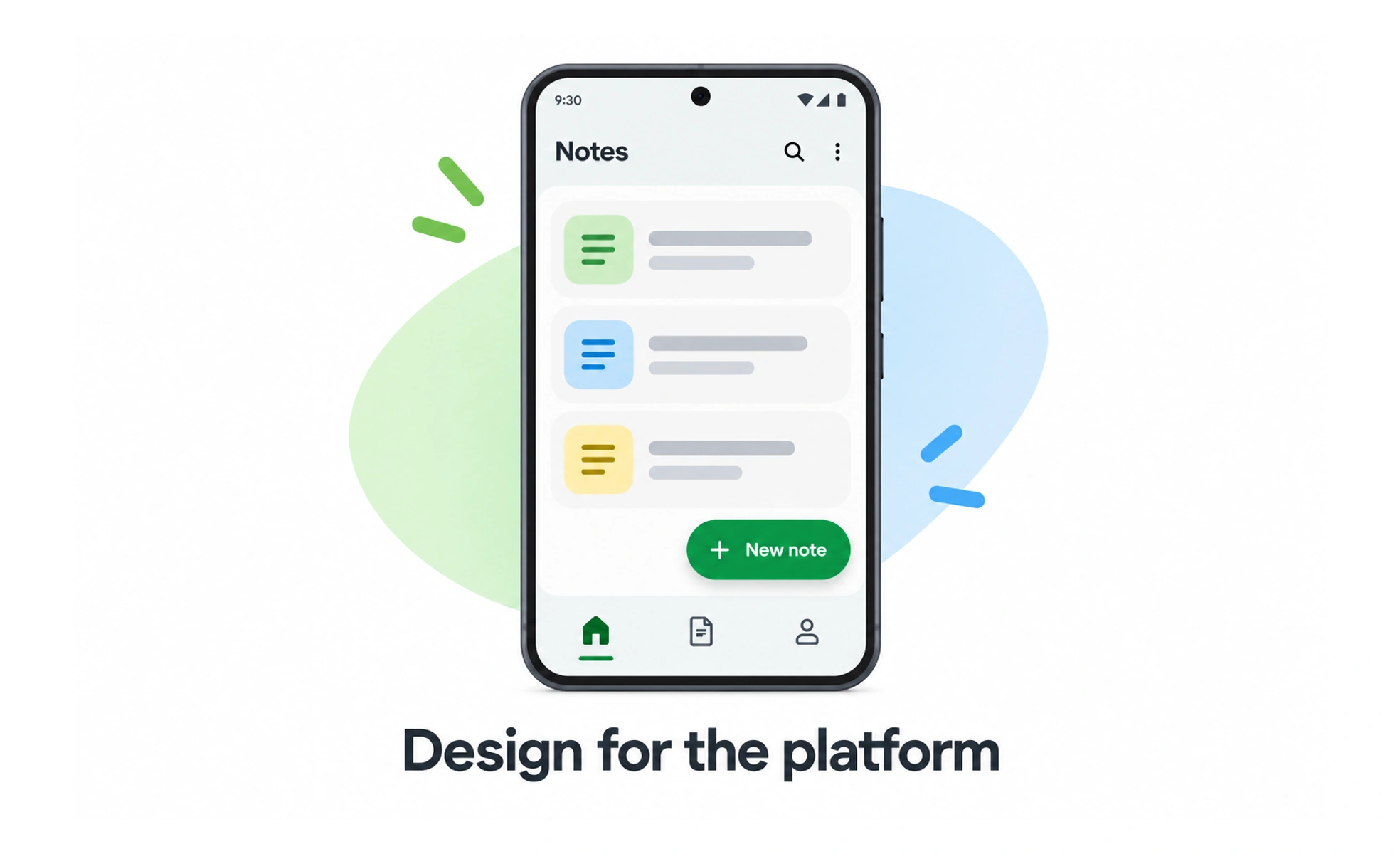
Android powers billions of smartphones, tablets and smart screens from diverse manufacturers worldwide. Designing for Android requires supporting diverse screen resolutions, hardware buttons and system navigation.
Think of it as designing a franchise restaurant. While the architecture and decor must adapt to varied storefront shapes across cities, the menu and customer ordering conventions remain familiar.
How it works
Android design operates within Google's Material Design system and the Android OS runtime.
- Material design philosophy models interface surfaces using tactile metaphors, lighting elevations and responsive ripples.
- Universal back navigation supports system predictive back gestures that let users preview destination screens before navigating.
- Adaptive layout densities uses density-independent pixels (dp) and scalable vector assets to render crisply across hundreds of display densities.
- Material You personalization dynamically extracts user wallpaper colors to tint interface controls across the system.
When to use it
Apply Android design standards whenever you build native mobile applications for the Google Play ecosystem.
- Native Android development integrates Jetpack Compose to build high-performance, accessible native interfaces.
- Cross-platform adaptations translates iOS bottom sheets and action sheets into native Android bottom navigation and menus.
- Global market expansion optimizes app performance, memory footprint and asset sizes for budget devices in emerging markets.
- Home screen widget design provides rich interactive glanceable controls directly on the Android launcher screen.
Trade-offs
Designing for the open Android ecosystem delivers massive global reach alongside device fragmentation challenges.
- Massive hardware fragmentation requires testing layouts across thousands of varied screen aspect ratios and processor chips.
- Manufacturer UI skins like Samsung One UI introduce visual variations that can conflict with custom designs.
- Diverse OS adoption rates require backward compatibility support for older Android operating system versions.
Frequently asked questions
Key takeaways
- Android design follows Material Design principles of tactile elevation, adaptive layout and dynamic theming.
- Design using density-independent pixels (dp) to ensure consistent physical sizing across diverse displays.
- Respect native Android system navigation, including predictive back gestures and top app bars.
- Optimize performance and memory consumption to ensure smooth experiences on entry-level smartphones.