

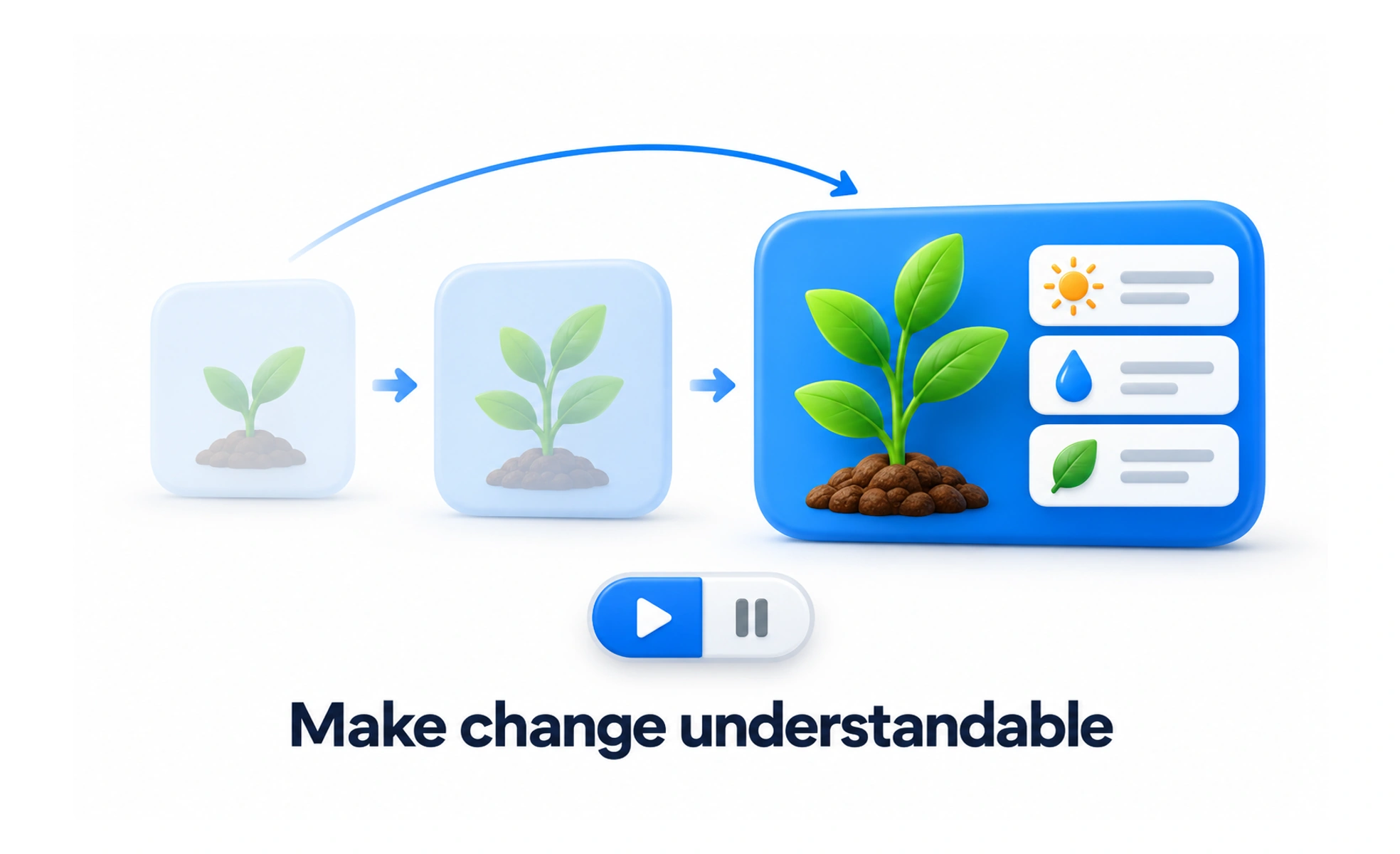
Animation is a change in an interface over time, such as movement, fading, or resizing. It can explain relationships and feedback when it is brief, purposeful, and controllable.
A door that opens as you approach shows where the room is; interface animation can similarly show how one state leads to another.
Animate to explain a change
Movement can show where a panel came from, which item changed, or that an action succeeded. Begin with the user’s question: what should this motion help them understand? If the change is already clear, animation may add delay without adding information.
Keep timing and movement restrained
Use durations and easing that fit the size and importance of the change. Small feedback should feel quick; a large transition may need more time to remain understandable. Avoid motion that loops without purpose, blocks interaction, or makes the interface feel slower than it is.
Respect user preferences
Some people experience discomfort from motion, and some devices are configured to reduce it. Respect reduced-motion preferences by removing nonessential movement or replacing it with a simpler transition. Essential status information must remain available even when animation is disabled.
Example: expanding details
A details panel can expand from its trigger so people understand what opened and where to return. Keep the trigger responsive, preserve keyboard access, and avoid animating content in a way that shifts the page unexpectedly. Test both the animated and reduced-motion versions.
Frequently asked questions
Key takeaways
- Use motion to communicate a meaningful state change.
- Keep transitions appropriate to the task and content.
- Respect reduced-motion preferences.
- Keep functionality clear when motion is absent.