

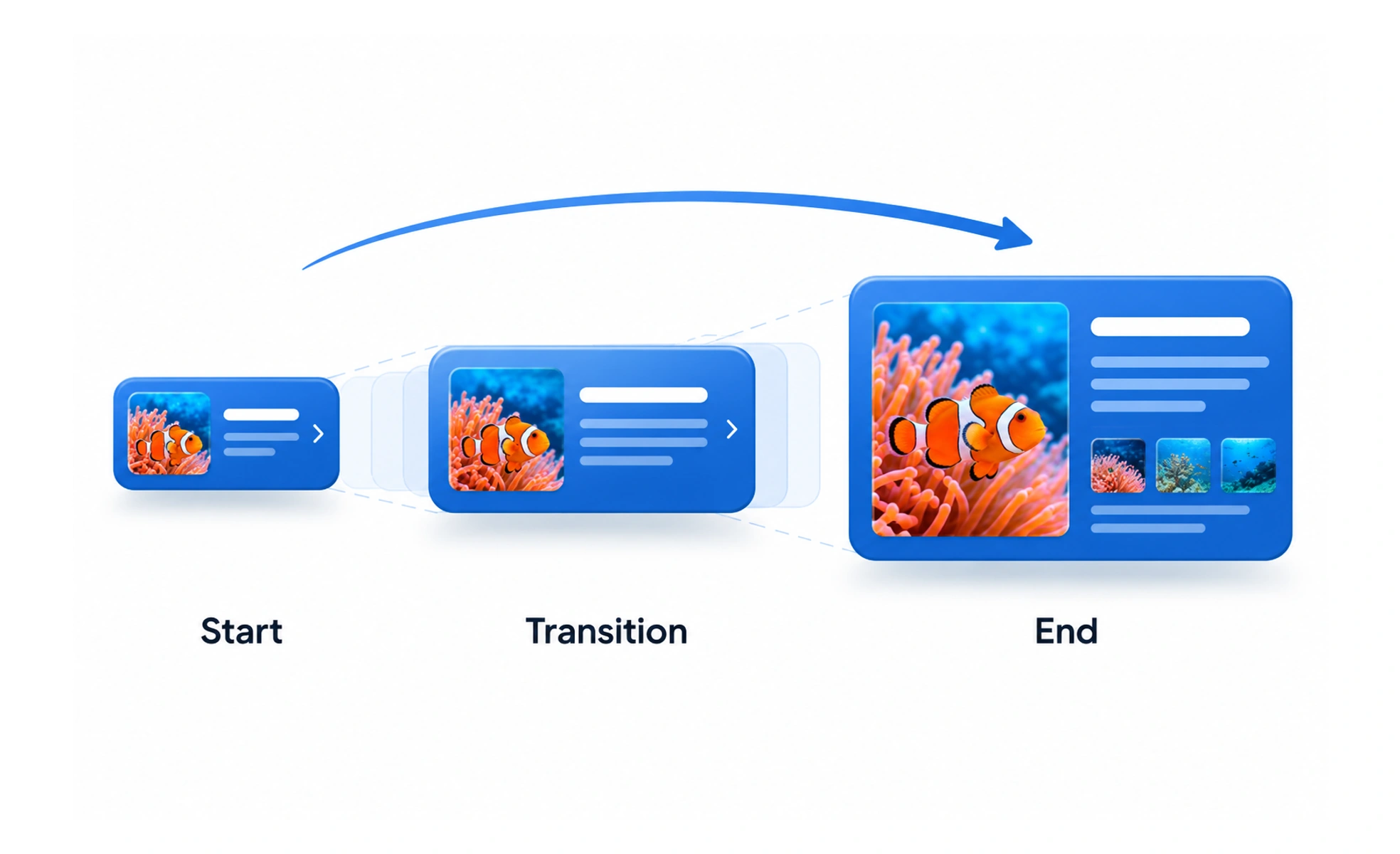
Motion design is the purposeful use of movement and transitions in an interface. It helps establish continuity, direct attention, and explain how interface elements relate.
A camera move in a film guides attention between scenes; motion design guides attention as an interface changes.
Create a motion language
Define how common changes behave: menus appear, cards expand, pages transition, and feedback arrives. Consistent direction, easing, and pacing help people understand relationships. A shared language also helps teams avoid each component inventing a different transition for the same kind of change.
Match motion to hierarchy
A subtle state change usually needs less movement than a major context transition. Motion should direct attention to the important change and then get out of the way. Avoid using large movement for every action, because constant emphasis makes the product tiring and slows scanning.
Account for layout and performance
Prefer transitions that do not repeatedly trigger expensive layout work. Check that moving content does not obscure controls, cause unexpected jumps, or make the page difficult to use during the transition. The interface should stay understandable if animation is delayed, interrupted, or disabled.
Example: a modal
A modal can fade and move into view from its trigger, making the change feel connected to the action. Keep the backdrop, focus behavior, close controls, and content available as one coherent experience. On small screens, a bottom drawer may use a different direction because it better matches the available space.
Frequently asked questions
Key takeaways
- Define consistent patterns for recurring motion.
- Match motion intensity to the importance of a change.
- Keep controls usable throughout transitions.
- Support reduced motion and slower devices.