

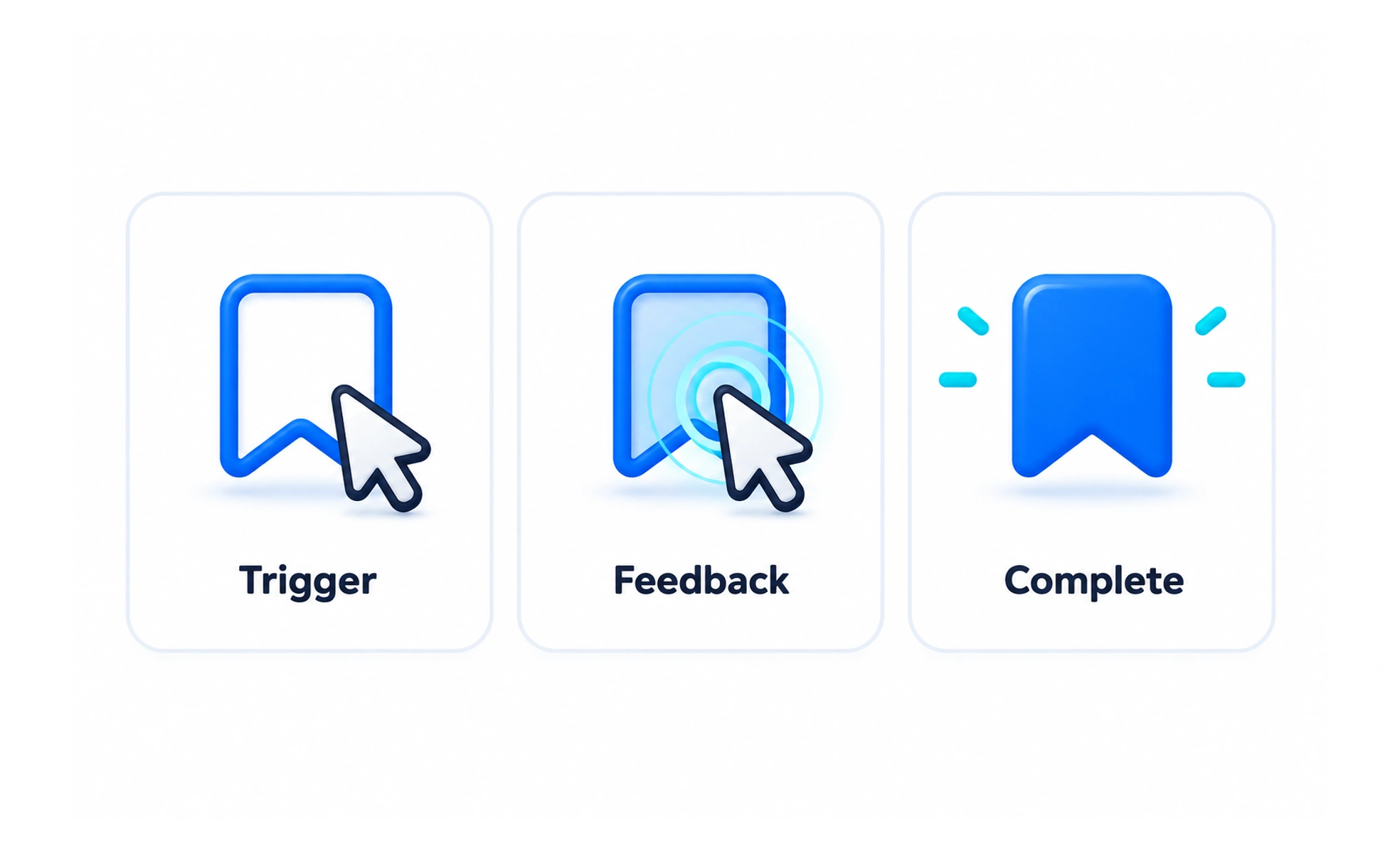
A microinteraction is a small, focused response to one user action, such as toggling a setting or saving an item. It makes system feedback visible at the moment it matters.
A light that turns on when a switch is pressed confirms that the switch changed the room; a microinteraction gives a similar small confirmation in an interface.
Connect an action to a response
A useful microinteraction makes the result of a small action clear. A saved bookmark can change its icon and announce the update; a toggle can show its new state. The response should match what the system actually did, especially when a network request can fail.
Design the full interaction
Consider the trigger, the visible response, any rules or constraints, and how the interaction returns to its resting state. Include keyboard, touch, hover, loading, success, and error behavior where relevant. A tiny animation is only one possible part of the interaction.
Keep it fast and accessible
Feedback should not make common tasks feel slower. Use optimistic feedback only when the interface can recover clearly if saving fails. Provide an accessible name and state for controls, and do not rely on motion, sound, or color alone to confirm the result.
Frequently asked questions
Key takeaways
- Make the response reflect the actual system state.
- Design trigger, feedback, constraints, and recovery together.
- Keep frequent interactions responsive.
- Support keyboard and assistive technology without relying on color or motion.