

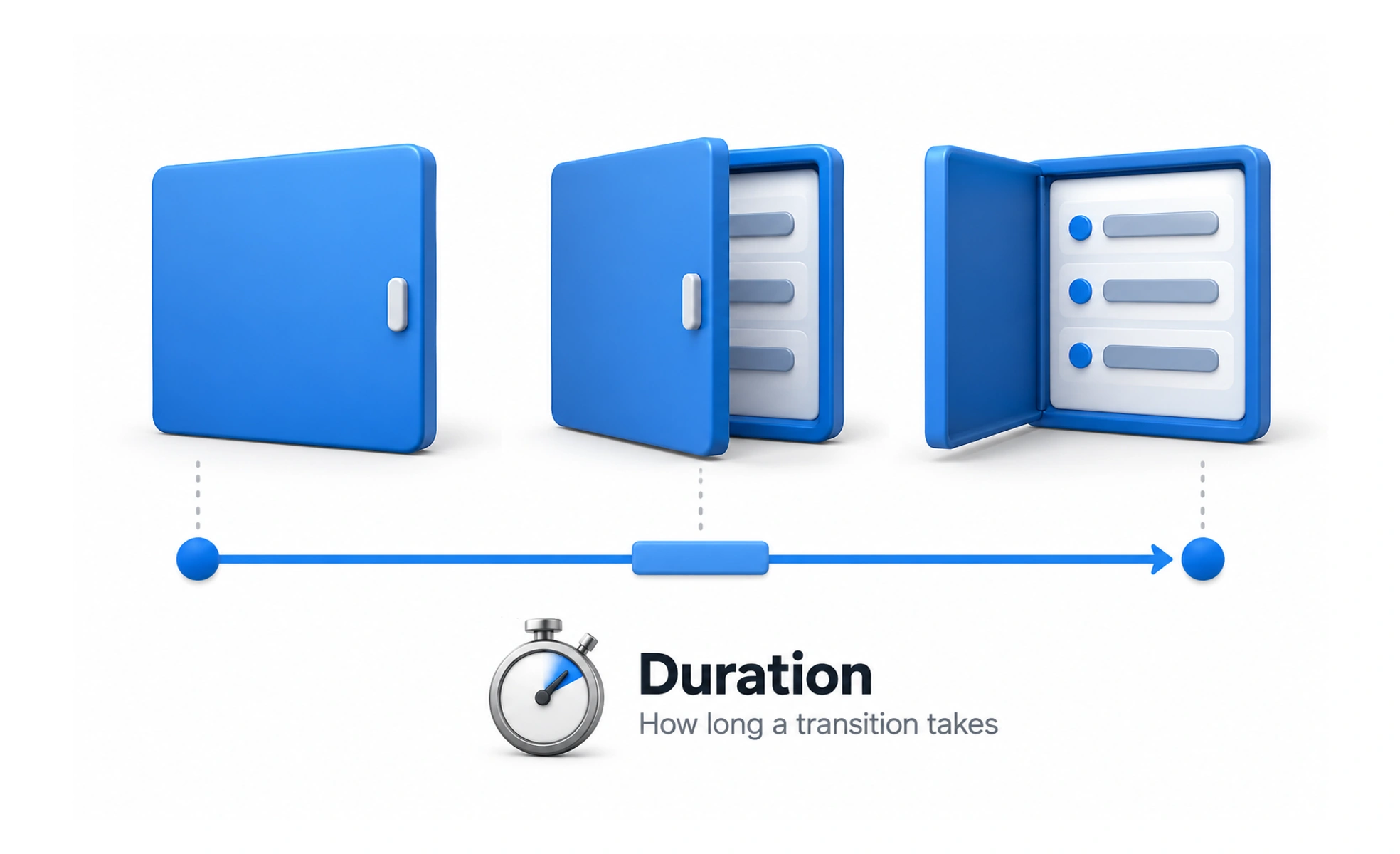
Duration is how long an animation or transition takes. A well-chosen duration makes a change understandable without making people wait for the interface.
A traffic light changes quickly enough to keep traffic moving, but clearly enough that people can respond; interface timing also needs that balance.
Fit time to the change
A small icon response usually needs less time than a large panel entering the screen. Consider distance, size, and the amount of information moving. If a transition lasts longer than people need to understand it, it becomes a delay rather than useful feedback.
Use consistent timing ranges
Define a few durations for common categories such as immediate feedback, small component changes, and larger context transitions. The values should feel related and should not vary unpredictably across similar controls. A system of ranges provides consistency without pretending every motion has the same purpose.
Account for repetition and input
A transition that seems pleasant once may feel slow when repeated many times. Test actions users perform frequently, including keyboard and touch interactions. Keep input responsive even if a visual transition is still finishing, unless allowing another action would create an incorrect state.
Example: a search result
When a search query changes, results should update promptly. A brief opacity transition may soften replacement, but it should not delay typing or make the list seem unresponsive. On slower devices and with reduced motion enabled, the same result should remain clear and quick.
Frequently asked questions
Key takeaways
- Choose duration based on the amount and importance of change.
- Define a small consistent set of timing ranges.
- Check frequently repeated interactions.
- Keep input responsive and respect reduced-motion preferences.