

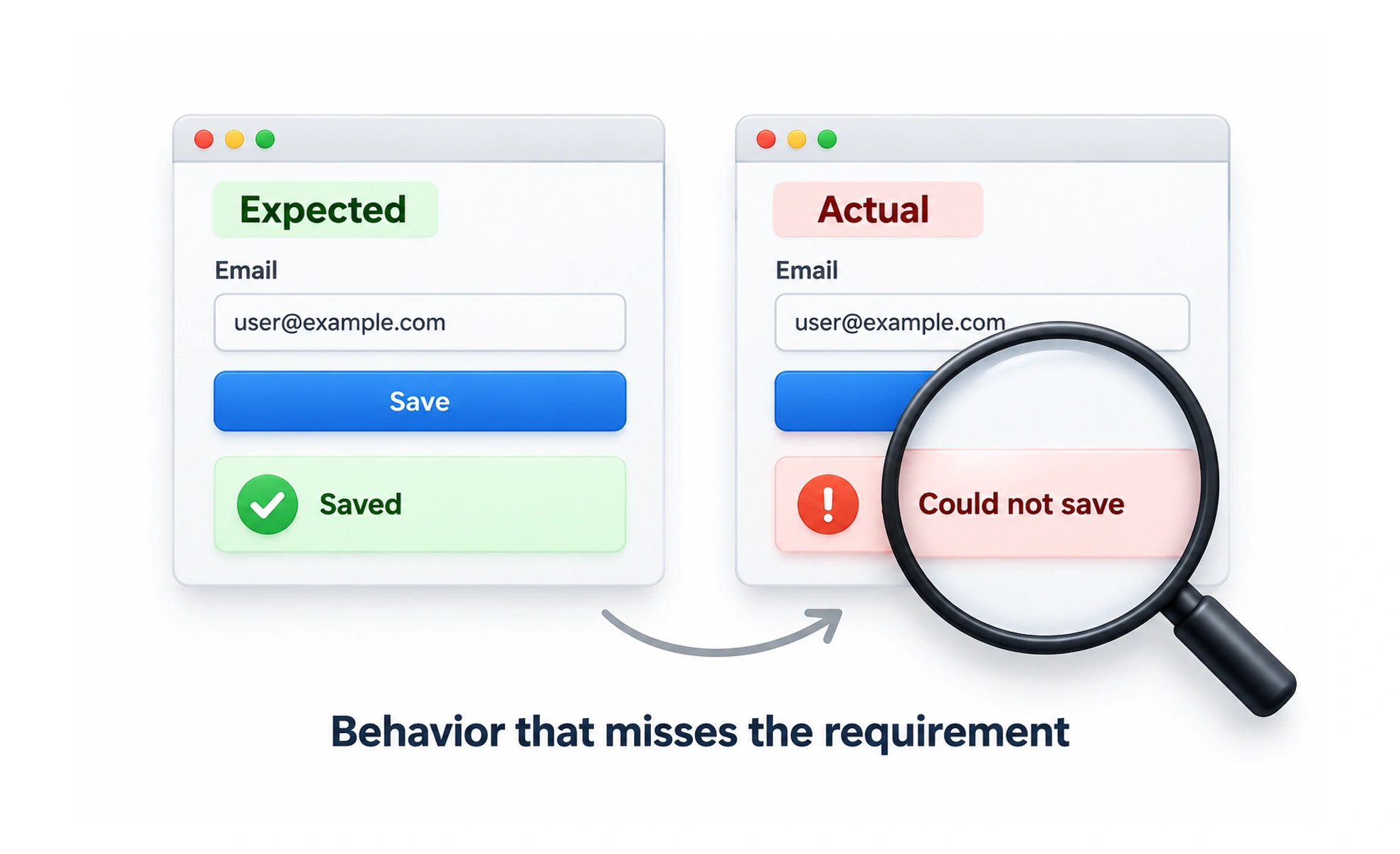
Bugs can appear as incorrect results, broken interactions, crashes, confusing content, or accessibility failures. Some are visible immediately; others affect only particular devices, accounts, data, or sequences of actions.
A faulty switch that sometimes turns on the wrong light is like a software bug: the system responds, but not in the way people expect or need.
Describe what happened
A useful bug report states the expected result, the actual result, and clear steps to reproduce the issue. Include relevant environment details such as browser, device, or account state without sharing passwords or sensitive user data. A screenshot or recording can help when it captures the failure clearly.
Understand impact and priority
A bug’s priority depends on how many people are affected, how severe the consequence is, and whether a workaround exists. A spelling issue on a rarely visited page differs from a data-loss problem in a core workflow. Teams should state their prioritization rules rather than relying on vague labels.
Find the cause before patching
A visible failure may be a symptom of a deeper problem. Reproduce it, inspect relevant states, and identify conditions that trigger it before changing code. A quick patch can be appropriate, but the team should also consider regression risk and whether similar paths are affected.
Verify the fix
Confirm the original steps now work and check nearby behavior that might have changed. For important defects, add a repeatable check so the same failure is less likely to return. Communicate resolution to reporters and preserve useful evidence without keeping personal information longer than needed.
Frequently asked questions
Key takeaways
- Record expected behavior, actual behavior, and reproduction steps.
- Prioritize by impact, severity, and available workarounds.
- Investigate the cause rather than hiding a symptom.
- Verify the fix and guard important behavior against regressions.