

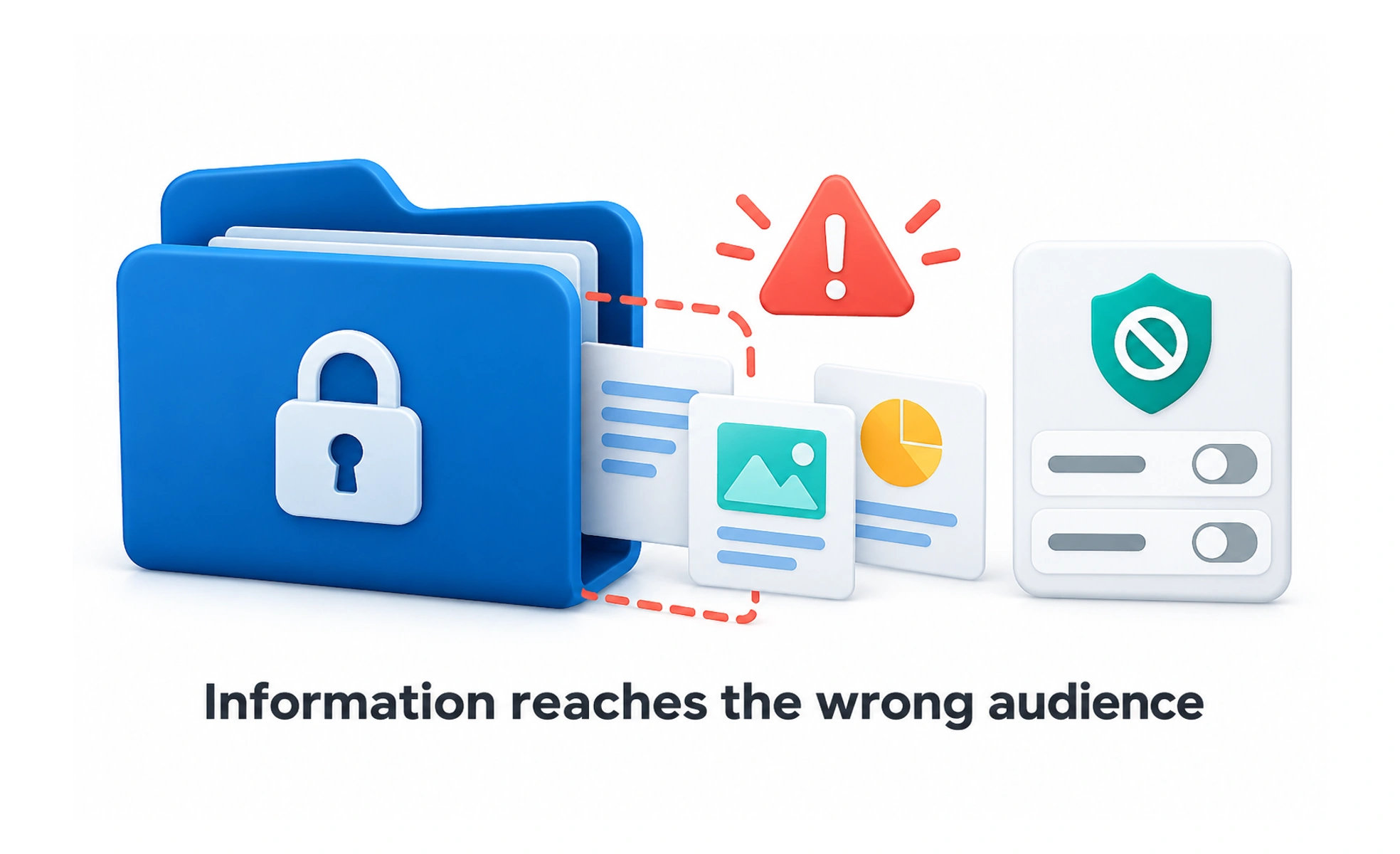
A data leak is an unintended exposure of information to people or systems that should not receive it. It can arise through access errors, public files, logs, messages, or other parts of a service.
Leaving a private document on a public noticeboard exposes it even if the office door is locked. Data can escape through overlooked paths as well as the main application.
Map where information travels
Consider interfaces, APIs, downloads, caches, analytics, support tools, and logs. A private field may be hidden visually while still included in a response. Understand who can access each path and avoid sending sensitive information when it is not needed.
Enforce access consistently
Check account ownership and permissions in trusted processing for every relevant request. Apply the same privacy expectations to older endpoints and search results. A new protected screen does not fix a legacy route that still returns the same private information.
Reduce exposure and prepare response
Limit unnecessary collection, redact sensitive logs, and review storage and sharing settings. If exposure is suspected, use the service’s incident process to contain it, preserve appropriate evidence, and assess scope. Do not spread sensitive data further while attempting to demonstrate the problem.
Example: switching accounts
An application can accidentally show one person’s cached inbox after another account signs in. Clearing account-specific state and rejecting stale responses are part of preventing that exposure. Verify account transitions and delayed requests, not only direct access to a fresh page.
Frequently asked questions
Key takeaways
- Inspect every path where information is returned or stored.
- Enforce ownership and permissions consistently.
- Keep sensitive content out of unnecessary responses and logs.
- Use a controlled incident response when exposure is suspected.