

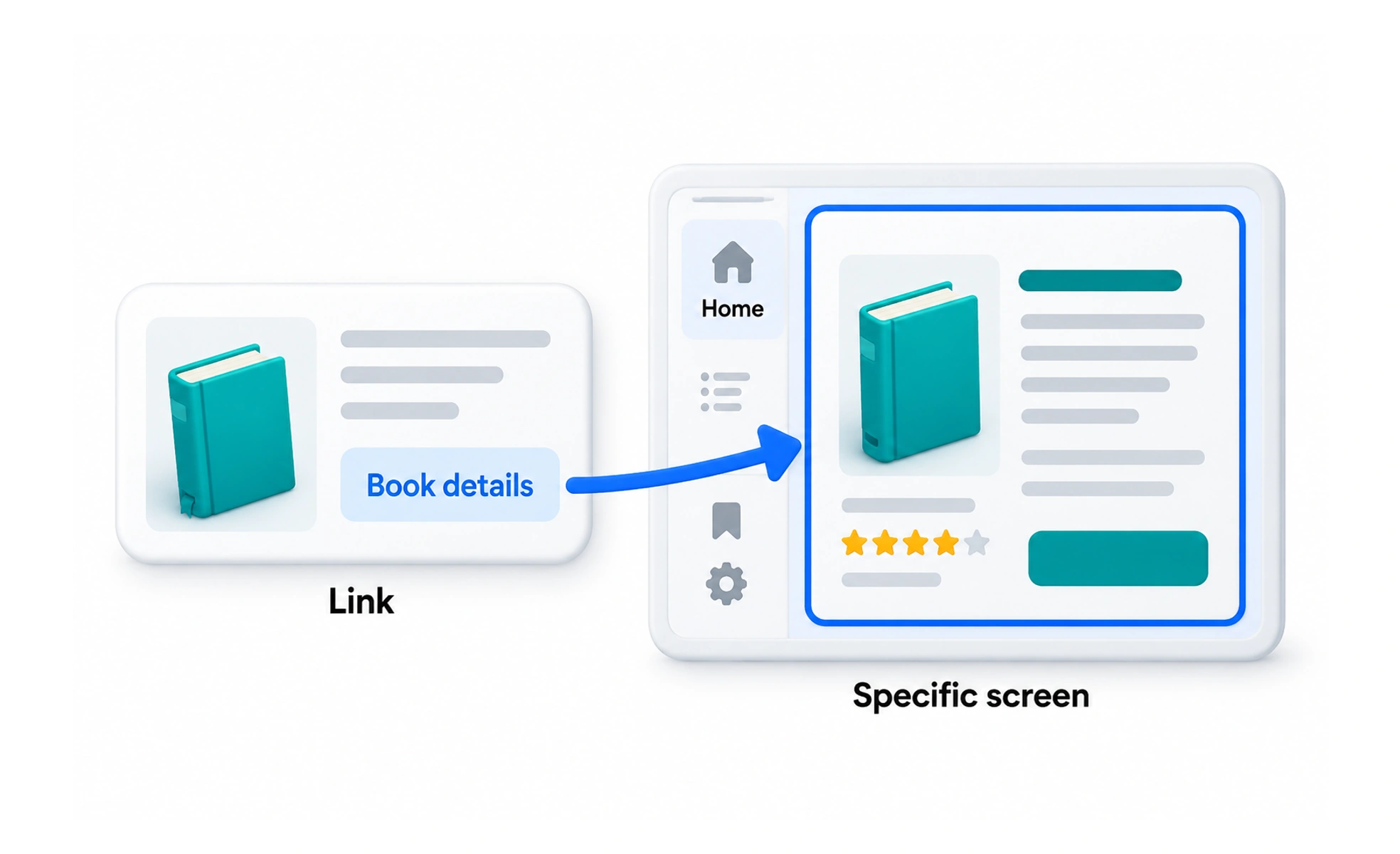
Deep links help people move directly from a message, search result, or another app to relevant content. A reliable link accounts for authentication, missing content, different devices, and whether the destination can still be reached later.
A street address leads to a particular apartment rather than merely directing someone to the city; a deep link points to a specific place inside an app.
Link to a meaningful destination
A useful deep link identifies a stable resource or screen, such as a lesson, project, or account setting. Include only the state needed to reach that destination. Avoid fragile links that depend on temporary interface details or expose private information in the URL.
Handle app and web destinations
A link may open an installed app, a browser page, or a store listing depending on device support. Keep the web destination useful when the app is unavailable. Use platform-supported link configuration and test how the same URL behaves across operating systems and browsers.
Respect authentication and access
If a destination requires sign-in, preserve the intended destination safely and return the person after authentication. Then check access permissions before displaying the resource. A copied link should not grant access to content the recipient is not authorized to see.
Plan for change and failure
Content may be deleted, renamed, or made private. Provide a helpful fallback that explains the problem and offers a next step instead of leaving a blank screen. Track durable identifiers and redirects so older shared links continue to resolve when the information still exists.
Frequently asked questions
Key takeaways
- Deep links take people to a specific in-app destination.
- Keep destinations stable and avoid exposing sensitive state.
- Preserve intended navigation across sign-in while enforcing access.
- Provide useful fallbacks when a destination is unavailable.