

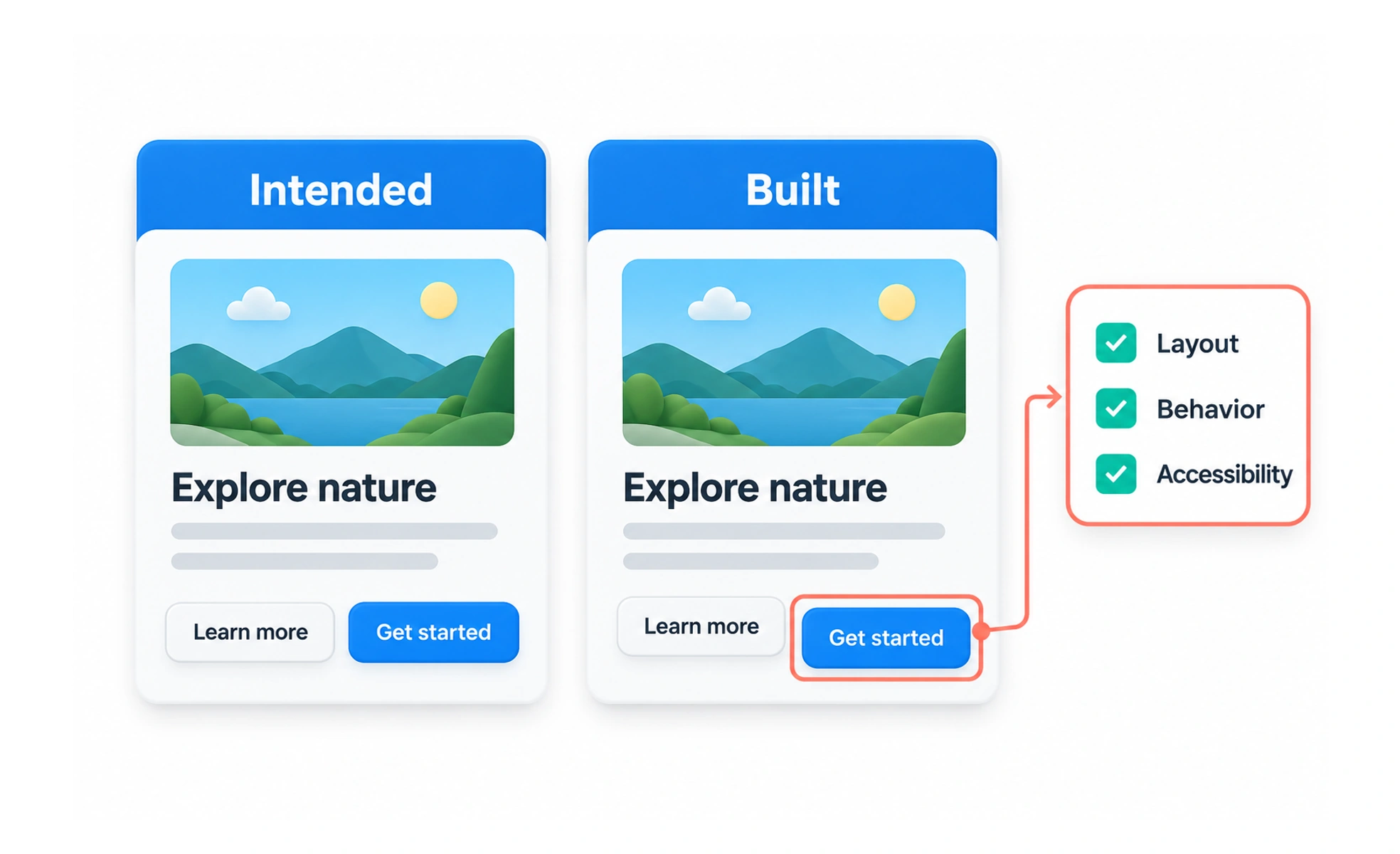
Design QA catches gaps between a design and the implemented product before or after release. It checks behavior and content as well as visual details, helping teams protect the experience they agreed to build.
A proofreader checks whether a printed page matches the approved copy, while also noticing a missing heading or broken page number. Design QA performs a similar final review for a real interactive experience.
Review more than screenshots
A visual comparison can reveal spacing or typography differences, but a complete review also checks keyboard access, validation, loading and error states, links, focus behavior, and responsive layouts. The review should follow actual tasks through the product.
Use clear acceptance criteria
Record the expected behavior and important constraints before implementation. Criteria might specify how a control responds, which message appears after an error, or what changes at a narrow viewport. Clear criteria make feedback actionable and reduce disagreement based on memory.
Report issues with useful context
Describe what happened, what was expected, where it occurred, and how to reproduce it. Include a screenshot or recording when it helps. Separate a functional defect from a design preference so teams can prioritize appropriately.
Close the loop with verification
After a fix, recheck the specific issue and nearby states that could be affected. Design QA is collaborative quality work, not a hunt for blame. Teams should decide who owns fixes and how serious issues affect release readiness.
Frequently asked questions
Key takeaways
- Review behavior, accessibility, content, and responsive states.
- Agree on acceptance criteria before implementation.
- Report issues with reproducible context and impact.
- Verify fixes and affected neighboring states.